After editing an assessment in Captivate 4, file crashes to a purple screen
I was tasked with editing an 81 question (109 screen) assessment built in Captivate 3. After converting the file to Captivate 4, I made mostly minor edits, and added one screen/question. After publishing the project, now when I try to test it out almost any kind of interactivity with the assessment causes the project to crash and go to this purple screen:
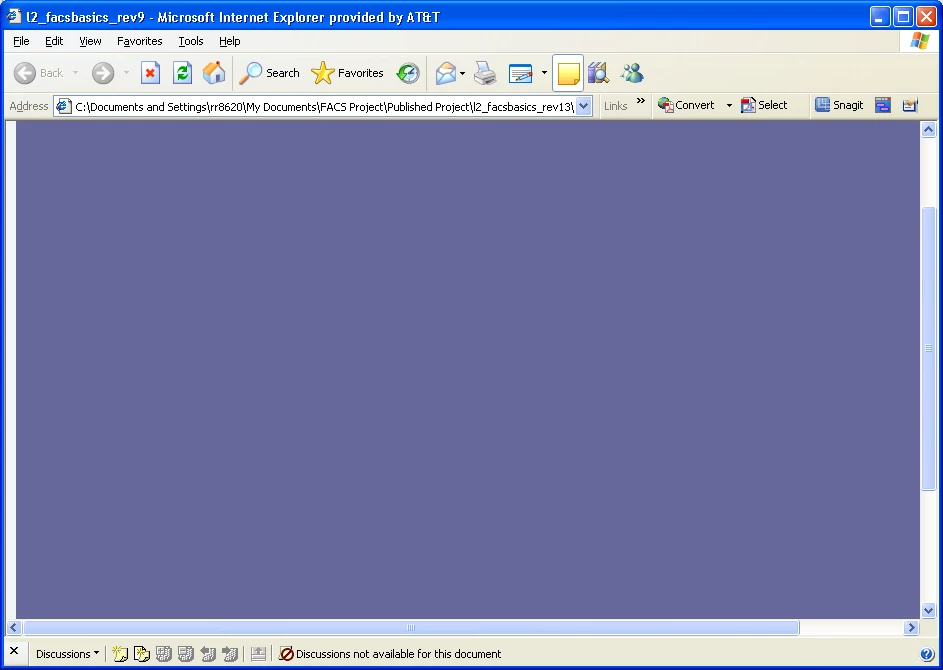
Reaching this screen means it's over--the only option is to start back at the beginning. Obviously, this won't work!
I cannot figure out what's causing this issue. The problem didn't start until after I converted the file and made my edits--it previously ran just fine.
The dreaded purple screen seems to happen at random, and sometimes I can get through the entire assessment without any crashing at all.
Everything looks normal as far as I can tell. The main thing I have done to problem solve is to reduce the size of the file by cleaning up the library--the designer who built this project used repetitive files for background images, so I reused the three basic background types and eliminated the rest, cutting the file size nearly in half.
I need help! I am at my wits end! This is my first time using Captivate 4, but the program is familiar to me.
Can anyone help me? PLEASE?!
 AdChoices