


Known Participant
September 29, 2020
Question

All of the items on the screen are not showing up

  • September 29, 2020
  • 2 replies
  • 674 views

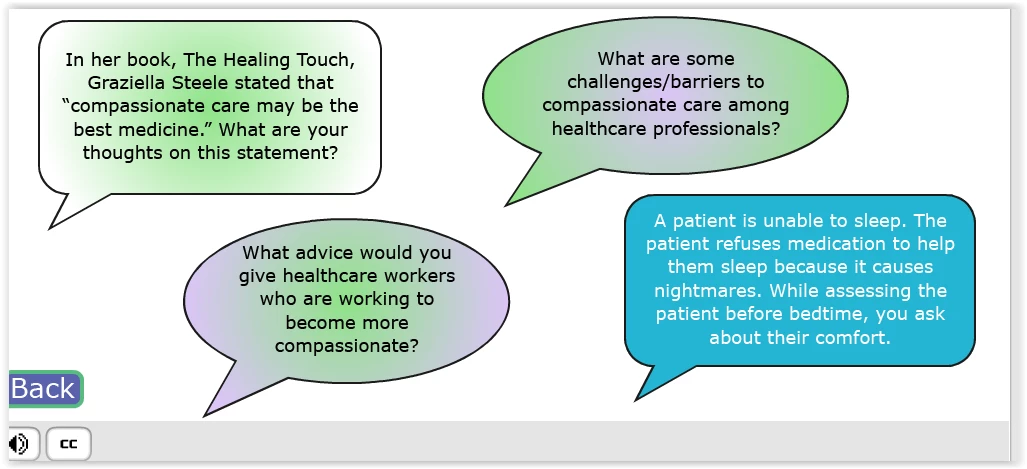
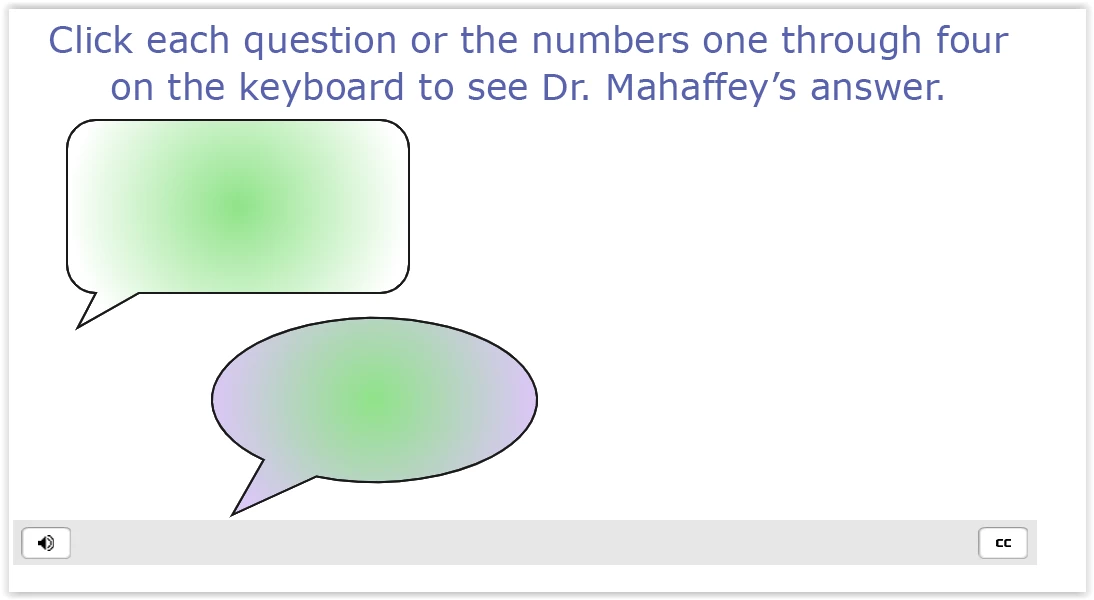
On the first slide I have four buttons with a question on each. I have a varaible set up for each question. When the student selects a question the vararible for that question increments by one and the project jumps to a new slide which includes the answer to the question selected as well as the other 3 questions. Upon entering the slide, an advanced actions checks to see if all four questions have been visited if so the next button appears. If not, continue. Everything works perfectly in the preview project mode. However, in HTML 5 some of the questions don't show up at all and some of them the object shows up but the question is missing. Strangely, the question will show up if you hover over the object. Any thoughts on what might be happening?

This is what I want ....
 

This is what I get
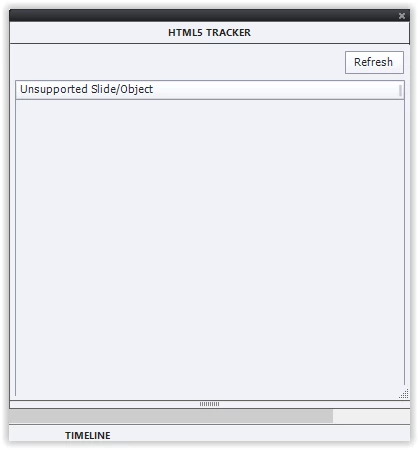
There should be no HTML issues with any of the actions I am using. 
FYI: I am using different slide instead of changing the state of each object because I want to add text for the screen reader that provides the question and the answer after it is selected. 


Thanks,

Ragan

    This topic has been closed for replies.

    2 replies

    Lilybiri
    Legend
    September 30, 2020

    My first reaction was indeed to ask for the Timeline (like Rod) but from your description I am not sure this could be the cause of the problems. I wonder if the shapes with text are two objects or one: did you use the shape as text container or did you  have a text caption on top of the shape. That is a workflow (old) which is still used by many developers, also when it is not at all needed. If it is one object, (shape filled with text) a paussing point in the timeline cannot prevent only the text of appearing while the shape appears.

    You didn't tell if this is a responsive or a non-responsive project. For a non-responsive project you need to know that the only Preview method to be used should be F11, Preview HTML in Browser. The other preview methods (like Preview Project) use a temporary SWF output and that will not guarantee a proper HTML output.

    The HTML tracker is not detecting everything, and moreover tells that all rollovers are not functional which is not true for Rollover image/Caption when used on a desktop/laptop.

    RodWard
    Community Expert
    Community Expert
    September 30, 2020

    Please show a screenshot of the timeline for this slide.


    My suspicion is that you have some objects pausing the timeline before the other objects appear or fade in.