
Participant
September 16, 2018
Question

Animation window cut off when importing HTML5 animation into Captivate
  • September 16, 2018
  • 2 replies
  • 327 views

Hi,

Please can I ask for help? This is driving me nuts!

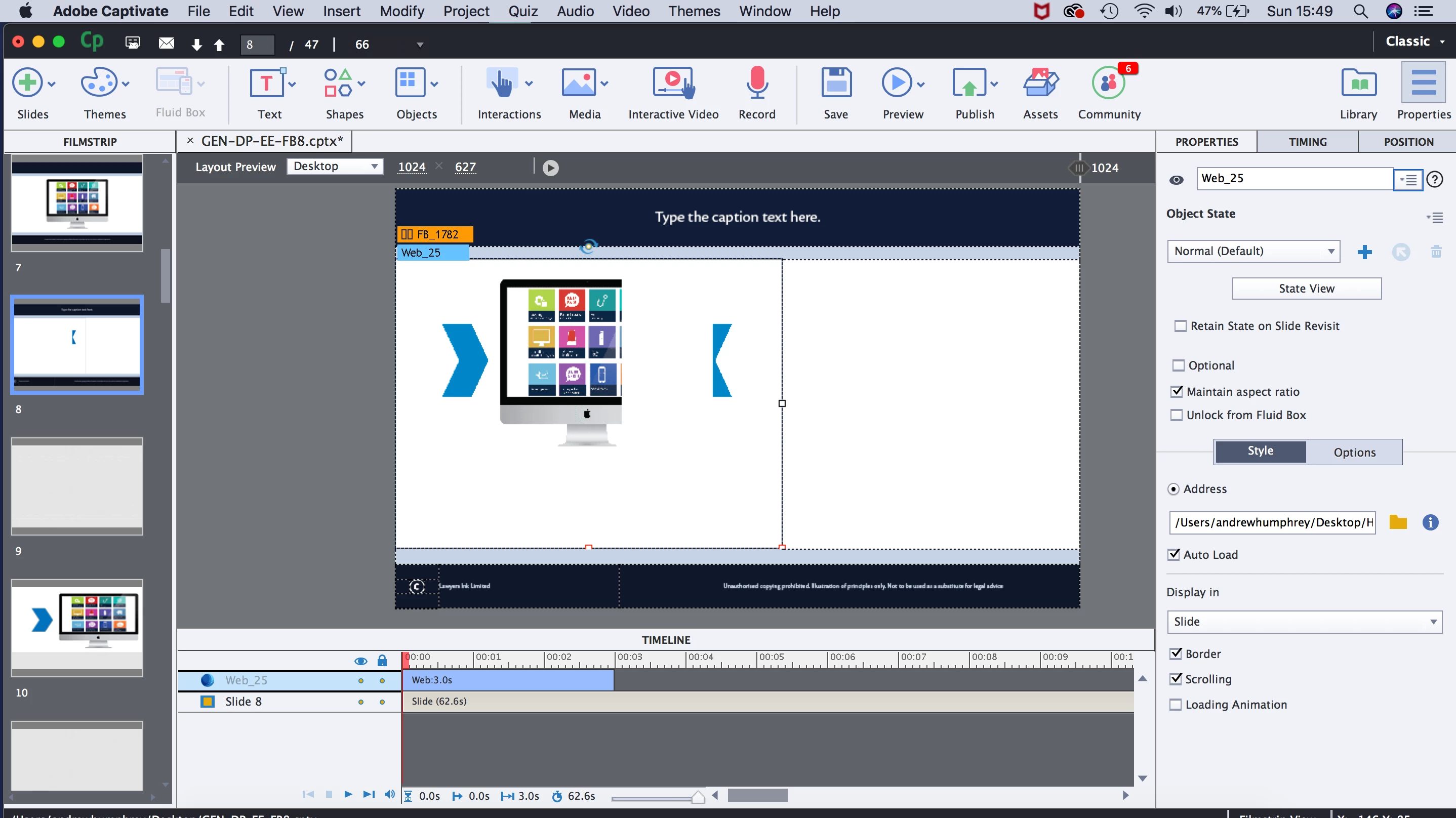
I have used both Edge and Animate to create an oam file to use in my project. I have selected media and successfully imported the file. However, what it's actually done is altered the viewer's ability to see all of the animation. It's cut off 40% of the width view.
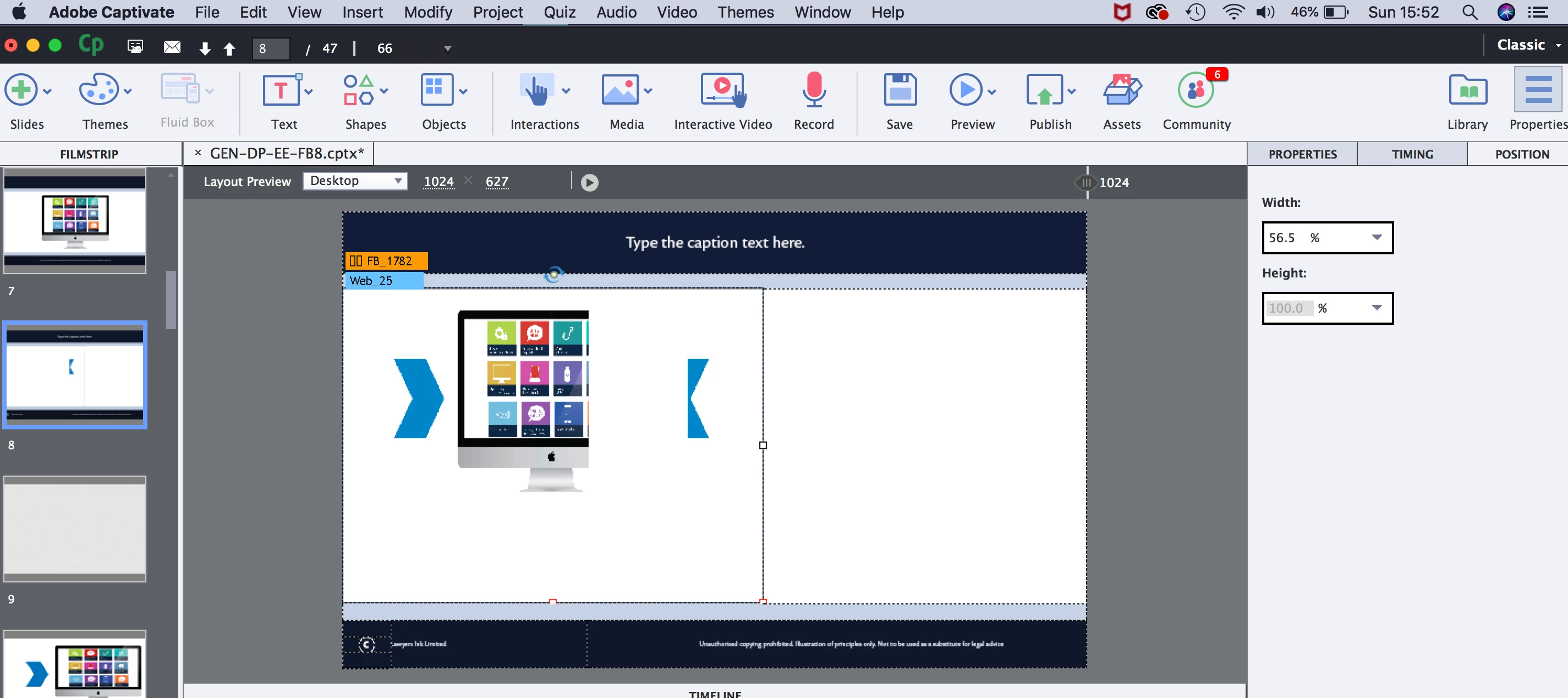
It doesn't let me resize to 100% within the fluid box.

Has anyone come across this? Would they be prepared to help out someone still learning the software?

Thanks!!

Andrew

    This topic has been closed for replies.

    2 replies

    ahumphreyAuthor
    Participant
    September 16, 2018

    I should add that the animation was perfectly sized to fit the fluid box I was trying to put it into...

    ahumphreyAuthor
    Participant
    September 16, 2018

    Wow, thanks for answering so quickly!

    I didn't see the option in Animate - see publishing options above...

    ahumphreyAuthor
    Participant
    September 16, 2018

    Just in case this answers your question - the scale context box is unchecked in Animate

    Lilybiri
    Legend
    September 16, 2018

    Is the OAM responsive or was it set to a fixed size?