

Question
Audio, iPads, and slow connections
I have been testing some of our lessons on an iPad using a bandwidth limiter to see how they perform on slower connections.
One thing I am consistency seeing is that audio becomes out of synch with the captivate timeline. It seems to delay the audio for 2-3 seconds before the audio plays. But the timeline begins to play during that delay. This throws off our carefully timed slides.
- All my audio is on the timeline for the slide, NOT and event audio attached to an object.
- This is Captivate 2017 on a Mac, version 10.0.0.226
- I do not see any lags on a fast connection on the iPads
- I do not see any appreciable delay on my desktop computer, even when I have throttled its bandwidth down to the same amount.
- I am throttling my bandwidth down to typical 3G connection speeds using Apple's Network Link Conditioner app.
I have put in some JS and I can see the current frame changing during those 2-3 seconds before the audio begins to play. I have also put in a smart shape and animated it from the beginning of the audio, I can clearly see it moving for a couple of seconds before I hear the audio.
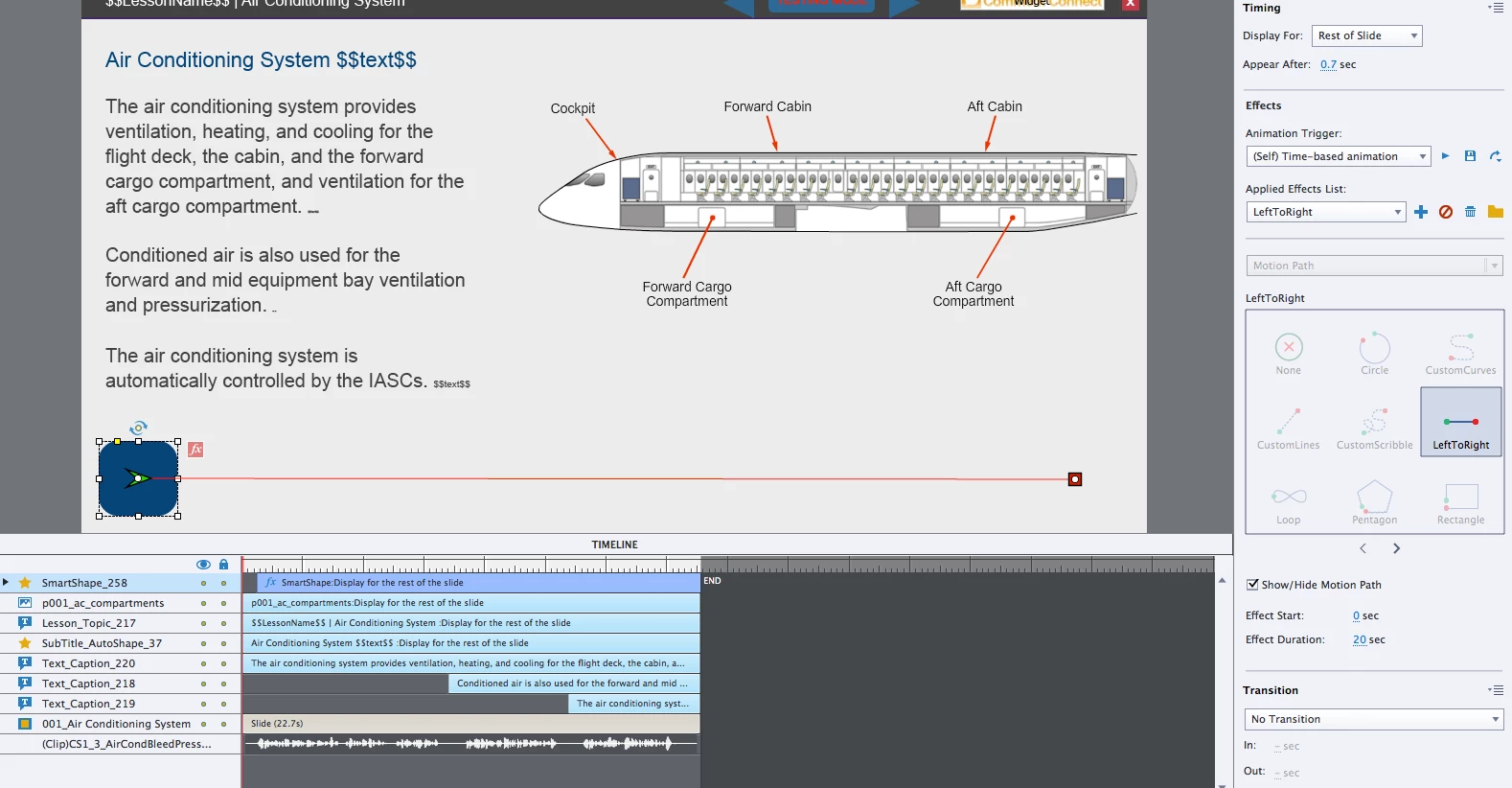
Any ideas what's going on, or a fix?
Thanks!


 AdChoices