


Audio settings
I am unable to find the 'Stop audio' option under 'Audio' tab in 'Options'. Please check the below image. Can anyone please tell me where can I find the 'stop audio' option, I am using captivate 2019.
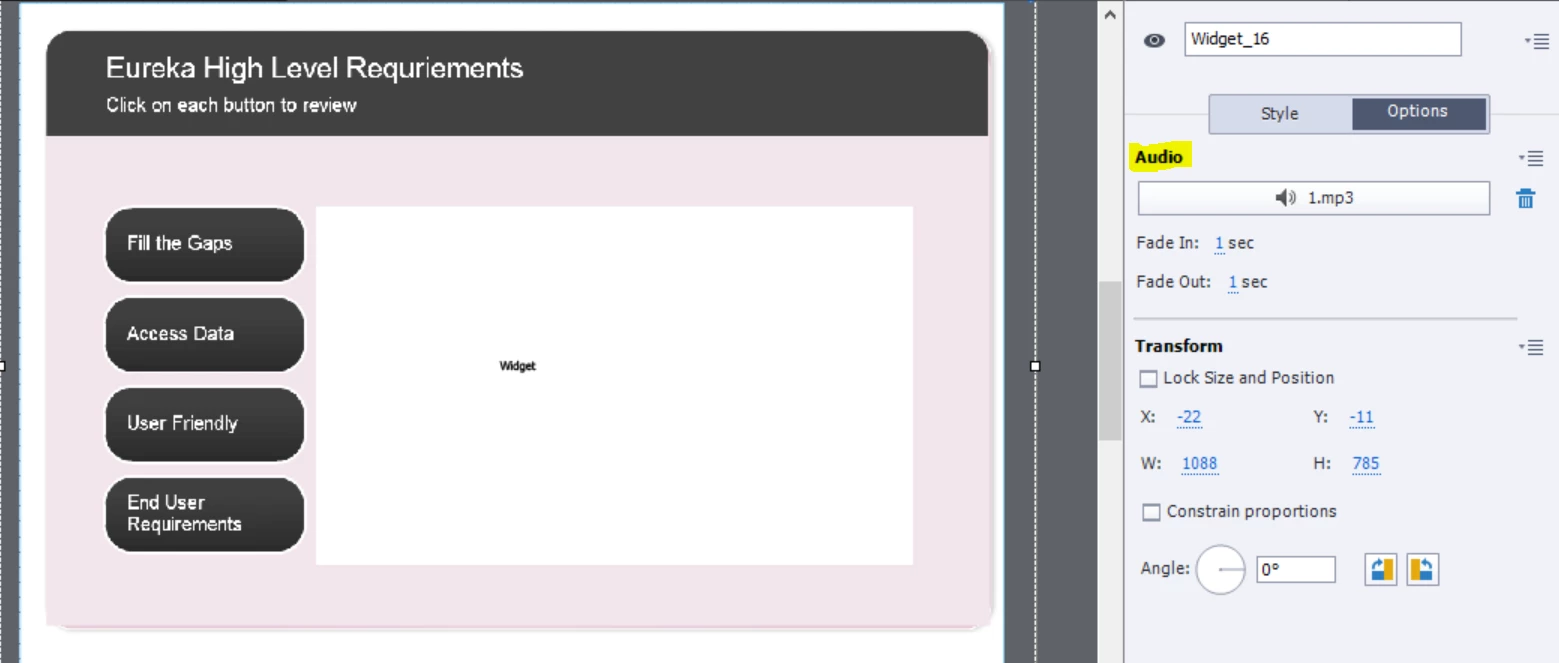
In a captivate project that I am working on all the slide audios are working except this specific (interaction process) in which the slide audio doesn't plays when I publish it. All I get is the interaction tab without the audio. Can anyone please guide me how to fix this.
I have such similar interactions all over the original file and all of them have the same issue. The audio in them never plays in a published html5 file. I only publish it in html5 format and not sfw/html5. However, when I preview this slide in captivate then only the audio plays with a blank background (interaction is not visible), and the interaction shows up after the audio stops.
 AdChoices