
Answered
Audio won't save on laptop
For the last couple of weeks, I've been recording audio using a USB mic + Captivate 2017 on my laptop. It's worked great until the end of last week, when the "Save" button disappeared from the record screen. I've restarted my computer, gotten updates, and waited, and it still hasn't come back. When I use my desktop computer + monitor, it works just fine. Now I can't record because there's no way to save. I just have to close out Captivate using the Windows Task Manager. Any ideas/suggestions? I really need to use the laptop because of my office situation. (screen shot of the situation is below) Thank you!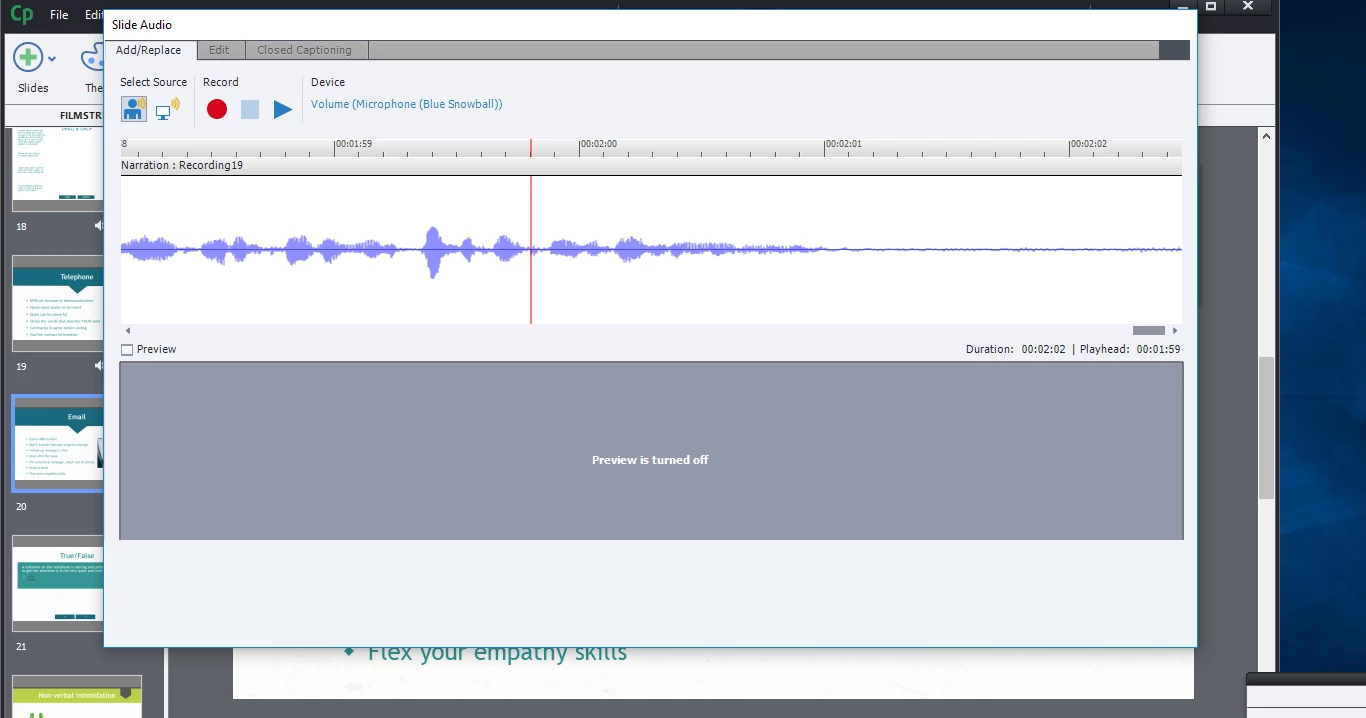


 AdChoices