
Background pattern overriding theme
I'm new to Captivate, so apologies if this is a basic question. I've searched and played around to find a solution and haven't been able to figure this out.
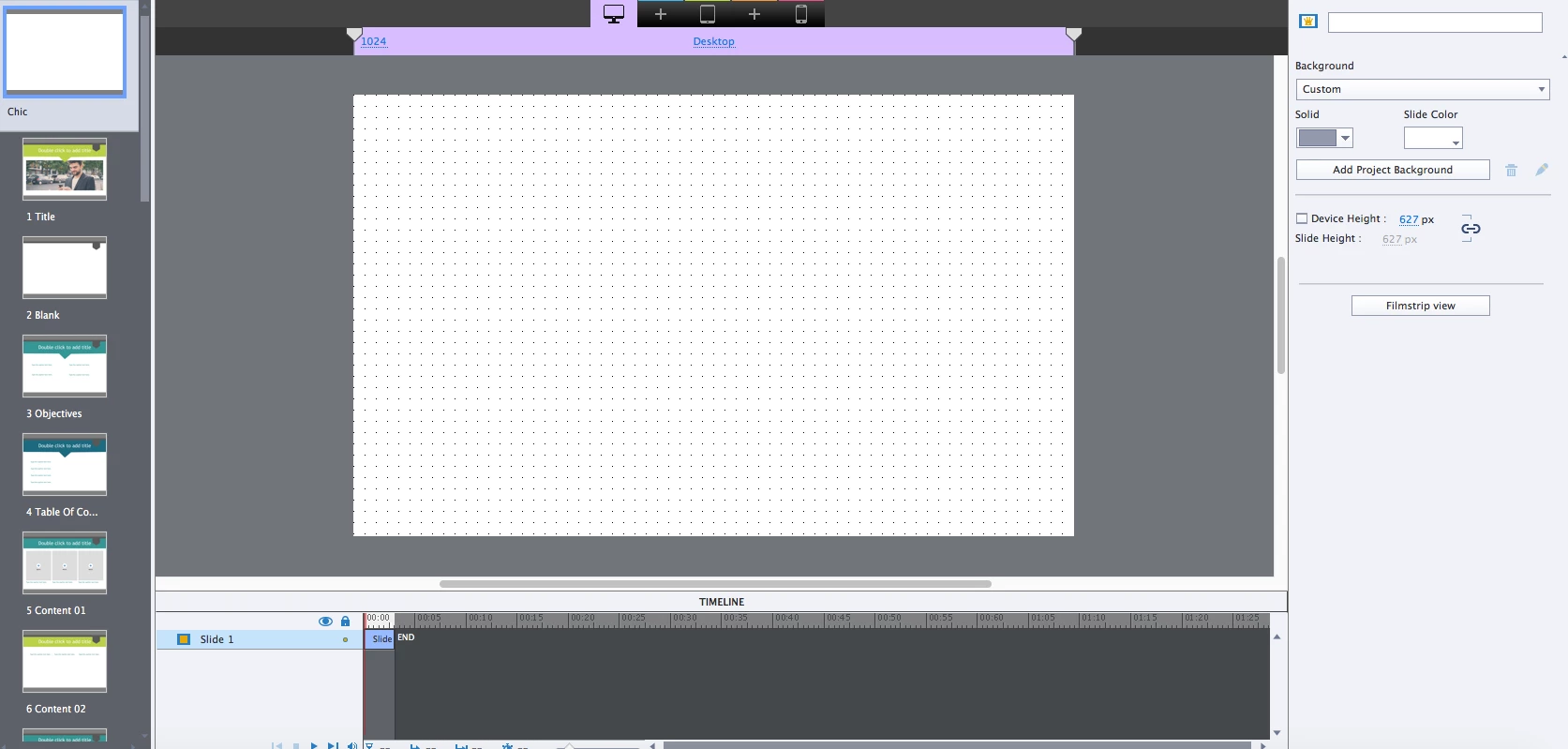
I am updating a Captivate eLearning course and applied a new theme to the project. The theme updated just fine, but there is a background pattern inherited from the original course style that I can't get rid of. When I apply the theme to a new project, there is no pattern, but when I apply the theme to the existing course, the original background pattern persists. In the master view I can't select the pattern to delete it (it's not an image) and although the background is set to be a solid white (see pic), the pattern won't go away. There doesn't appear to be any background image file being used so I can't figure this out.
Any suggestions on what to try next? I can workaround the issue by copying/pasting the slides to a new project but I'm sure there's probably something simple I'm just not aware of.
I'm using Captivate 9, but I'm not sure which version of Captivate was used to create this project file.
Thanks!
 AdChoices