Known Participant
August 19, 2016
Question

Black / Blank Screen In Published File

  • August 19, 2016
  • 1 reply
  • 370 views

There have been a few threads on this and I have not resolved the issue.

The published file when viewed locally looks like this:
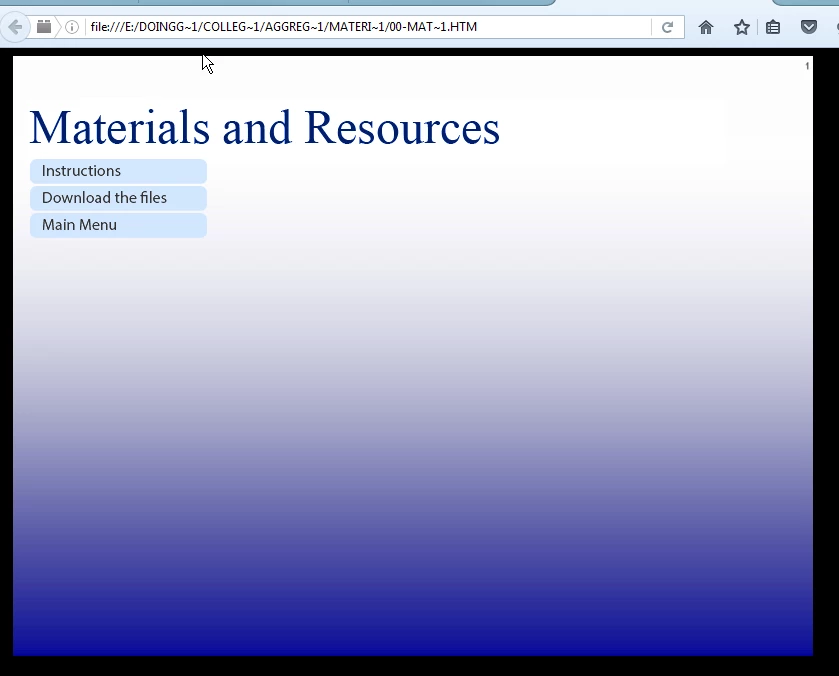
When uploaded to the server it looks like this:
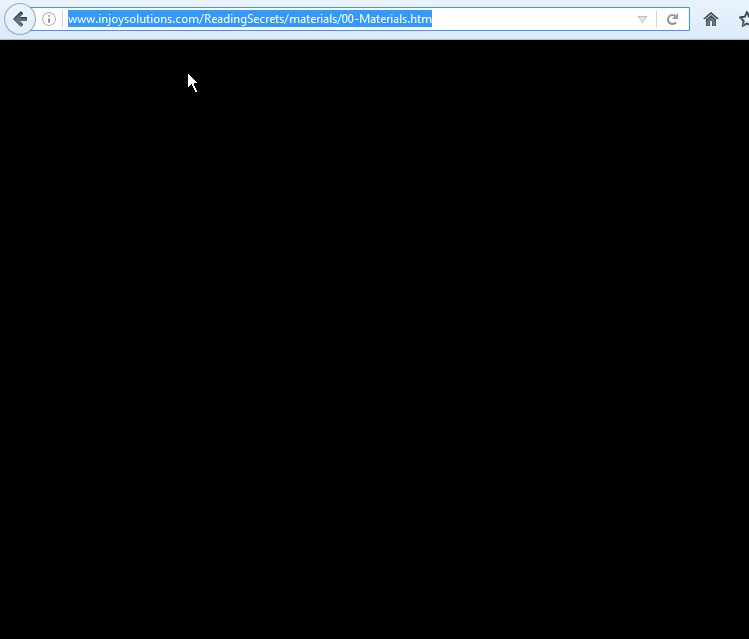
I have -

1. Cleared my cache (NOTE: Always make sure your project files are in a different folder BEFORE you do this)

2. Checked to make sure that the timeline doesn't have any paused objects before the content displays.
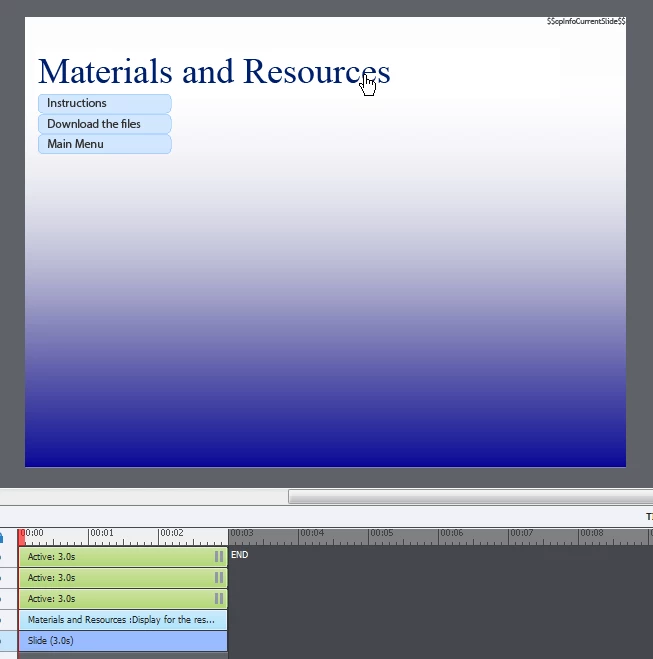
3. Created the project from scratch in C9.0.1.320

4. Deleted the Web Object

5. Deleted all of the audio

Perhaps I have accidentally selected the option for Ninja-Stealth Publish? I can't seem to find that setting anywhere.

I have Shapes being used as buttons, but have done the same thing in another project and it works perfectly.

Any ideas?

    This topic has been closed for replies.

    1 reply

    BDuckWorks
    Inspiring
    September 27, 2016

    In general, a gradient is not a good choice as a background for a web based course, as it forces the course to be rendered at a high resolution for each slide and slows the course for the user as the will experience a delay on each slide while that background image is downloaded and rendered.

    AFAIK, since text object are rendered as graphics by Cp when you publish, this will cause each object to be rendered with part of the text overlapping the gradient.

    1) I'd suggest you look a the Project Preferences > Project Size and Quality settings:

    Verify that 'Retain Slide Quality Settings' is ON and

    Advanced Project Compression is OFF.

    Also, if the 'Retain Slide Quality Settings' is ON, verify that settings for this slide:

    You may need to set it to 'High,' as the gradient you are using will not compress well.

    2) In order to validate the difference in size, view the Project Info Panel and calculate the 'Project Size.'

    Then, remove the gradient background, save the file as a copy, and calculate project size again.

    You should see a difference, I would think!

    JohnR-ATXAuthor
    Known Participant
    September 27, 2016

    Thank you!

    I had never considered the gradient resolution /size being an issue. There are so many things to consider when creating a course!

    BDuckWorks
    Inspiring
    September 27, 2016

    You're welcome.

    If you would, please mark this question as 'answered.'