

Question
Black Screen when Skipping Playing a Video in Published Course
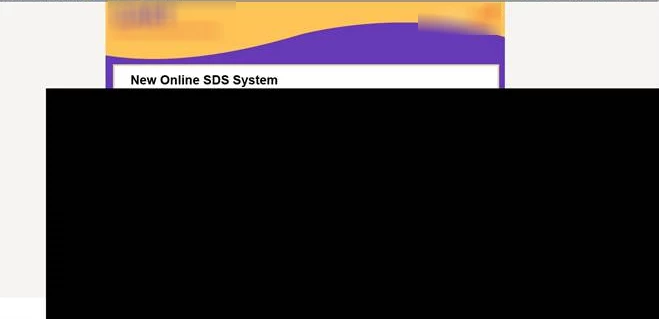
Hello. When end-users are viewing a published course they are getting a black screen across the screen if they skip viewing a hyperlinked youtube video. The video is set up for the user to press play to begin. The video is inserted by using the Web Object. This is happening on a video that is 1 minute long and another video that is 6 minutes long, each on a different course. There are no additional actions associated with the Web Objects. And, no preloader on the course, but the Advanced Project Compression is checked. Any suggestions for making the black screen go away?
 AdChoices