Known Participant
September 9, 2011
Question

Blurry text from jpg in Captivate 5.5

  • September 9, 2011
  • 2 replies
  • 704 views

Hi, All.  I've surfed around for this answer, and can't find one that works in 5.5.  I am trying to build an image slideshow with jpgs saved from a PowerPoint presentation.  I created the slides with photos and text beneath, then saved each as a jpg.  They look FINE on preview in every other program, but when I bring

them in to Captivate, the text is chopped/blurry.
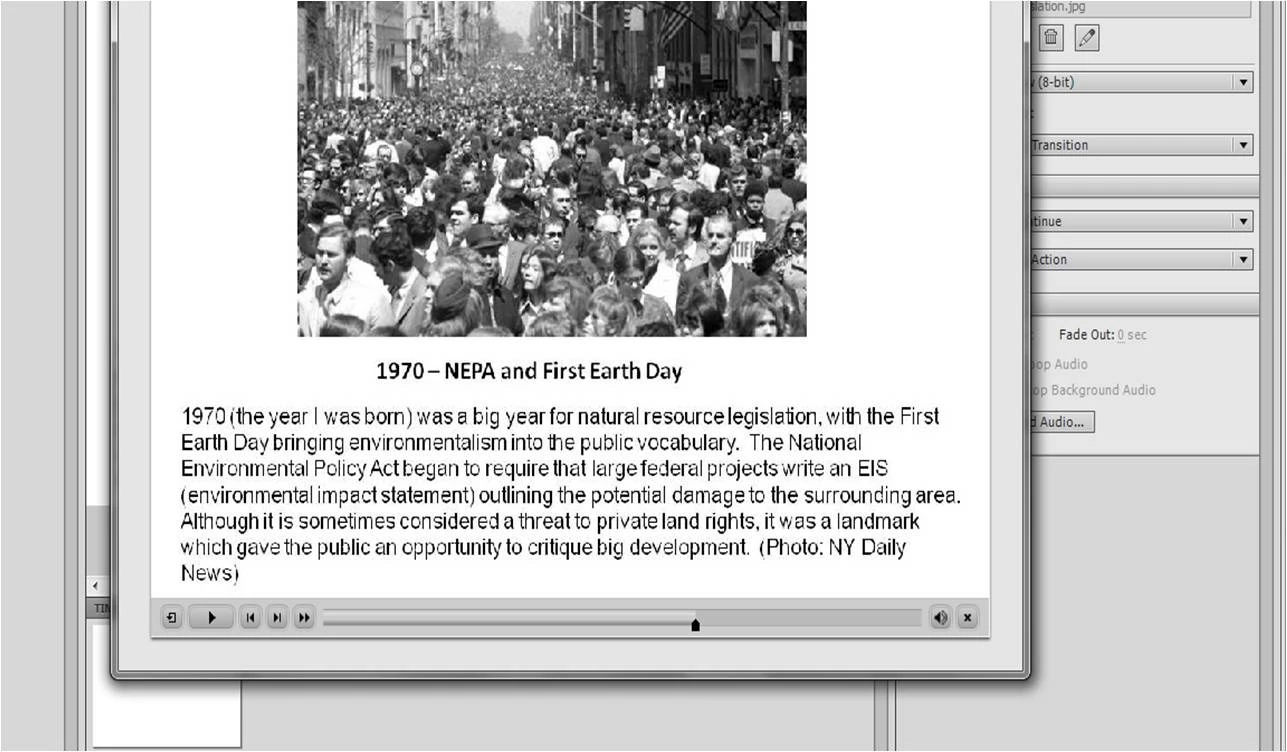
Not just in Preview, also when it's published.  My settings for jpgs are already on high quality, and I also tried changing the font to Arial.  No luck.  I also tried saving them as pngs, no luck either.  Any suggestions would be greatly appreciated.

Meg

    This topic has been closed for replies.

    2 replies

    Lilybiri
    Legend
    September 9, 2011

    Please, do not use JPEG's, PNG (at least 24-bit) is a lot better. If you have to make compressed images where you have text or pen-drawings use the highest possible quality. JPEG's are only meant for photos, not suited for text because compression is lossy even at highest quality (12).


    But check the slide quality in CP: default is Low (8-bit). Change that to High or even Optimised and check the result.


    You can also override all slide qualities on publishing by deselecting the option Retain Slide Quality Settings in Preferences, Project, SWF Size and Quality.

    Deselecting all compression could help as well.


    Lilybiri

    MegEliasAuthor
    Known Participant
    September 9, 2011

    Oh, Man, I figured it out!!!!   When creating the image slideshow, I selected the largest width and height on the list, and they came in just fine. 

    I'm going to leave this one up in case others find it helpful.

    Meg