Known Participant
January 24, 2011
Answered

Breaking Up One Long Audio File Into Segments

  • January 24, 2011
  • 2 replies
  • 536 views

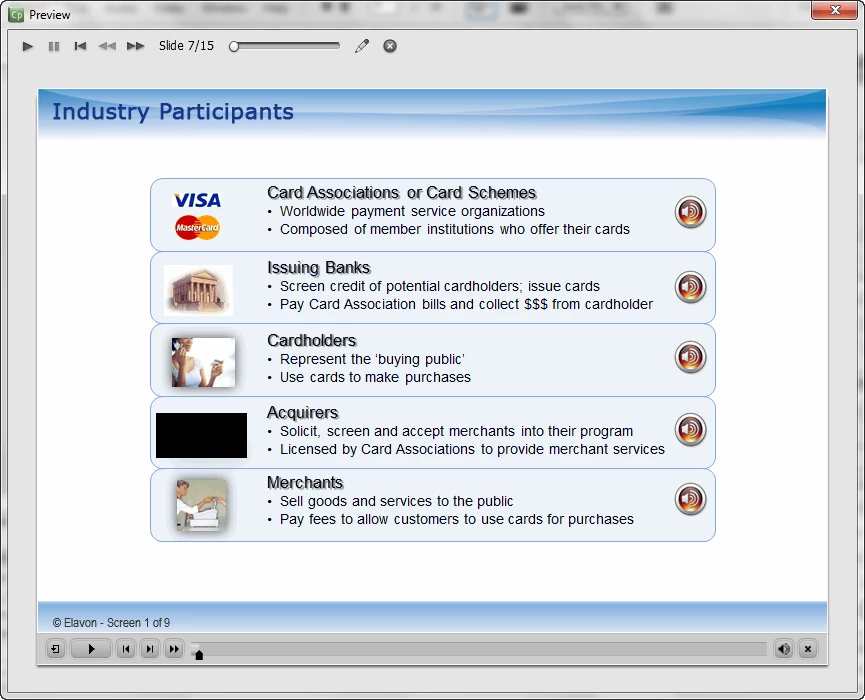
I have an audio file attached to a slide (I'm not allowed to attach it to an object).  It describes five different processes that are represented by an image on the stage.  The image looks like five different banners, but it is actually one image.  Each banner has an image of a speaker on it, and the idea is to have the learner click on the speaker to hear that part of the audio (which describes the process represented by that banner).

I have inserted buttons and placed them on the timeline so that the pause symbol is just before each audio segment, but I don't get a pause.  What have I left out or done wrong?
    This topic has been closed for replies.
    Correct answer Mr_TD

    Hi Harooki2,

    you could add a "gotoSlide X" for each button.

    The buttons jump to slides which look identical to the start slide, but run the sound.

    Best TD

    2 replies

    Known Participant
    January 24, 2011

    The problem is that if that audio is associated with the slide, the entire audio file must first play out before you can pause the playback. As far as I know, there is no simple way to stop audio playback in the middle of the slide without user interaction (clicking on a button or clickbox, which would invoke an Advanced Action that pauses playback).

    I would try to make six copies of the same slide. I'd remove audio from all but second slide. I would then set the audio markers so that each slide after that second one begins at the specific point in time from that audio (go 'Audio', then 'Edit...', then 'Project'. Arrow right to the first slide of this group; listen to the audio, then move slide markers to the beginning points of the audio for each slide (Ctrl+5)). This way, I have the single audio file spread across five slides.

    All that's left to do is to create click boxes over those speaker icons and point them to each respective slide. For each click box, I'd change "On Success" action to "Jump to Slide". For each slide, I'd change the "On Exit" action to jump to the slide following all these. That way, if a user clicks on any of the speaker icons, he will be taken to the slide corresponding to that banner, and the audio will play back from that particular part, will only play the relevant segment and will stop at the end of that segment. If they click on the 'Next' or 'Continue' (or whatever you label your navigation buttons), he'll to the next slide in the module.

    Obviously, if you can break up that audio into individual segments, you can associate each segment with its own slide. The rest of the process still applies.

    There may be a simpler solution, but this is what I could come up with, considering my limited experience with Captivate.

    harooki2Author
    Known Participant
    January 25, 2011

    Thanks to both of you.  Now I have another problem.  I can't get this button to work.  Can you see anything I've done wrong?

    Mr_TD
    Inspiring
    January 25, 2011

    Hi again,

    try to click the visible checkbox in the top right corner.

    You already said its a transparent button, no need to hide it

    Best TD

    Mr_TD
    Mr_TDCorrect answer
    Inspiring
    January 24, 2011

    Hi Harooki2,

    you could add a "gotoSlide X" for each button.

    The buttons jump to slides which look identical to the start slide, but run the sound.

    Best TD