



Question
Bring eLearning to Life with AI-Generated Avatars in Adobe Captivate 13!
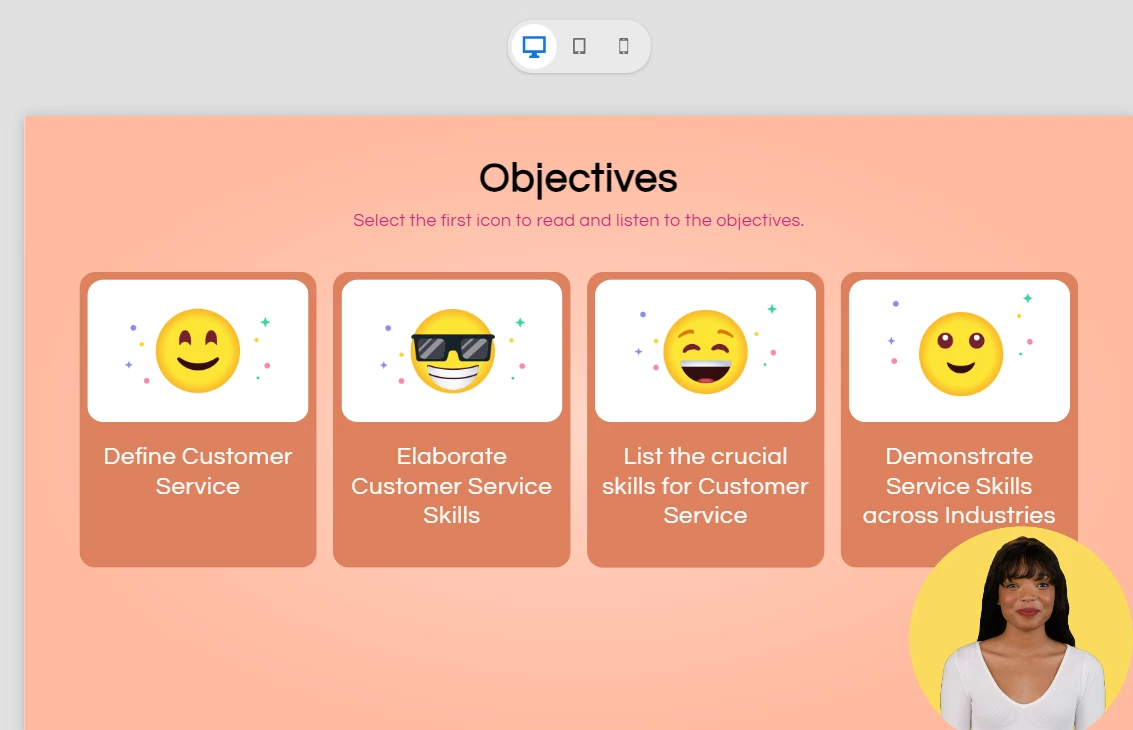
Say hello to your new virtual presenters! The new Generate Avatar feature in Adobe Captivate 13 enables you to create realistic, customizable avatars that narrate your eLearning content, making courses more engaging and relatable.
No need for expensive video shoots or voice actors. Simply select an avatar, customize it, and let the AI do the talking!
Why you’ll love it
- Personalized Learning – Add avatars that connect with your audience.
- Dynamic Narration – Generate lifelike speech for your slides.
- Cost & Time Savings – Skip production hassles and create in minutes.
How it works
- Customize Your Avatar: Choose appearance, clothing, and style to match your brand or learner demographic.
- Create Transcripts: Write or generate narration scripts for your avatar to speak.
- Generate Narration: Let AI turn your text into natural-sounding speech—multiple languages and tones supported!
Pro tips for maximum impact
- Keep It Conversational – Create transcripts that sound natural and engaging with pauses to mimic life-like speech.
- Match Tone to Audience – Choose voice styles that fit your learners.
- Integrate Visual and Audio Elements – Employ avatars to guide and prompt learners, enhancing the overall learning experience.
Ready to enhance your eLearning?
Start creating interactive, avatar-driven courses today with Adobe Captivate 13. Your learners will love the personal touch!
 AdChoices