
Built-in Smart Shapes for Custom Navigation
Hi everyone,
I'm using Cp 2017 and I created my own Prev and Next buttons using the master slide but when I added Mute and Rewind buttons using the built-in smart shapes that are available they don't actually look anything like they do in the selection menu.
The Mute smart shape has a mute icon but when I place it on my slide it's just a red square. Same thing with the Rewind smart shape which should be an arrow. I realize now that this is most likely because I modified my smart shapes in the Objects Manager.
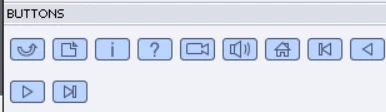
I can't figure out how to adjust this just for these two built-in smart shapes. I clicked on Replace Modified Styles but I didn't see a change. I also clicked the other style options but those aren't it either.
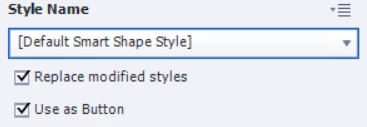
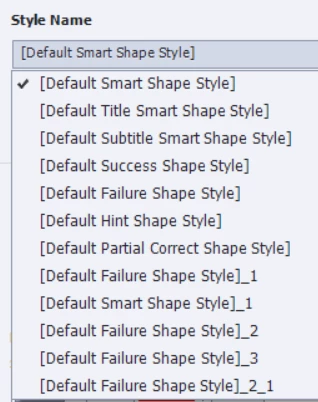
The only other thing I can think of is to create my own icon images for each then use the image fill option for the smart shape button. I really don't want to do that for the sake of time and I feel like there's an easier solution that I'm just overlooking.
Any ideas? Thanks!


 AdChoices