muchelleb
Inspiring
January 30, 2019
Question

Button with score being marked as incorrect

  • January 30, 2019
  • 1 reply
  • 745 views

Hello,

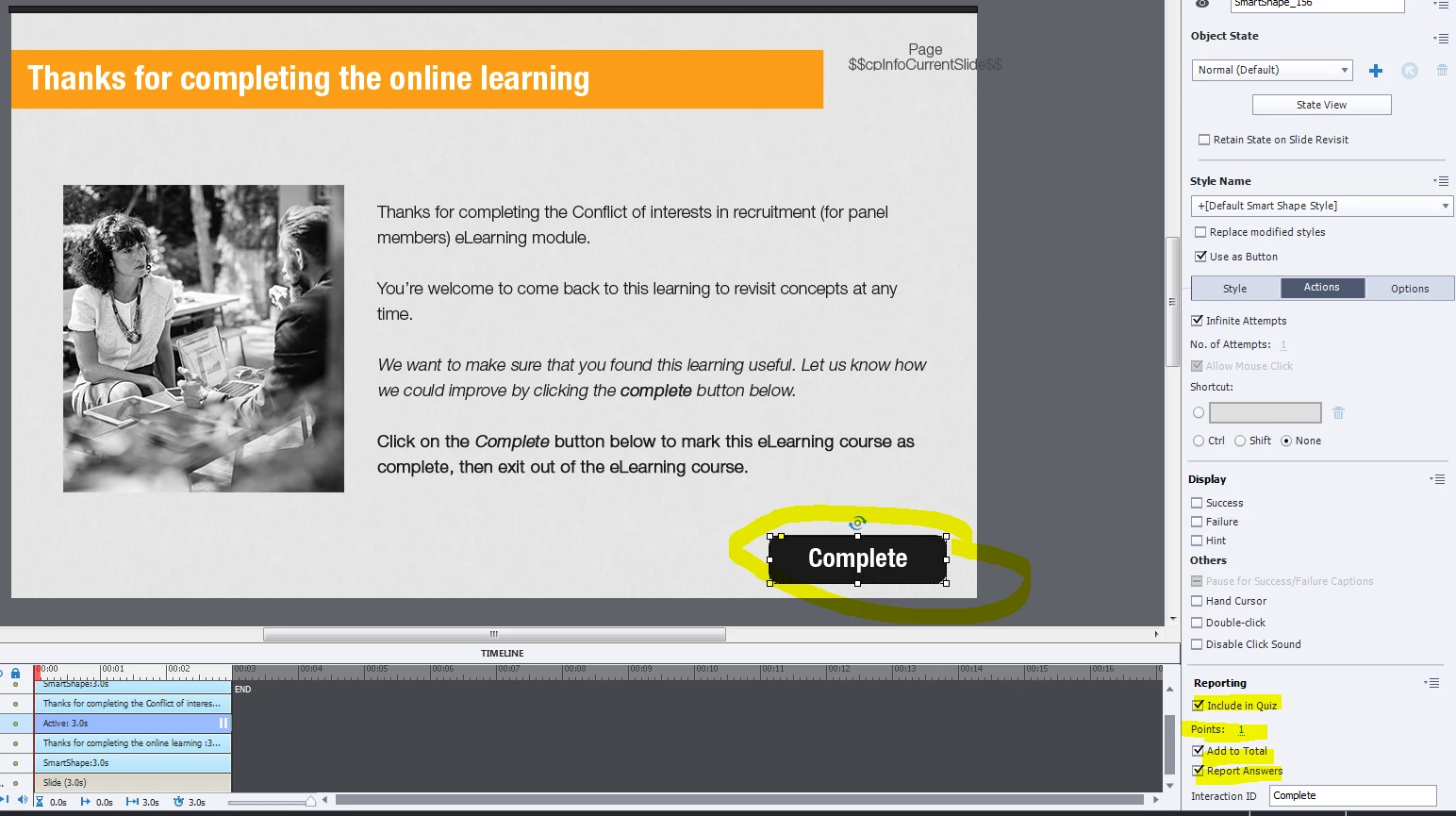
At the end of my online learning, as per advice on this forum, I have create a 'complete' button that is included in the quiz, with a score of '1' attached to it.

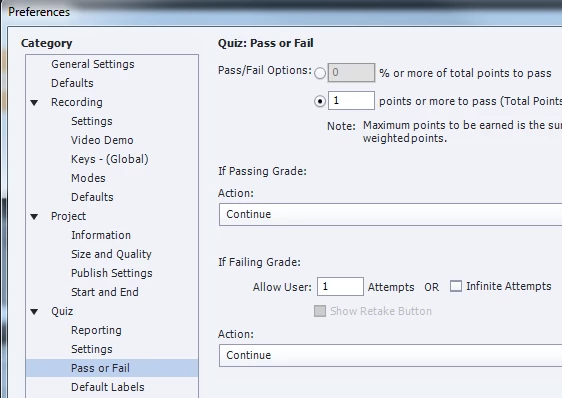
To be marked as complete, the learner has to score one point (clicking the complete button).

The issue I've faced in multiple pieces of eLearning is that the user is marked as 'incorrect' on clicking the button, and they don't get the score of '1' - so the eLearning isn't marked as complete.

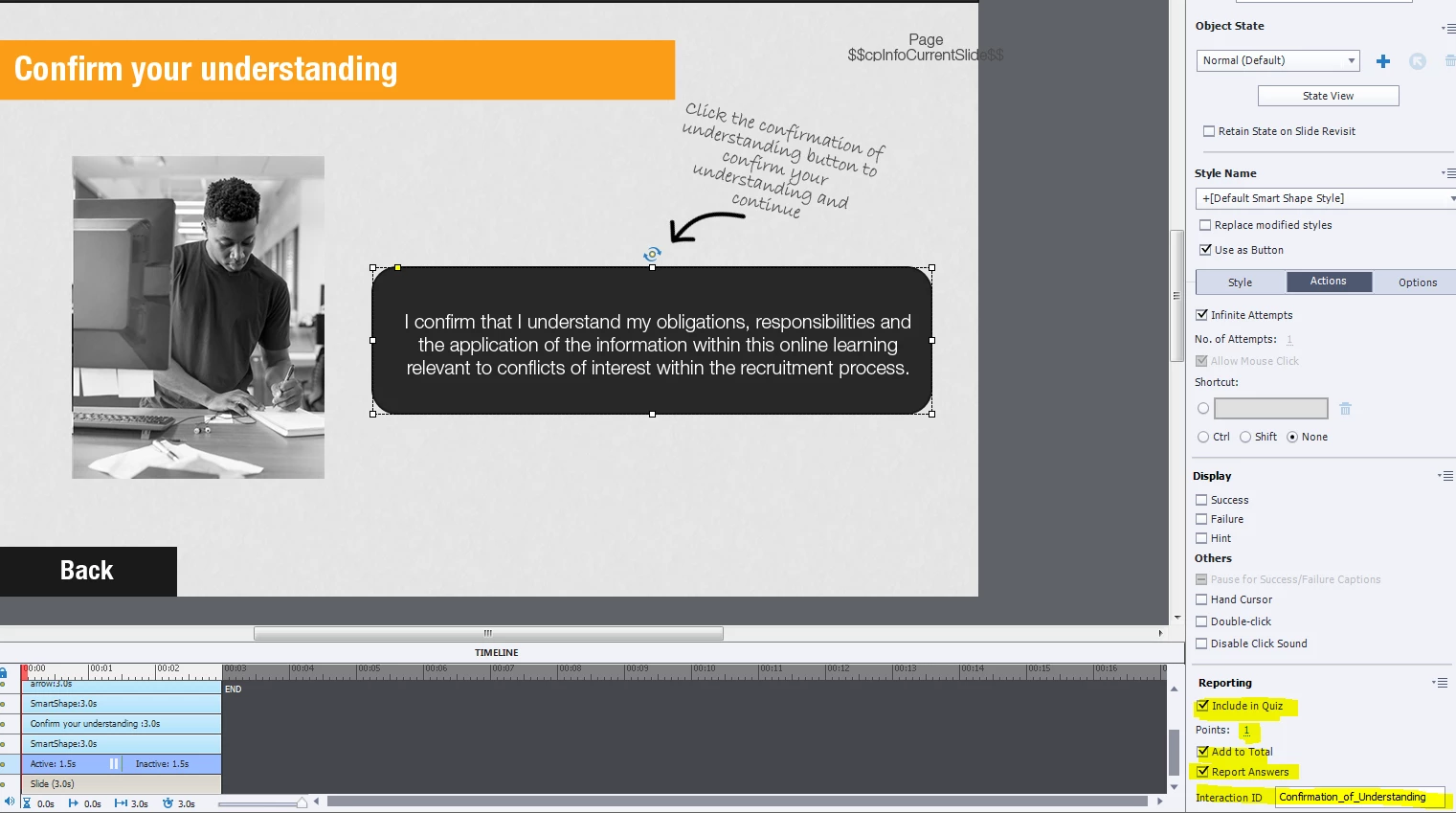
To get past this issue I created a two buttons with scores attached.

The user has to click a 'confirmation of understanding' button on one page with a score of 1 and a 'complete' button the next page with a score of 1 - that way at least one of the buttons would register as correct and the user would get at least one point. In other pieces of eLearning this has worked fine, even if it's a little sketchy.

Now it's causing me trouble - multiple users are being marked as incorrect for both of the buttons (see below detailed SCORM report). They then have to reopen the eLearning and click the complete button again.

Any help would be much appreciated.
    This topic has been closed for replies.

    1 reply

    Lilybiri
    Legend
    January 30, 2019

    Just some ideas: test by adding a score slide with Quiz, Preferences.

    Is the Complete button on the final slide? If yes, add an End-slide (congratulations etc) to be sure that the score is transferred for slow systems.

    Some LMS's don't like points set as required score, did you try 100% percentage?

    muchelleb
    muchellebAuthor
    Inspiring
    February 5, 2019

    Thanks for the suggestions.

    I added a 'show score' slide and found (in the few times that I re completed the eLearning) that one of the buttons at least would be marked as incorrect - see below.

    There is a button on the second last slide with a score of 1, and on the very last slide also. They both seem to be transferring, but they're being marked as 'incorrect'.

    Unfortunately the eLearning has mini scenario branching throughout it, so I don't think that 100% would work.

    Super strange. If there are any other thoughts that you have would love to hear them

    Michelle

    Lilybiri
    Legend
    February 5, 2019

    Since you mention branching, did you activate 'Branch Aware' in Quiz Preferences?