Participating Frequently
August 15, 2024
Answered

Button won't work

  • August 15, 2024
  • 1 reply
  • 395 views

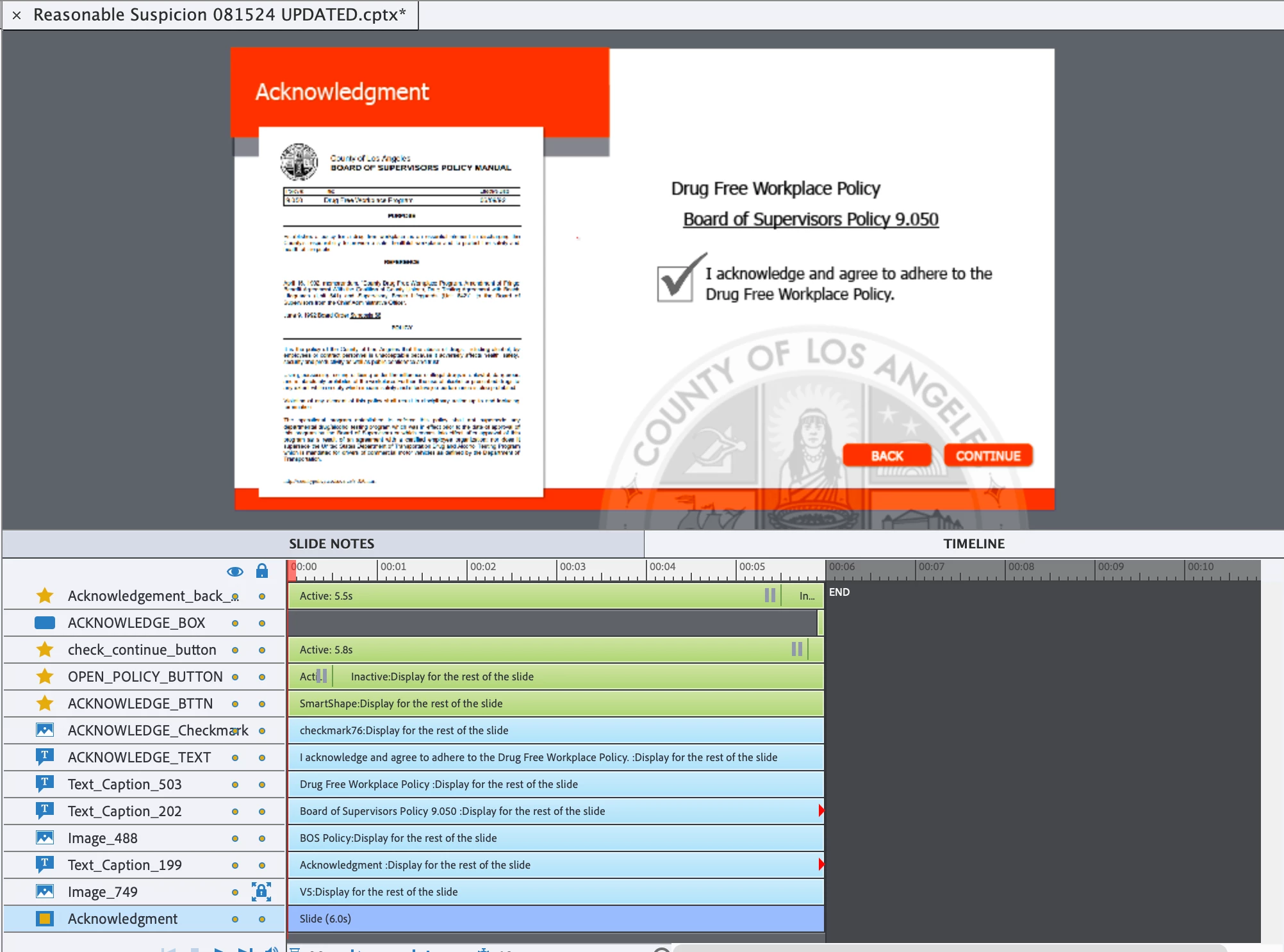
I can't get this back button to work, no matter what I try.


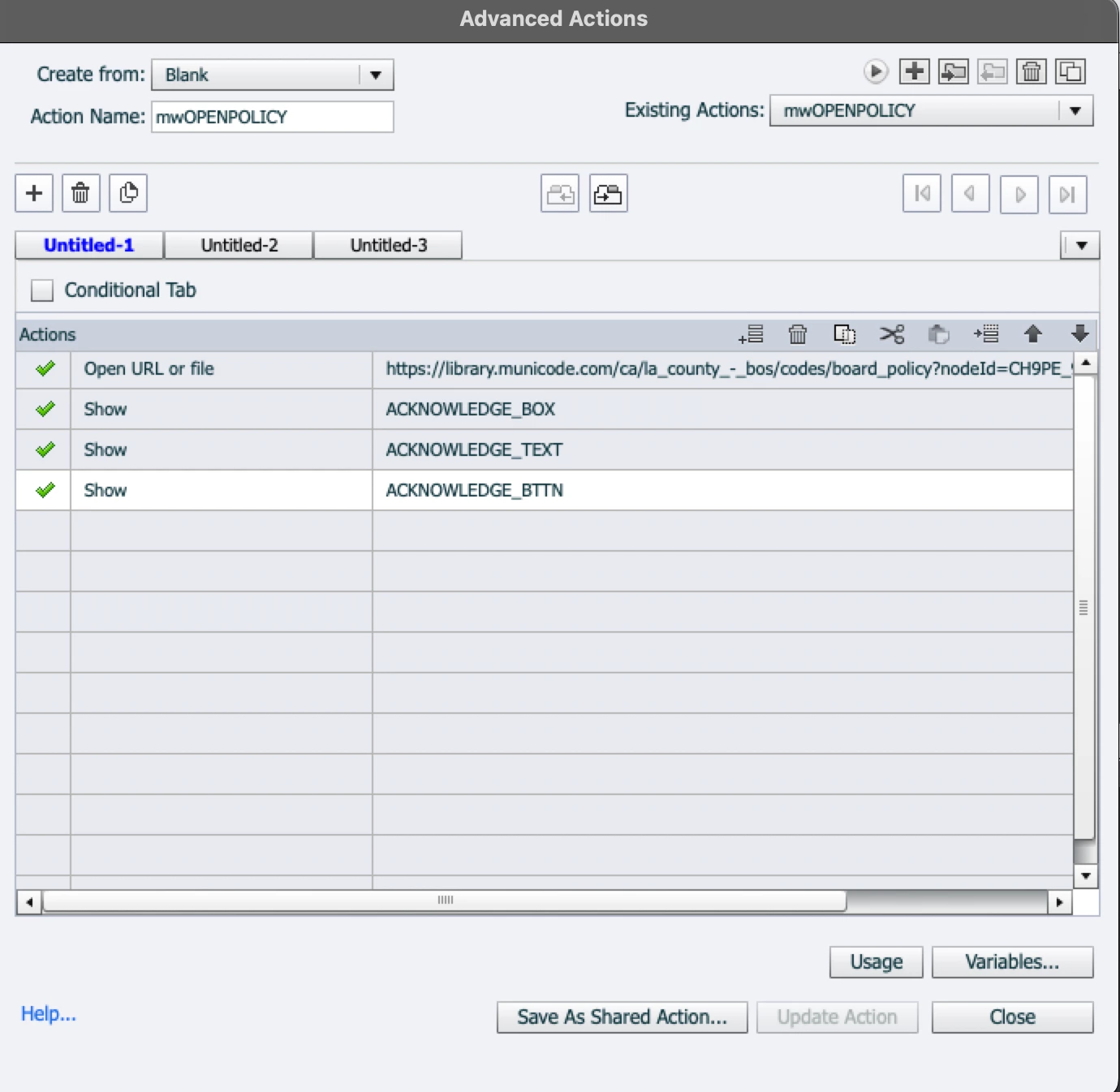
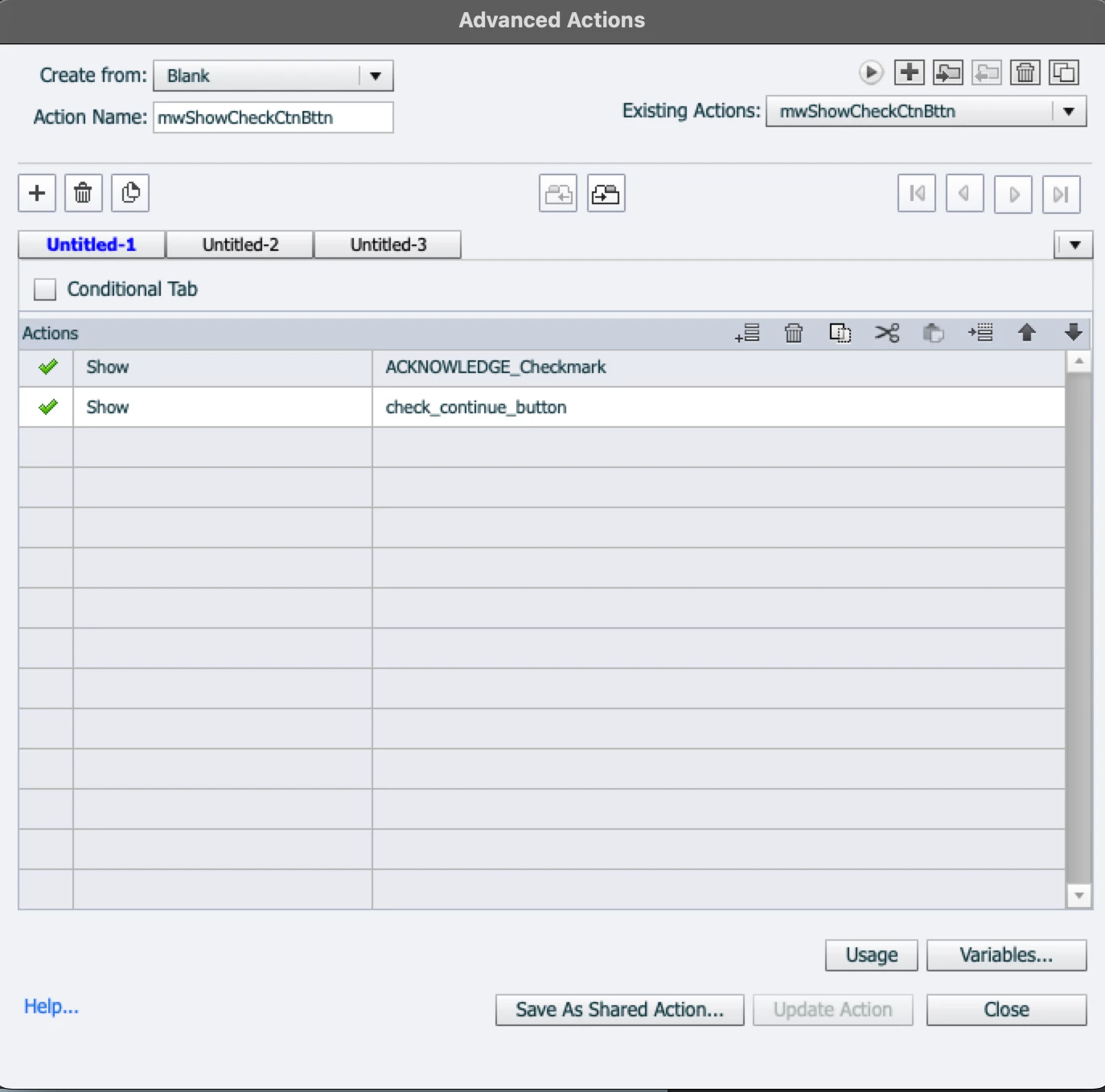
There's a button that runs an advanced action that shows another button and a square. The button that appears has an action that shows a checkmark and a continue button. All that works.


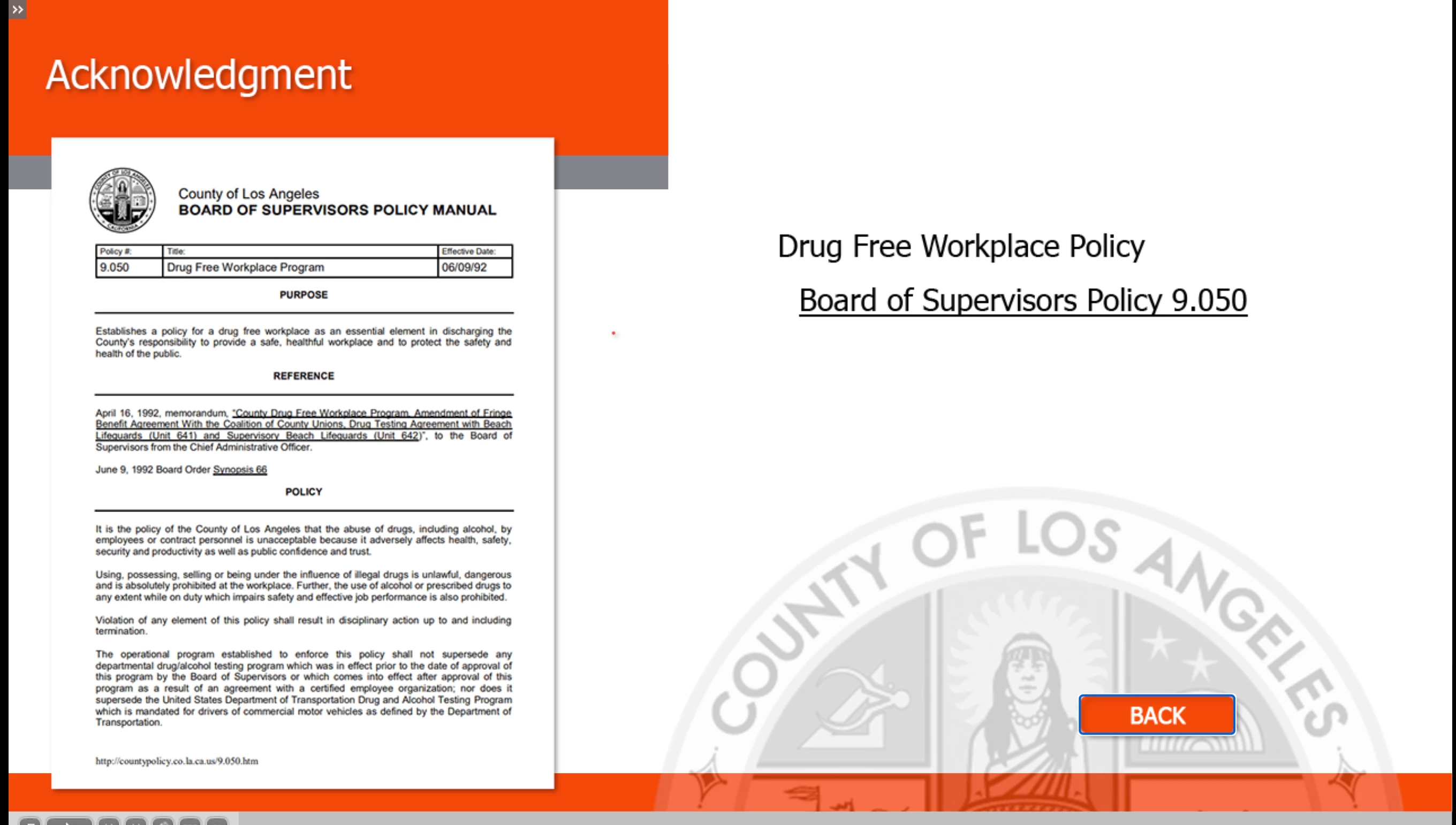
However, I have a back button showing at the start of the slide, which doesn't work. Pushing it doesn't do anything. Pushing it several times continues to the next slide. I've tried "return to previous," "jump to <the previous slide's number>," and making an advanced action that goes to the previous slide. I've also tried deleting and recreating the back button. It seems like such a simple thing, but it will not work no matter what I do. 


Mark -


    This topic has been closed for replies.
    Correct answer RodWard

    Check your Quiz settings.  Do you perhaps have Allow Backward Movement turned off?

    1 reply

    RodWard
    Community Expert
    RodWardCommunity ExpertCorrect answer
    Community Expert
    August 16, 2024

    Check your Quiz settings.  Do you perhaps have Allow Backward Movement turned off?

    Participating Frequently
    August 16, 2024

    You, my friend, are a genius. The continue button is included in the quiz to mark completion. You solved it. Everything works perfectly for me now. Thank you.


    Mark -

    RodWard
    Community Expert
    Community Expert
    August 16, 2024

    Genius, no.  Just someone that has used Captivate for many years.  


    If this solved your problem, please mark my answer as the Correct Answer so that others who find this thread will know what to do.