Participating Frequently
March 9, 2022
Question

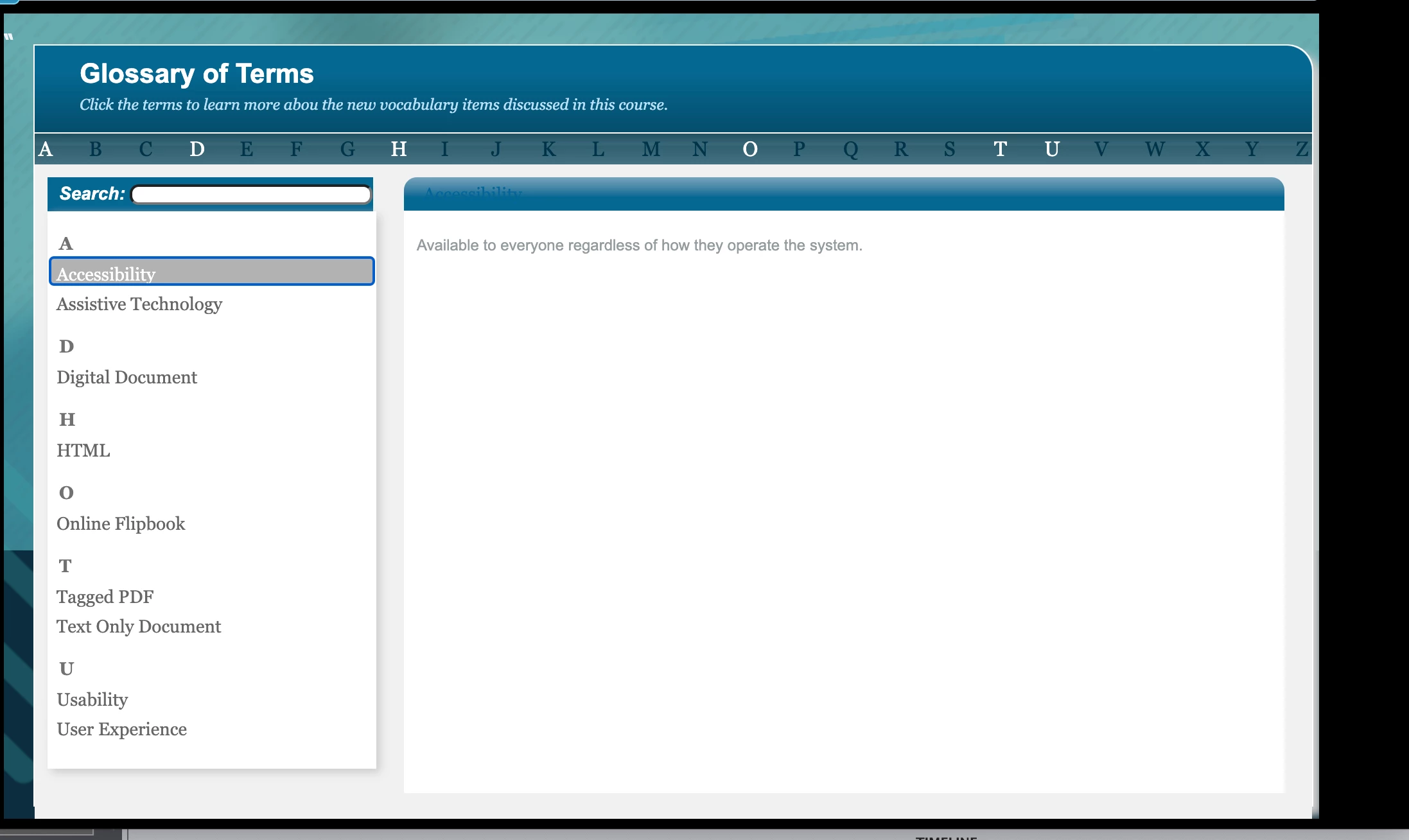
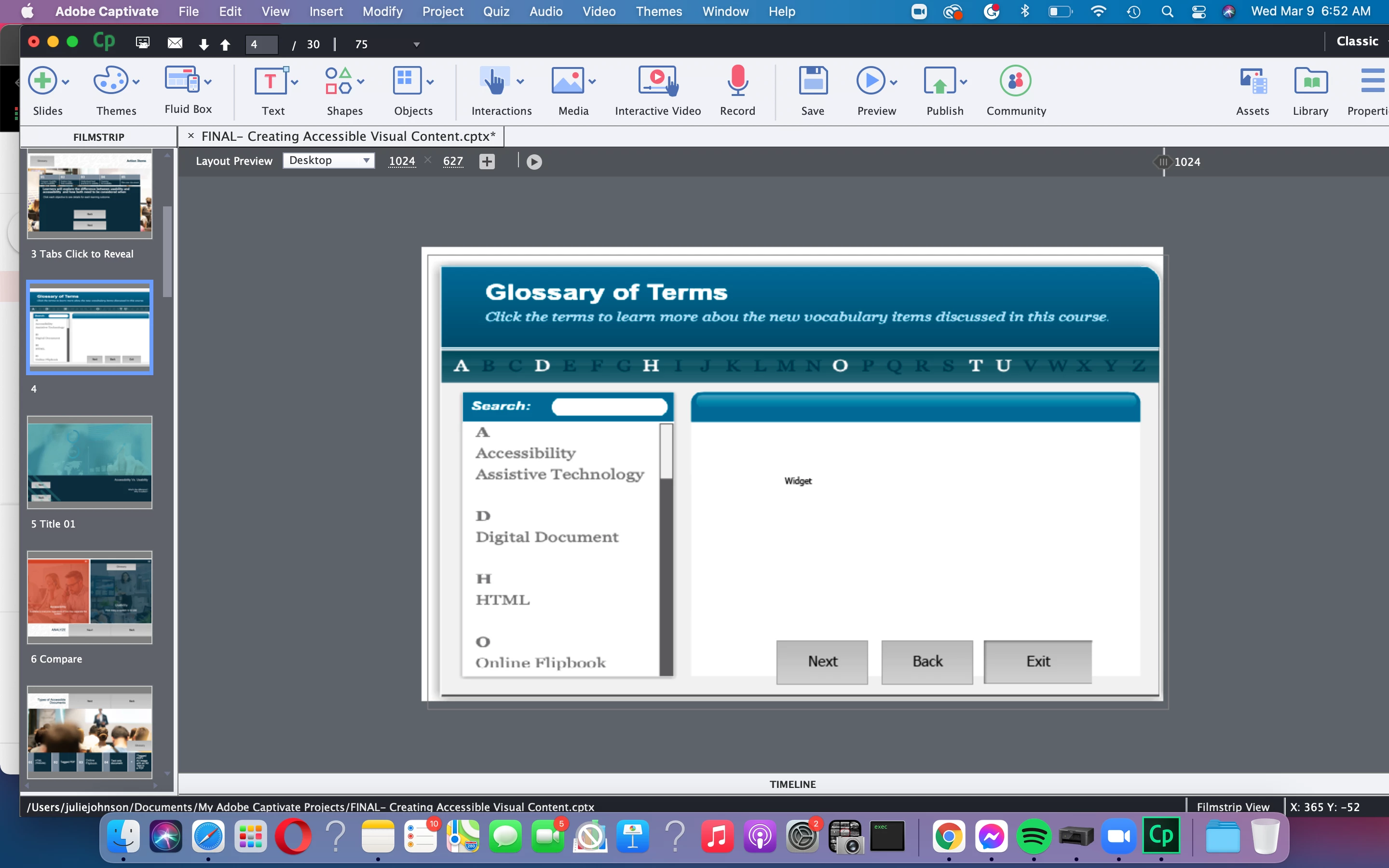
Buttons aren't showing in preview in Glossary Widget

  • March 9, 2022
  • 2 replies
  • 147 views

Hey All, 

I created a Glossary Widget for this course I am writing.


The exit buttons aren't showing up in the preview but they are showing up in the master slide deck.

What's up with this?
 

    This topic has been closed for replies.

    2 replies

    Lilybiri
    Legend
    March 9, 2022

    Due to the priority of the Learning interaction in the stack order.

    Either reduce the size of the interaction and put the custom buttons outside of it, or toggle UseWidget7 to 1 in the Captivate.ini file.

    RodWard
    Community Expert
    Community Expert
    March 9, 2022

    The buttons are most likely being hidden by the widget at runtime.  To prove this, drag the bottom border of the widget up above the tops of the buttons and republish to HTML.  I think then you will see the buttons.


    This is happening because the Glossary Learning Interaction is displayed inside an iframe element at runtime and iframes are higher up in the z-order of the page.  You can however alter this behaviour in Captivate by editing the code in the AdobeCaptivate.ini file in Captivate's install directory.  You need to set UseWidget7 = 1.