amandadsmith231991
Known Participant
January 25, 2016
Answered

Buttons jumping on the screen???

  • January 25, 2016
  • 1 reply
  • 453 views

Hello newbie here,

I am currently using the following button for a continue action and I would like to change it when I start redesign my project.
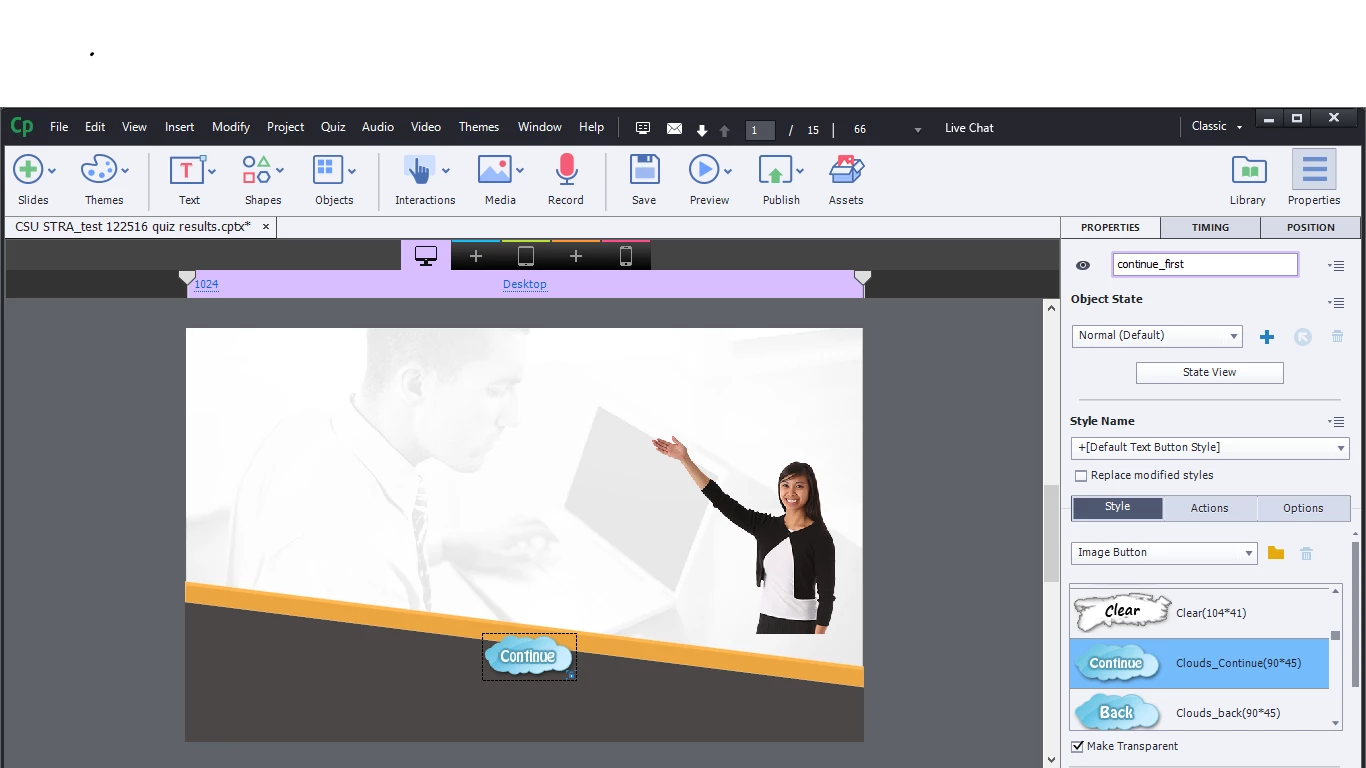
However when I simply move the object to another part of the screen or change the image it jumps around and I can't click on it even when the sound clip has stopped. I didn't change anything in the timing, just the picture and position.
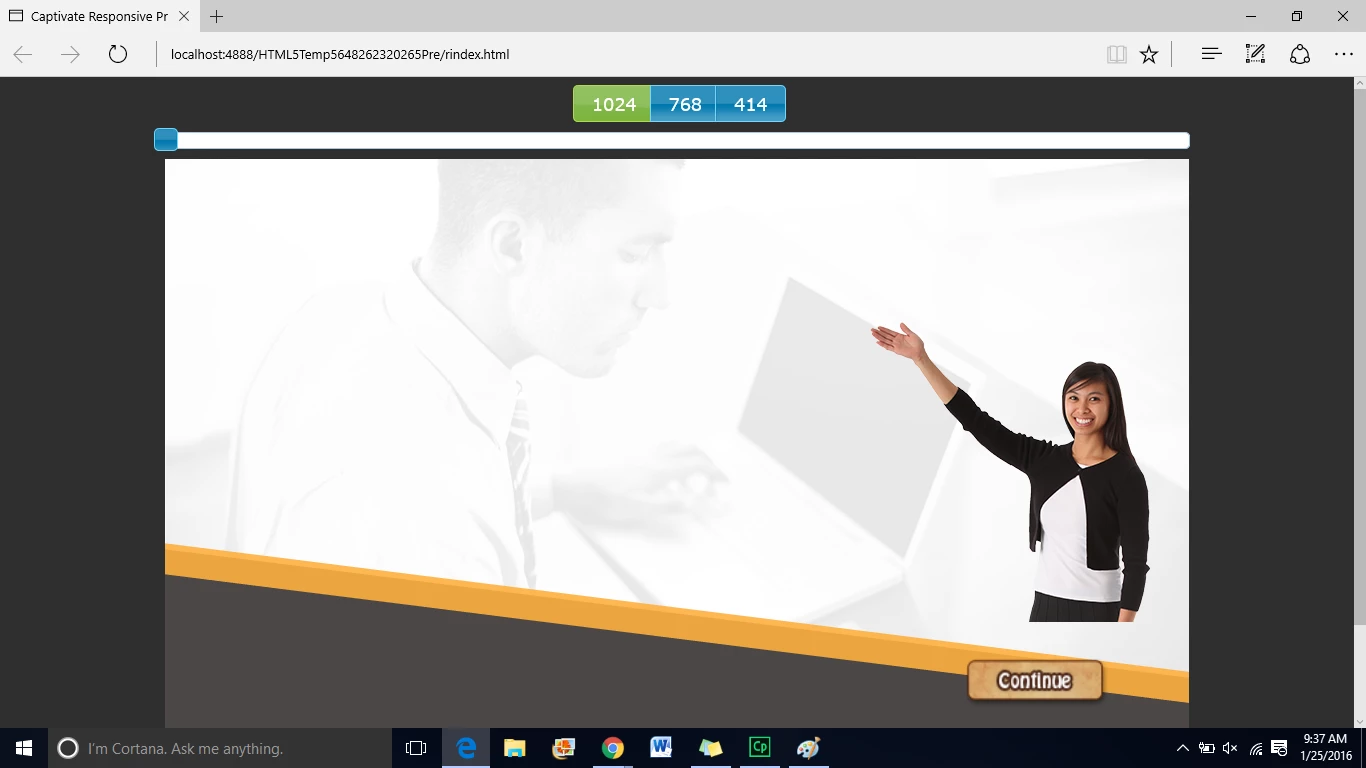
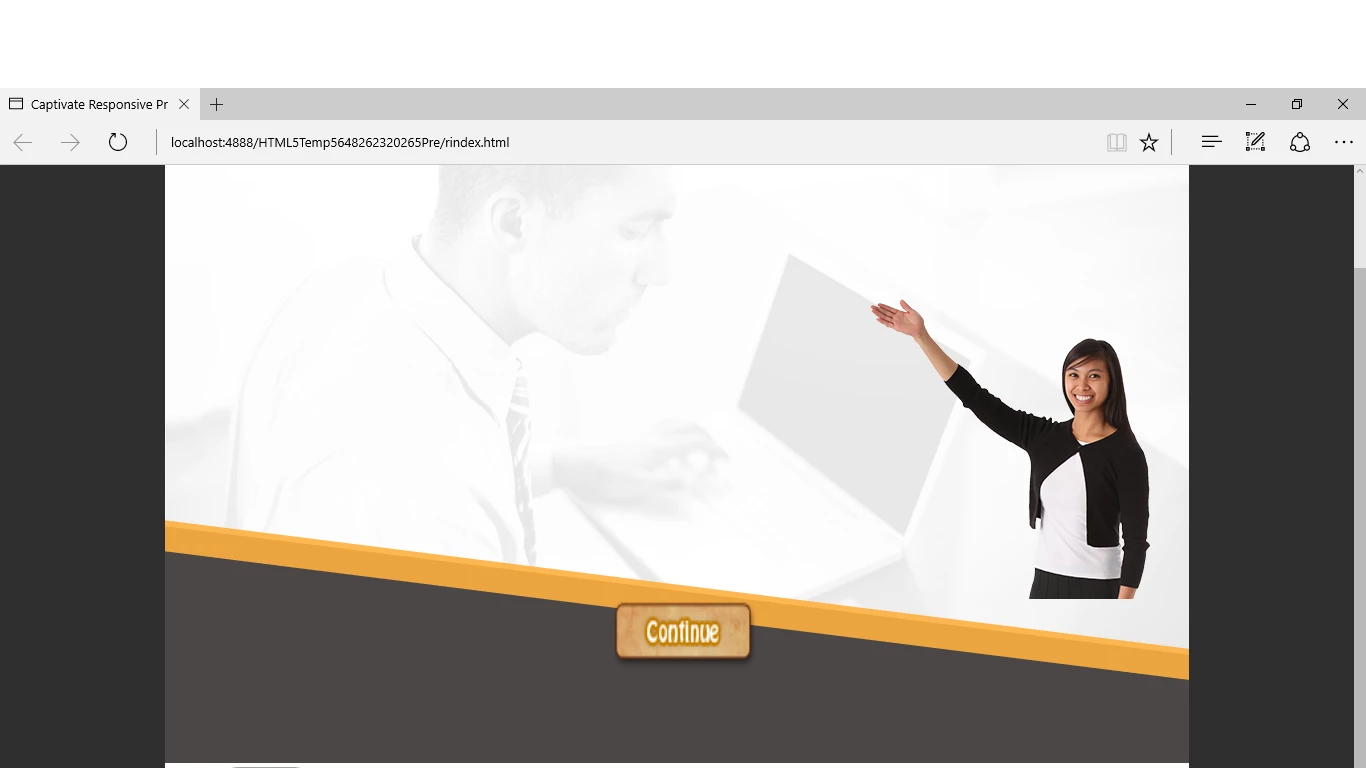
How can I stop this from occurring? I have multiple slides and I would like to change all my buttons eventually. Thanks

This topic has been closed for replies.
Correct answer RodWard

If this is Captivate 9, your issue may be related to Object States.  Have you applied the hotfix patch?

1 reply

RodWard
Community Expert
RodWardCommunity ExpertCorrect answer
Community Expert
January 26, 2016

If this is Captivate 9, your issue may be related to Object States.  Have you applied the hotfix patch?

amandadsmith231991
Known Participant
January 26, 2016

no I have not, what exactly is that for and it is a link to it?

RodWard
Community Expert
Community Expert
January 26, 2016

Check this thread:

captivate 9 patch