


Participant
May 11, 2023
Question

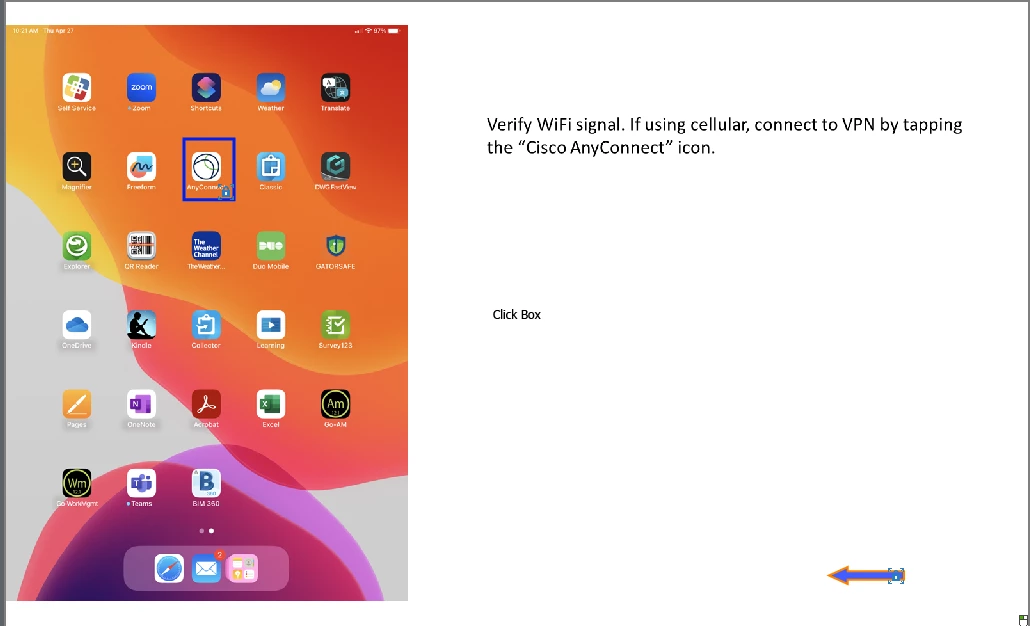
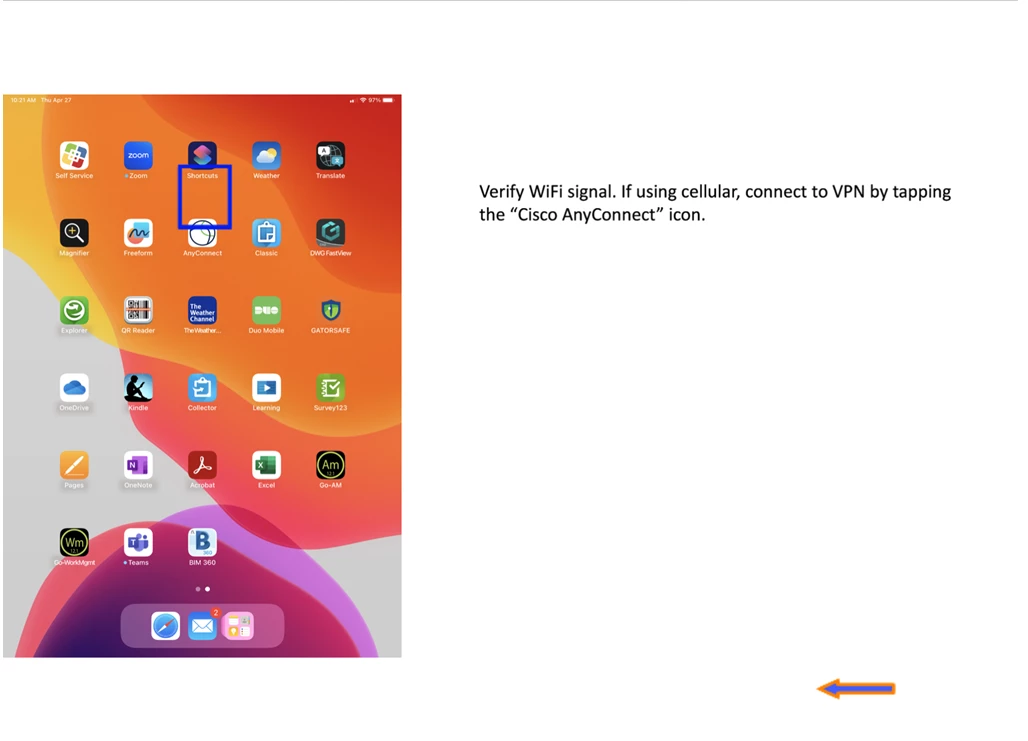
Buttons not where they should be in live preview on device.

  • May 11, 2023
  • 1 reply
  • 169 views

Hello All,


Please excuse my ignorance, I am new to Captivate. I have been tasked with creating interactive training videos of our asset management software. When I used the live preview on my iPad last week everything was fine, yesterday I tried it again and buttons have moved. Oddly enough on each slide some stayed and some didn't.

Any help will be much appreciated.

Sincerely

Drumheller
    This topic has been closed for replies.

    1 reply

    Lilybiri
    Legend
    May 11, 2023

    Is this a responsive or a non-responsive project? If it is a responsive project - which I expect - can you show the setup of the Fluid Boxes? You are showing a blue rectangle, but is that rectangle over a button? That is not allowed in a normal fluid box. I see also the word 'click box', what does it mean? It is an object which is always stacked on top of another object, and stacking is impossible in a normal fluid box.