


Participant
August 4, 2021
Question

can't access the fluid boxes once I put text captions in them

  • August 4, 2021
  • 1 reply
  • 75 views

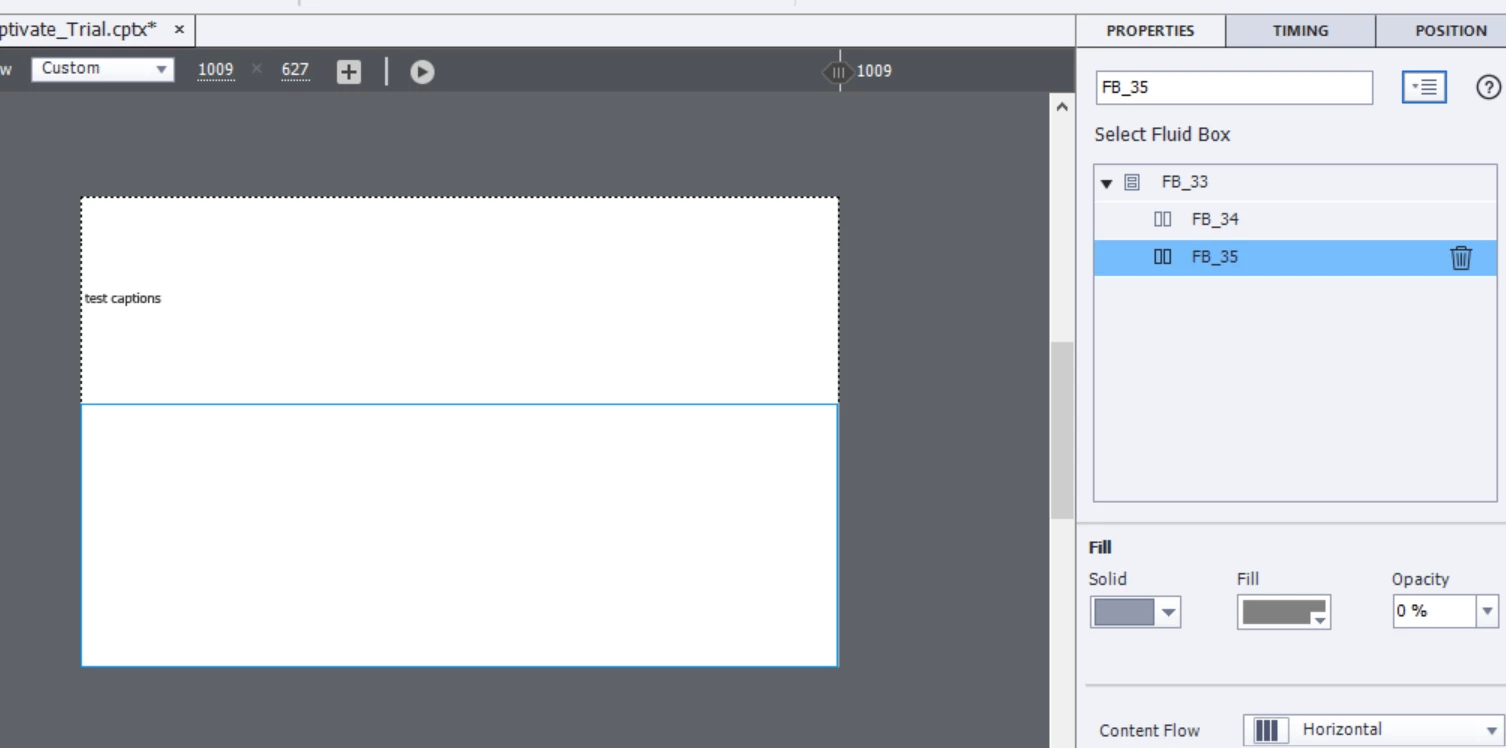
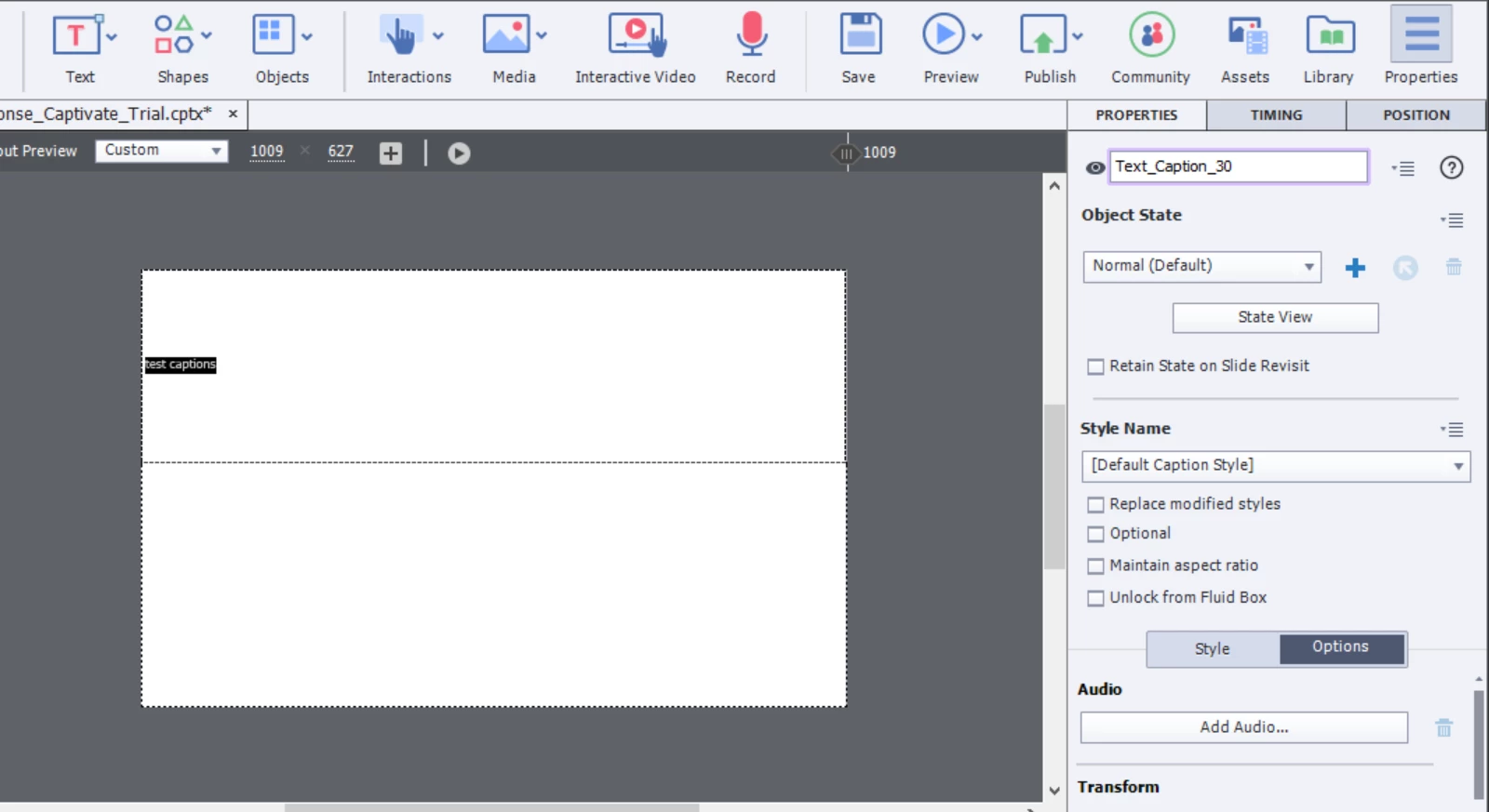
I made fluid boxes in a slide, and then I put text captions inside of them. However, once the text was inside, I couldn't seem to access the fluid boxes anymore. I double clicked on the fluid box, but it still only highlighted the text, not the box. Is there a way to do this? Screenshots are shown below.
    This topic has been closed for replies.

    1 reply

    Lilybiri
    Legend
    August 4, 2021

    There may be different ways, but I still use the old one: drag a rectangle starting in the scratch area and covering part of the slide. The Fluid Boxes setup will appear in the Properties panel.

    If you were on the most recent version (11.5) tabs would appear when you select the text captions, with the surrounding fluid box. That is a new way to select a fluid box. But since I don't see them in your screenshot, I suppose you are not yet on the new version?