Inspiring
January 23, 2020
Answered

Can't change color of "Correct Caption" and Incorrect Caption" for quizzes

  • January 23, 2020
  • 1 reply
  • 675 views

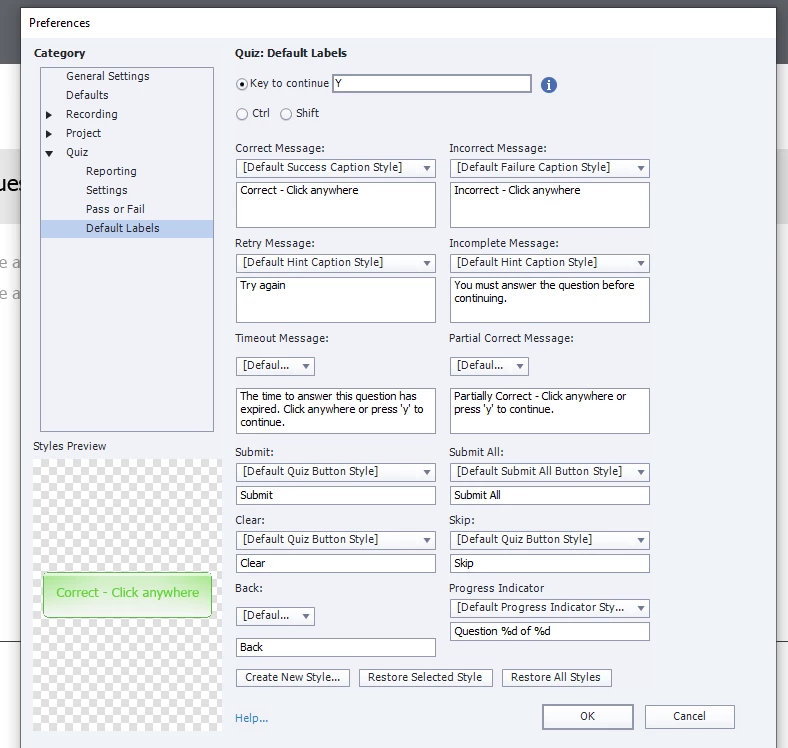
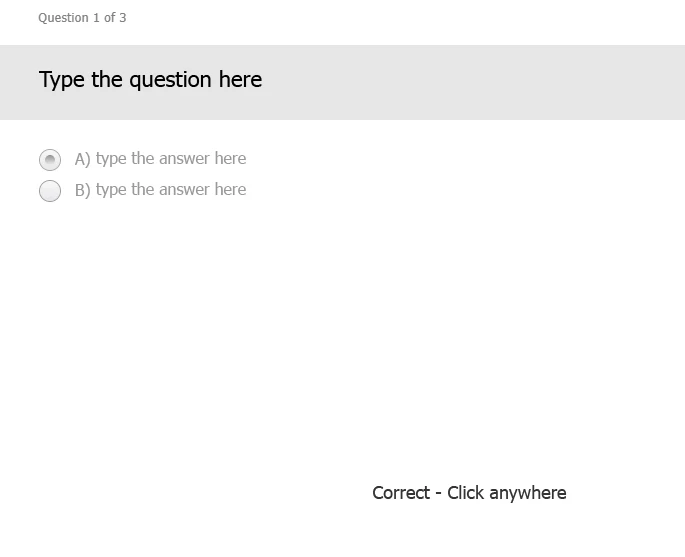
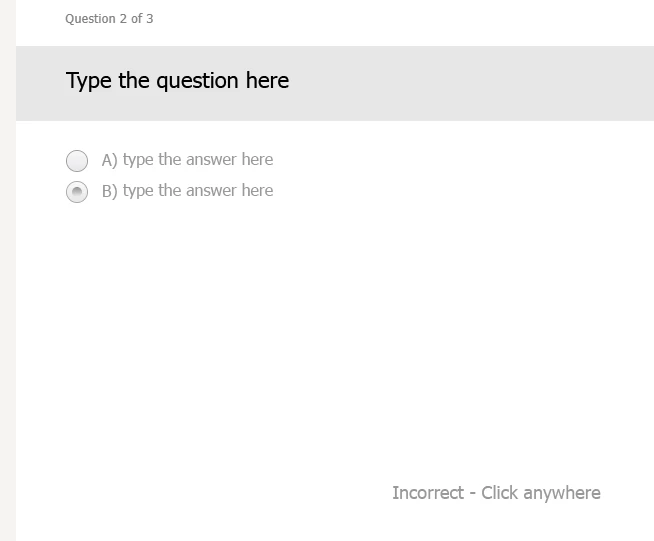
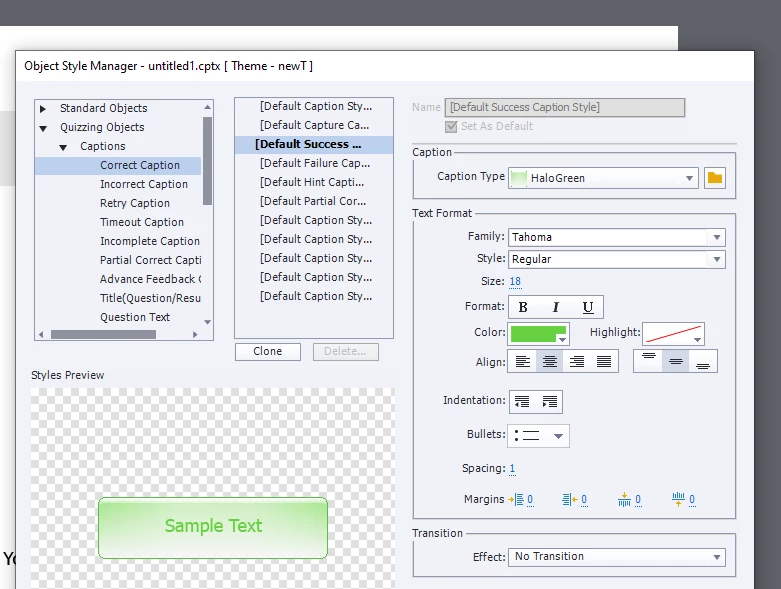
Hi, I can't change color of "Correct Caption" and "Incorrect Caption" for quizzes. They remain black and grey respectively.  I'm able to for other quiz parts like "Answers/FIB Text". I'm on Captivate (2019 release).
This topic has been closed for replies.
Correct answer Lilybiri

Since you are on CP2à19 (don't know which version, because there are several) you probably do not use captions but shapes as feedback messages, because that is the default. You have to edit the color of the Shapes, in the category Smart Shapes under Quizzing Objects.

The terminology in the Default Labels is confusing, have logged that several times as a bug. Sorry about that.


You can check in a quiz slide or a quiz master slide for the default style: is it a shape or a caption?

1 reply

Lilybiri
LilybiriCorrect answer
Legend
January 23, 2020

Since you are on CP2à19 (don't know which version, because there are several) you probably do not use captions but shapes as feedback messages, because that is the default. You have to edit the color of the Shapes, in the category Smart Shapes under Quizzing Objects.

The terminology in the Default Labels is confusing, have logged that several times as a bug. Sorry about that.


You can check in a quiz slide or a quiz master slide for the default style: is it a shape or a caption?

Inspiring
January 27, 2020

Brilliant, it is shape. That resolved my issue. Thank you!