

Answered
Can't Delete Slide note in Captivate 2019
I need to delete a Slide note and I can't seem to get the delete button "-" to be enabled. I have click the check box several times on/off and that doesn't help either.
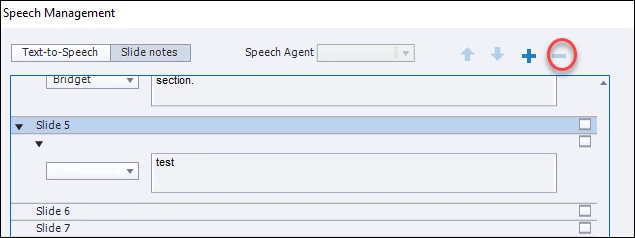
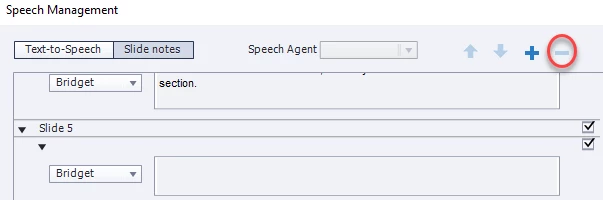

I need to delete a Slide note and I can't seem to get the delete button "-" to be enabled. I have click the check box several times on/off and that doesn't help either.
Already have an account? Login
Enter your E-mail address. We'll send you an e-mail with instructions to reset your password.

 AdChoices