


Question
Can't get "Cardboard" version to work
Hello. I have Captivate 2019 on a Mac.
I am trying to make a Captivate VR project work in Google Cardboard.
I opened Captivate, chose 'New Virtual Reality Project", clicked the 'Plus', and imported the 4000 px X 2000 px image. That is all.
Whether I preview or publish, it works as expected in an ordinary browser window.
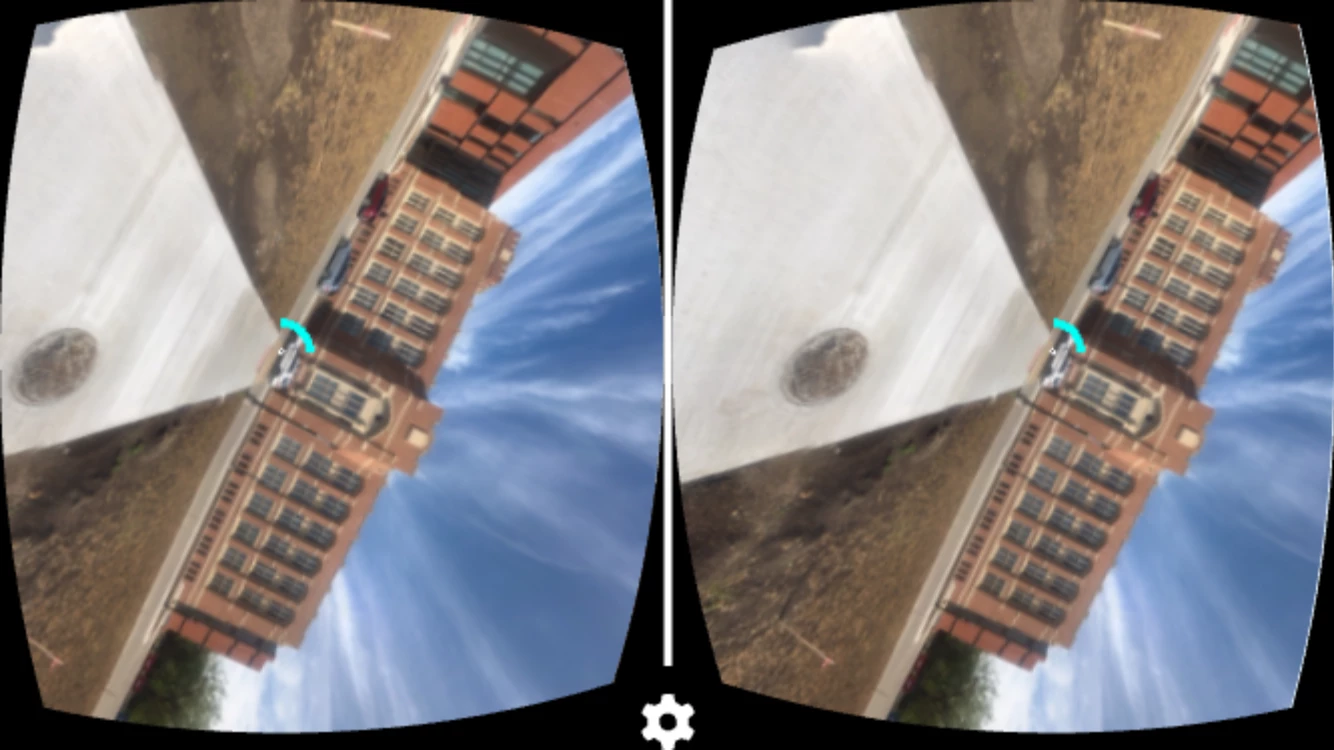
But when I load it onto my iPhone and mount the iPhone in the 'Cardboard' viewer, I see a tilted static image that does not respond to any orientation changes.
Maybe one of you knows what I am doing wrong?
Thank you.
 AdChoices