
stefn21835618
Participant
January 30, 2017
Question

Cannot update captivate

  • January 30, 2017
  • 3 replies
  • 788 views

Hi,

I am having trouble installing the update for captivate. I am almost at the last thread of my sanity so here goes.

This is my mac:

I have the current version.
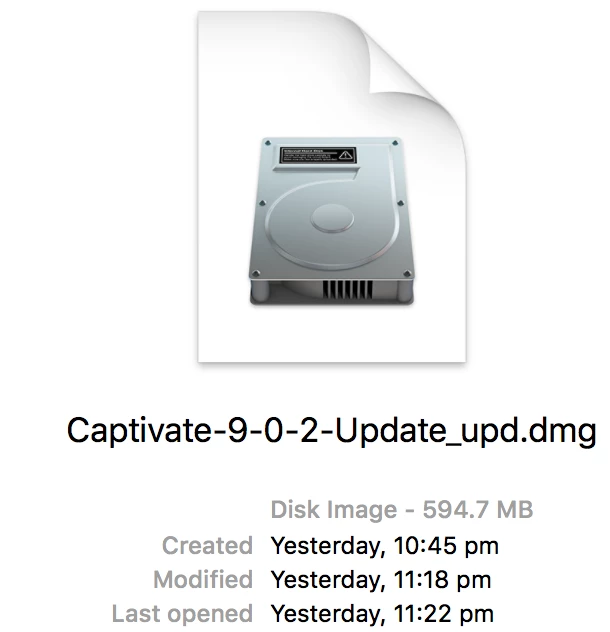
This is the file I have downloaded
This is the error message I am receiving

I have tried to download the Adobe Application manager but this does not help.

Can someone please assist me and let me know how I can install this update?

Thank you

This topic has been closed for replies.

3 replies

arturoc96853434
Participant
August 9, 2018

I hope it helps someone, I spend hours with the same issue and couldn't find the answer elsewhere, I had to figure it out by myself.

1. Open the Captivate Patch DMG file

2. Drag the "AdobePatchInstaller" and "payloads" folder to the desktop (any other folder in your computer will work as well)

3. Right click "AdobePatchInstaller" and click on "Show Package Contents"

4. Open the contents folder and place the "payloads" folder inside

5. Run the "AdobePatchInstaller" again

Adobe Employee
January 31, 2017

Hi,

As the error indicates, it seems that the Adobe Application Manager is damaged.
In order to fix this, I would suggest you to please try the following:

1. Click on the Finder and look for the options listed next to Apple Icon located at the top left corner of the Desktop screen and click on "Go" menu button and select "Utilities" option.


2. Locate Adobe Creative Cloud and Adobe Application Manager folder under Utilities window and trash both folders.


3. Use AdobeCC Cleaner tool to remove left oer entries for Adobe Application Manager and Creative Cloud Desptop App. Follow the instructions from the below document and clean only "Adobe Application Manager" and "Adobe Creative Cloud Desptop App"

                 https://helpx.adobe.com/creative-cloud/kb/cc-cleaner-tool-installation-problems.html


4. Click on the below link and download and install Adobe Application Manager.

                 http://supportdownloads.adobe.com/product.jsp?product=170&platform=Mac


5. Once installation is complete, open Applications folder and locate Adobe Application Manager icon and double click on it. It will start update process and gets update to Creative Cloud desktop app.


6. Sign in using your Adobe ID to the  Adobe Application Manager or Creative Cloud App and try to update Captivate again.


This should resolve the issue. However, in case you still see an error, please do post a screenshot of the error again.


Regards,
Sharad

stefn21835618
Participant
February 1, 2017

Hi Thanks for the update.

I had to let one of the Adobe staff access my computer to perform that update.

Lilybiri
Legend
January 30, 2017

I'm very sorry not to be of any help because I'm a PC user. Normally the update should install automatically (it does on PC), at least if you have administrator rights and followed the instructions in the Release notes:

Release notes for Adobe Captivate 9.0.2