Cap5 clicks and buttons actions not compatible
Hi,
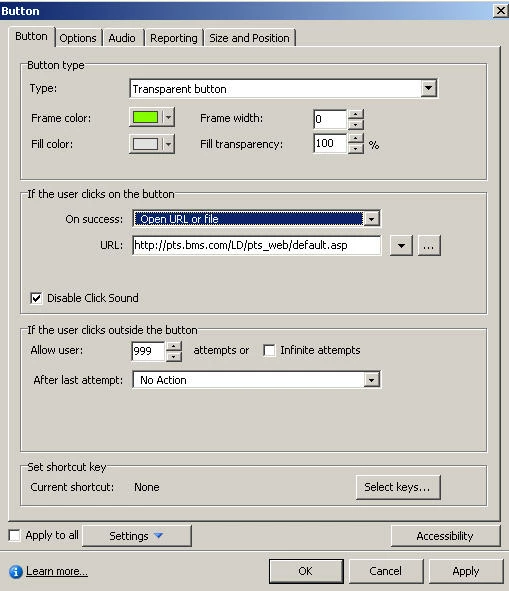
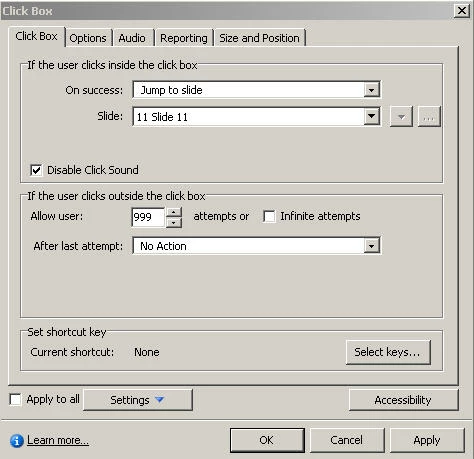
I have several screens, on each screen are some clicks that refer to other screens within Captivate. On every screen I have created also buttons with links to external websites. When I publish and I check in Flash 8, I can only click/open one link max. 2 then the screen moves on to the next one. This shouldn't.
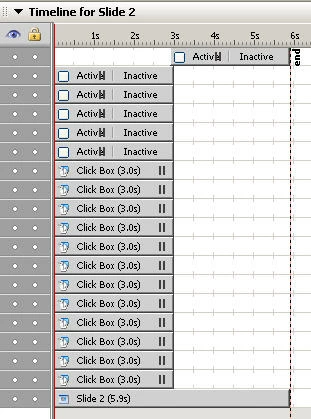
I have inserted a stop button after all the clicks and buttons, now I can remain on one screen, if I first use the clicks it works fine, I can navigate within Captivate (all Jump to slides are working). However, once I have clicked all the buttons with the links to external sites, I cannot move forward to another screen.
The stop button I created has the following features : l If the user clicks on the button On success : No Action, If the user clicks outside the box: 999 attemps, after last attempt no action.
I hope someone understands because it is difficult to explain. Here are some screenshots
I just want to jump from screen to screen back and forth, and open links without any problem.
I hope someone can help me.
Thanks
Solange
 AdChoices