


Known Participant
January 24, 2025
Answered

captivate 12: How to remove the Pause on slide video.

  • January 24, 2025
  • 1 reply
  • 338 views

The slide video has a slight pause (about 2 seconds); Sometimes it is a black screen, or a frozen still of the video before it begins. The client does not want the pause at all to avoid inconveniencing users with slow internet speeds. I believe Captivate creates its own thumbnail. The video already placed at the beginning of the timeline. How can i remove the pause/black  screen?

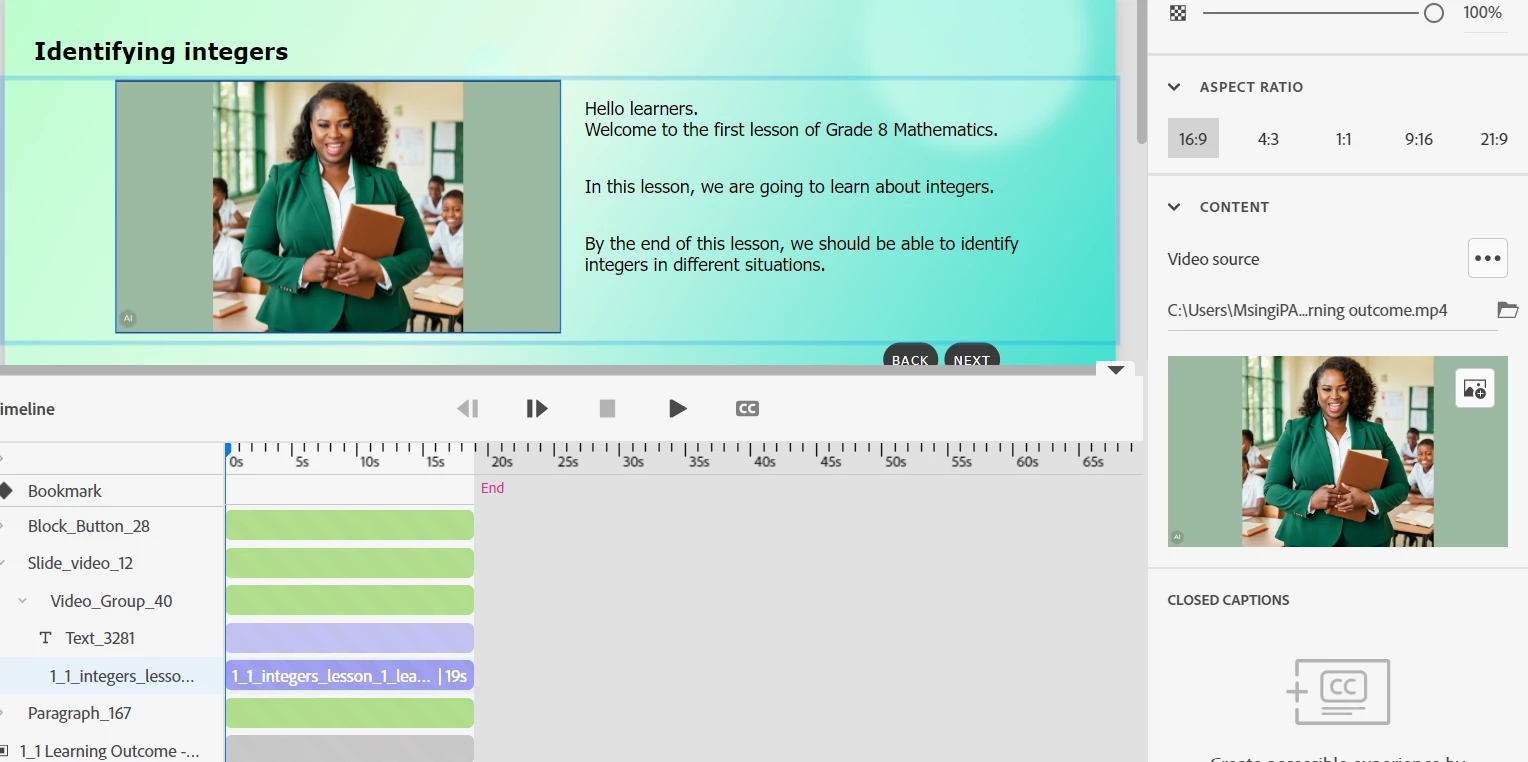
Here is the timeline and video setup:
 

    Correct answer RodWard

    The black screen issue you are seeing is most likely due to the video file downloading at that time.

    You can test whether this is the case by moving to another slide and then returning back to this slide.  If the black screen does not appear, it will be because the video has already downloaded and is saved to the browser cache.

    1 reply

    RodWard
    Community Expert
    RodWardCommunity ExpertCorrect answer
    Community Expert
    January 24, 2025

    The black screen issue you are seeing is most likely due to the video file downloading at that time.

    You can test whether this is the case by moving to another slide and then returning back to this slide.  If the black screen does not appear, it will be because the video has already downloaded and is saved to the browser cache.

    dsoireAuthor
    Known Participant
    January 28, 2025

    Thanks. The black screen does not appear when revisiting the slide.