


Participant
November 14, 2023
Question

Captivate 12 pubished version looks nothing like the preview

  • November 14, 2023
  • 2 replies
  • 442 views

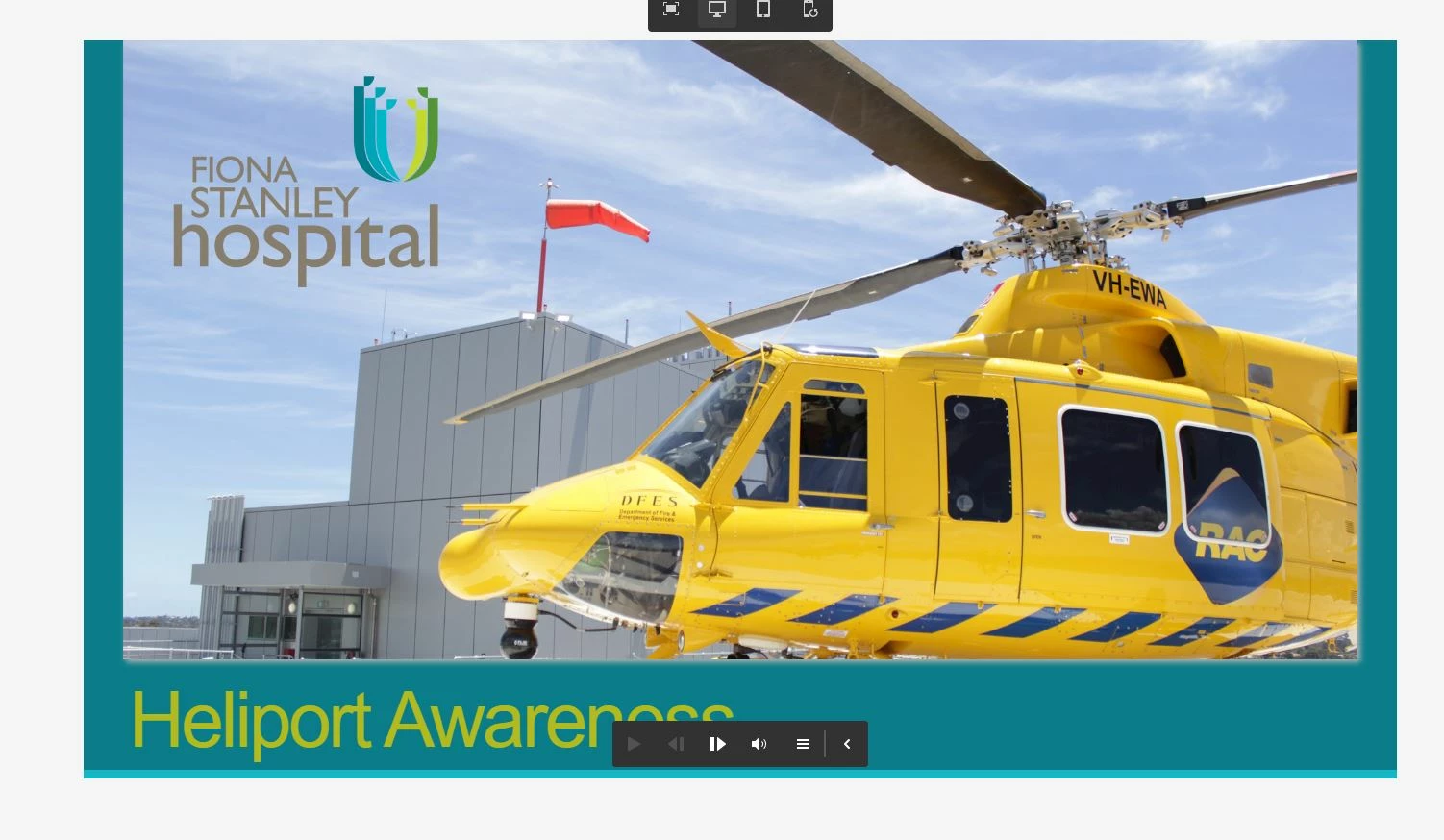
I'm using Captivate 12 and the published version looks nothing like the preview. It enlarges to full page width and looks terrible. Is there any way to scale down to look like the preview?

  

    This topic has been closed for replies.

    2 replies

    Adobe Employee
    November 20, 2023

    @elizabethc56747119 , Publish is always full screen and Preview default is desktop view. In 12.2.0.19, please set Image reponsive behavior at Image content block level to "Scaled" . 

    Participant
    November 21, 2023

    Thanks will try that.

    ChithraBasker
    Community Manager
    Community Manager
    November 16, 2023

    @elizabethc56747119 This is the expected behavior. Captivate 12 is responsive by nature, so it will take up the full width when published. The output will be displayed on the full screen.

    AdobeEmployee
    Lilybiri
    Legend
    November 16, 2023

    @ChithraBasker I suspect that the problem is with the image which is cropped after publishing and not in Preview. 

    @elizabethc56747119 This week an update was released to 12.2.0.19. Can you update, and check if this still occurs?

    Is this image an individual object or did you fill the slide with the image?

    Participant
    November 20, 2023

    Thanks for your response our company security is very high so I have to wait for tech to install update. Will try and see how it looks