poste graphismei97929868
Participant
February 2, 2018
Answered

[Captivate 2017] - Drag and Drop not visible

  • February 2, 2018
  • 1 reply
  • 246 views

Hello,

I'm having a lot of problems with Captivate.

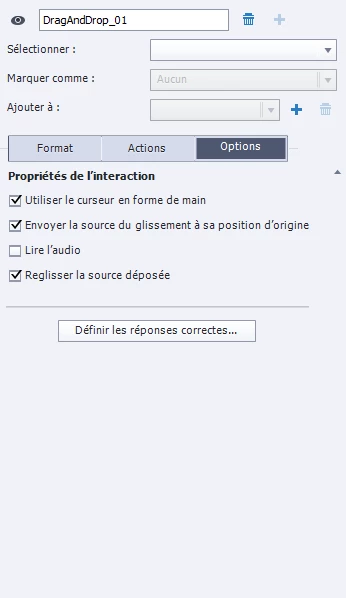
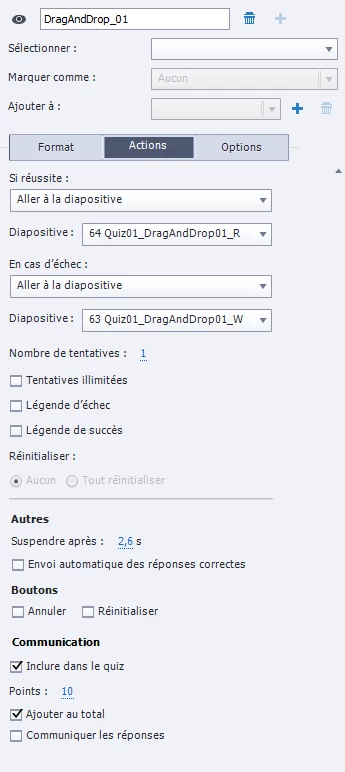
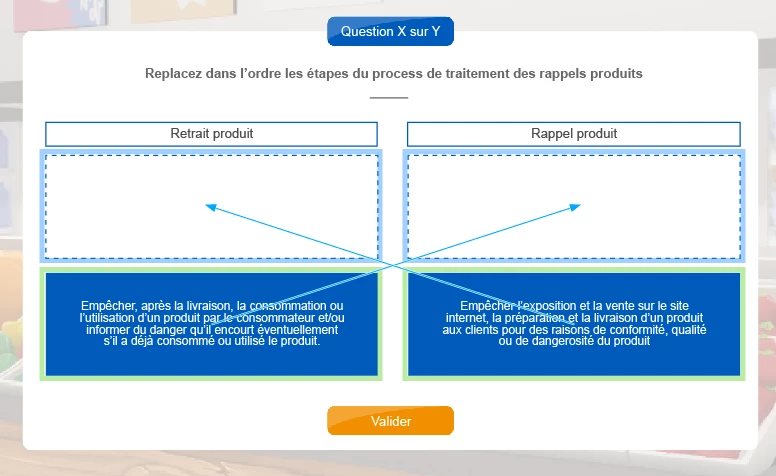
One of them, I encounter: When I try to visualize my Drag And Drop, my items do not display ...

    This topic has been closed for replies.
    Correct answer Lilybiri

    Can you please insert a screenshot of the Timeline. Drag&Drop requires that all drag sources and drop targetd are on the slide from the first frame.

    1 reply

    Lilybiri
    LilybiriCorrect answer
    Legend
    February 2, 2018

    Can you please insert a screenshot of the Timeline. Drag&Drop requires that all drag sources and drop targetd are on the slide from the first frame.

    poste graphismei97929868
    Participant
    February 2, 2018

    Hello Lily,

    I already find the solution. I wanted to make appearance effects, by shifting the appearance of elements on the timeline.
    And when I put the elements at the beginning of the slide, the drag and drop worked.

    I had to resign myself to doesn't have the appearance of elements in shifted.

    Thank you very much for your response

    Lilybiri
    Legend
    February 2, 2018

    Vous n'êtes pas seule, beacuup d'utilisateurs ignorent q'u'il faut avoir tous les éléments en place dès le début du diapositive. Mes escuses, j'aurais dû répondre en français tout de suite. An Anglais les éléments qui entred avec us délai, 'are staggered on the timeline'.