
Question
Captivate 2017 - Match Game Quiz
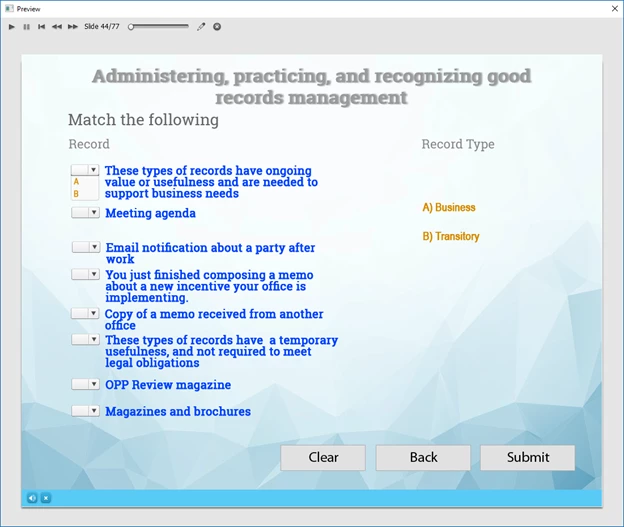
I am having an issue with the drop down list choices for the match game quiz. I have two choices (A, B) that match up to a list of statements. The problem is: when viewing the project as an executable file, the letters A and B show up clearly. When I prepare the project for SCORM and the project is viewed via a web page, the A and B are sometimes replaced with an X for both of the optional choices (A, B). In the screenshot attached, the letters are showing correctly, however in the web page version, the letters A, B are replaced with the letter X. The funny thing is, it doesn't always occur - it appears to be sporadic. Any ideas as to the cause? Web browsers tested: IE 11, Chrome 70.0.3538.102 (Official Build) (32-bit). Thanks.
 AdChoices