Tejas Dandekar
Inspiring
March 17, 2023
Answered

Captivate 2019 11.8.1 - Exporting video demo slide as mp4

  • March 17, 2023
  • 1 reply
  • 506 views

Hi,

I have a Captivate eLearning project. One of the slides has a video demo with captions and audio. Is it possible to ONLY export the slide with the video demo or the video demo itself as .mp4?

    This topic has been closed for replies.
    Correct answer Lilybiri

    Can you please tell HOW this video demo slide was created, because there are two ways:

    1.  By using the big button Slides, Video Demo. In that case the Video Demo slide is recorded based on a Blank master slide, and using the theme and resolution (size) of the project. You can access the Video Demo editor from that slide.
    2.  By using the Insert menu, CPVC slide. In that case the video demo was recorded as a standalone cpvc project. 


    In the second scenario you'd better open the standalone cpvc project and publish it. The only possible output is MP4 in that case.

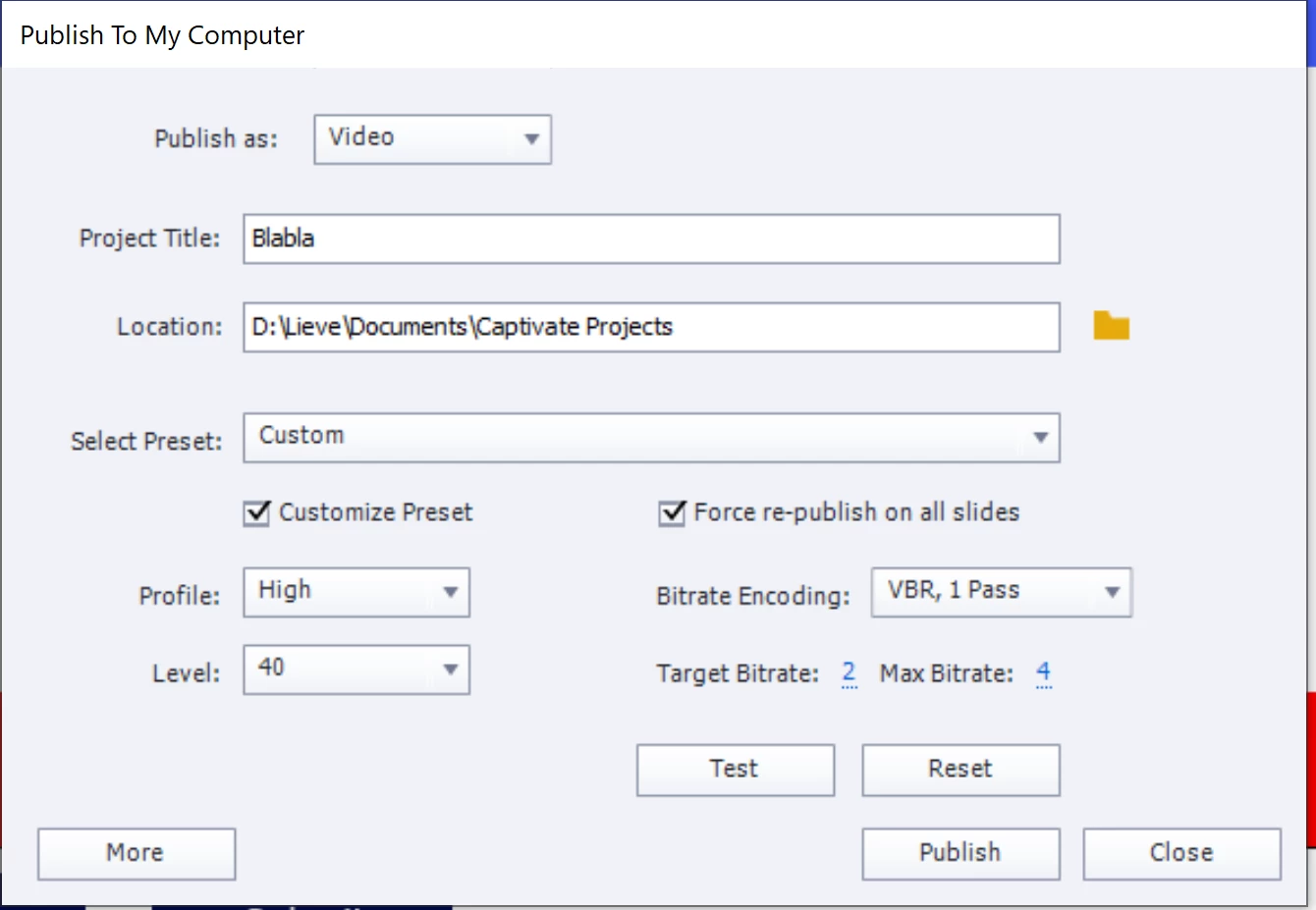
    In the first scenario, hide all slides except the Video Demo slide and publish to Video.
    1 reply

    Lilybiri
    LilybiriCorrect answer
    Legend
    March 17, 2023

    Can you please tell HOW this video demo slide was created, because there are two ways:

    1.  By using the big button Slides, Video Demo. In that case the Video Demo slide is recorded based on a Blank master slide, and using the theme and resolution (size) of the project. You can access the Video Demo editor from that slide.
    2.  By using the Insert menu, CPVC slide. In that case the video demo was recorded as a standalone cpvc project. 


    In the second scenario you'd better open the standalone cpvc project and publish it. The only possible output is MP4 in that case.

    In the first scenario, hide all slides except the Video Demo slide and publish to Video.

    Tejas Dandekar
    Inspiring
    March 17, 2023

    Thanks.

    The video demo was recorded using option 1 that you've mentioned above.

    Lilybiri
    Legend
    March 17, 2023

    OK, thanks for the heads up. Did you try the solution I offered? 

    If this will be needed in the future, I would recommend to use scenario 2. You only need to be careful to use the same resolution for the standalone cpvc project as for the cptx-project in which it will be inserted.


