Participant
March 31, 2020
Question

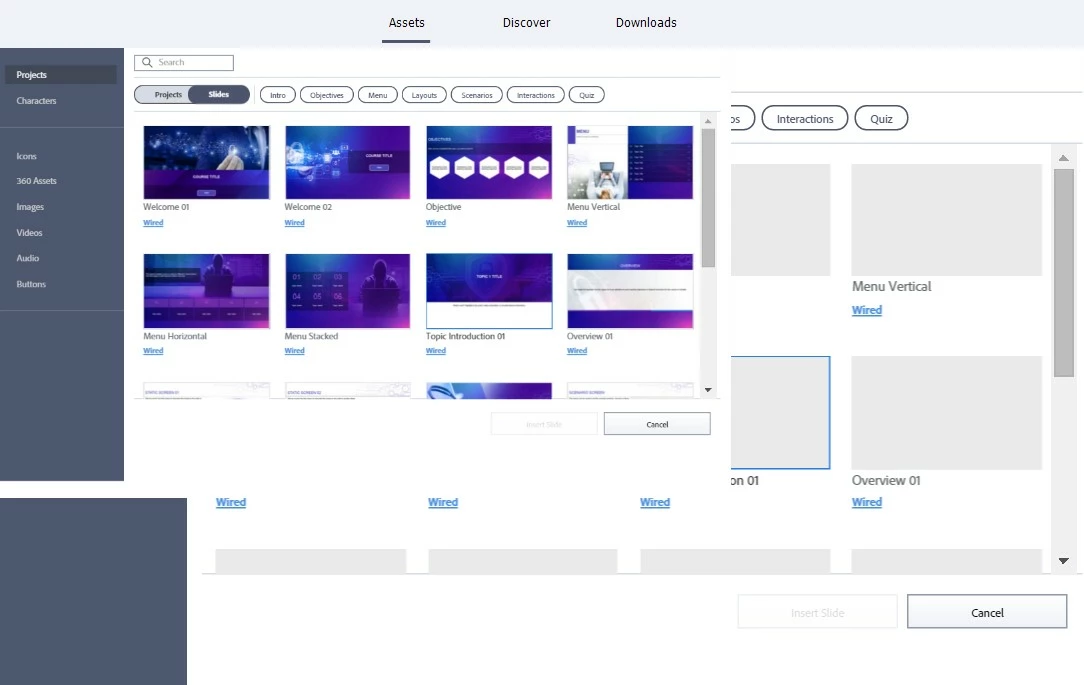
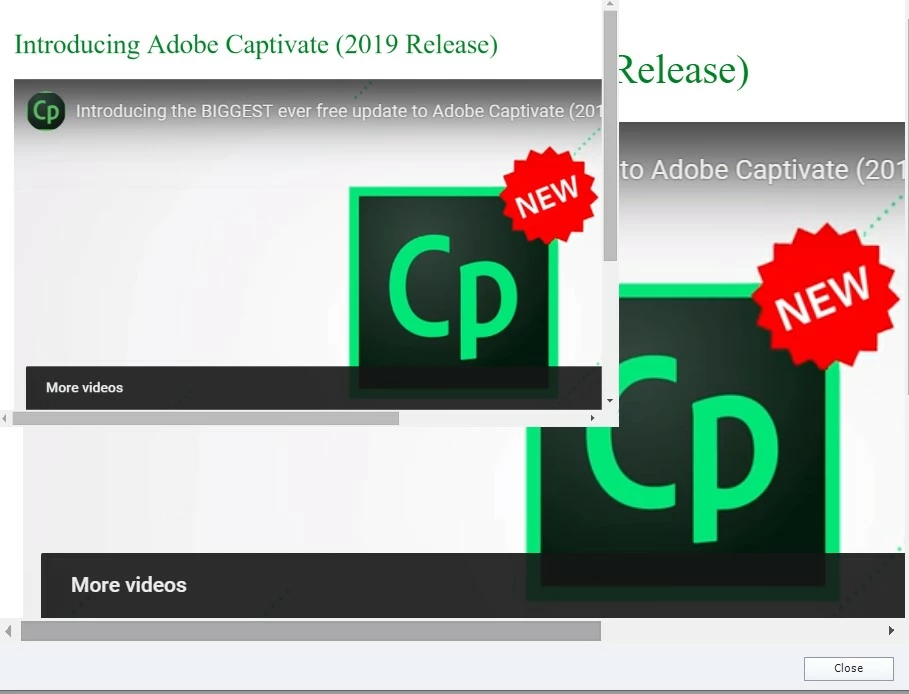
Captivate 2019 Assets Issue

  • March 31, 2020
  • 1 reply
  • 300 views

Good afternoon, 

   Captivate 2019 opening video and Assets opens a screen within a screen. I cannot find where anyone else has had this problem and I have been dealing with it for a week now. I have uninstalled, reinstalled, cleared Preferences, Layouts, etc. I am on Windows 10 OS, hooked up to a second montior via HDMI at home during the virus. I have unhooked the monitor and tried but that does nothing. Not to mention that I can't really work in Captivate from just my laptop screen. 
    This topic has been closed for replies.

    1 reply

    Lilybiri
    Legend
    March 31, 2020

    There was a similar thread recently, but that was solved by reinstalling:

    https://community.adobe.com/t5/captivate/screen-in-a-screen-using-character-assests/td-p/10997851?page=1


    AFAIK you are the only two users with this experience...

    Participant
    March 31, 2020

    That was actually my Director lol. So it's still just little 'ol me with the problem. Well...at least I can try to say "I'm unique" lol. 

    Thank you so much!

    RodWard
    Community Expert
    Community Expert
    April 1, 2020

    There is a possibility that the issue is caused by the video drivers on your particular computer.  I would suggest you try updating your video card driver software.