


Question
Captivate 2019 black frame on top
My Adobe Captivate 2019 version 11.5.5 isn’t working properly, in my MacBook Pro. I was running BigSur and thought that might be the problem, so I downgraded to macOS Catalina, reinstalled Adobe Captivate 2019 but the problem continues. Initially this wasn’t an issue, this appeared I think with one of the Captivate updates.
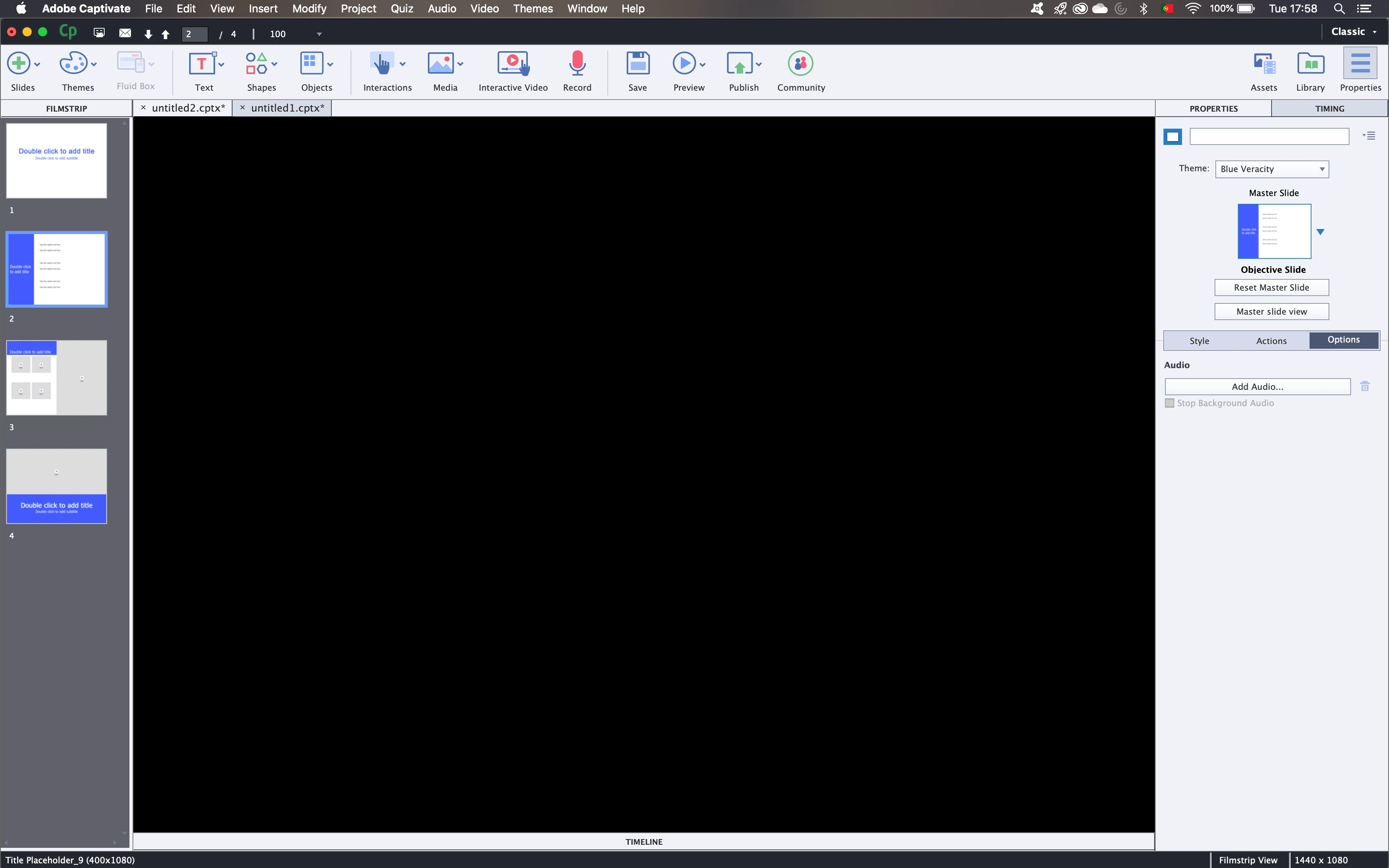
When I’m in 100% magnification everything is black:
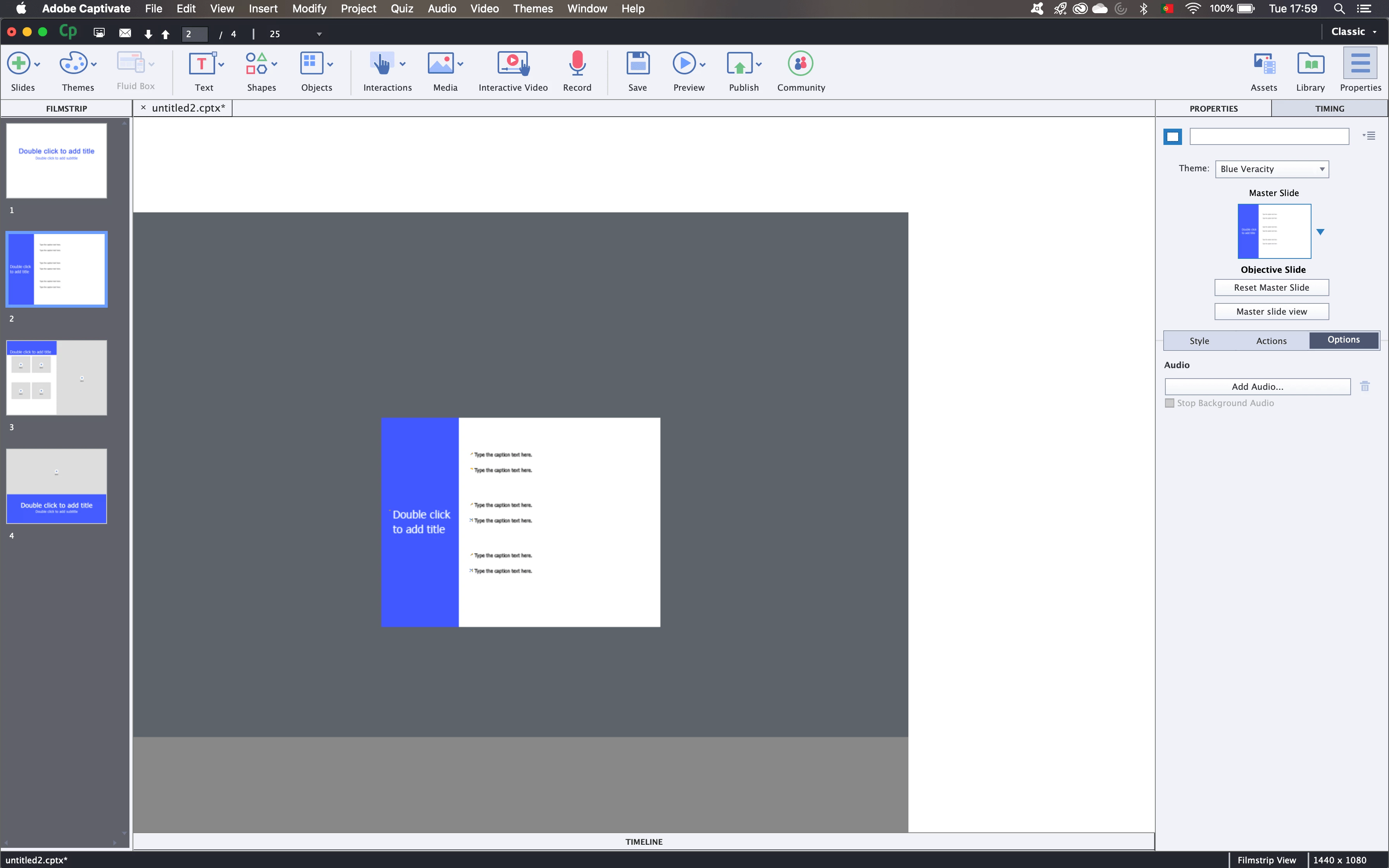
When I’m in 25% I can see the hole slide:
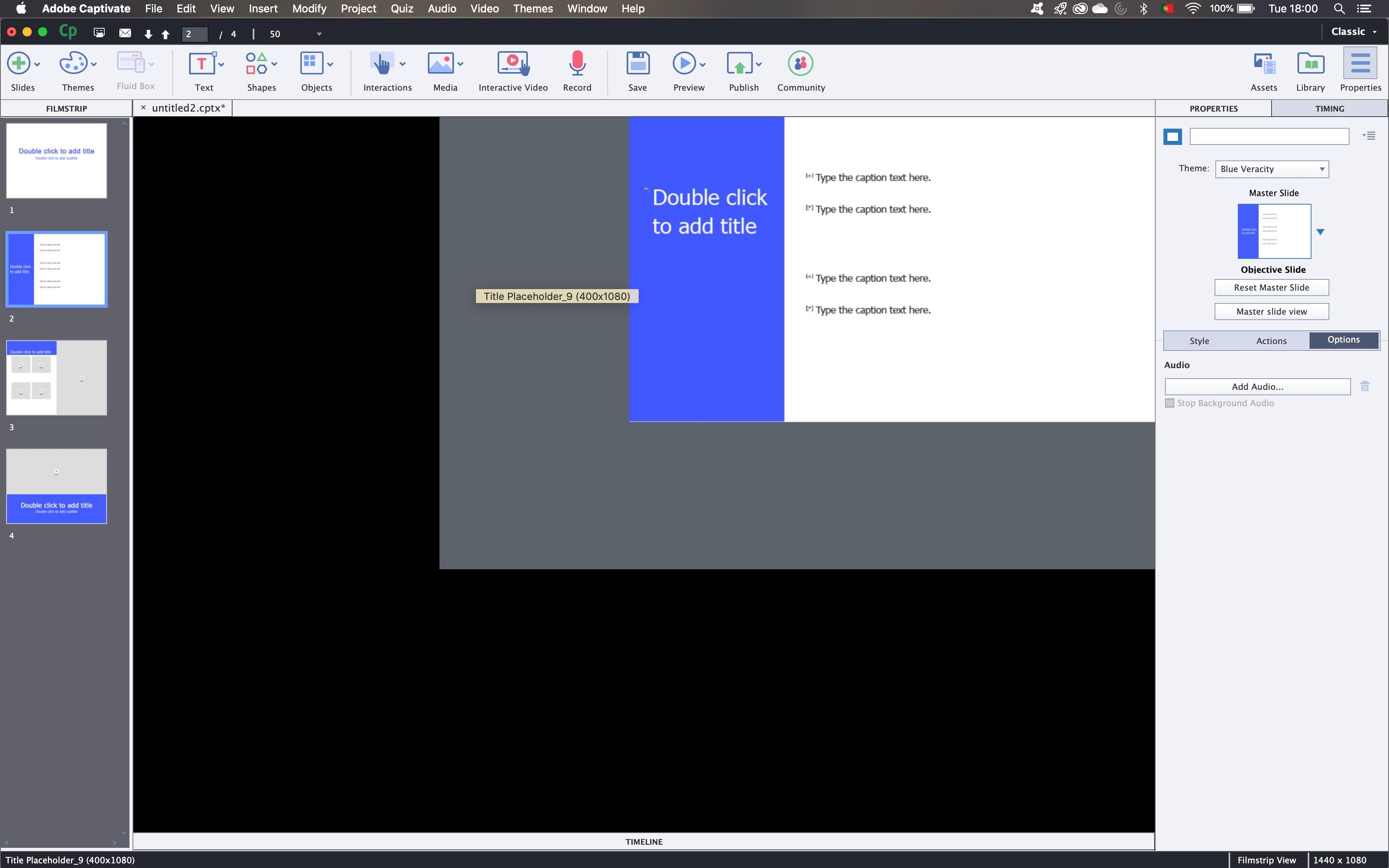
When I go to 50% it shows the left lower part of the slide:
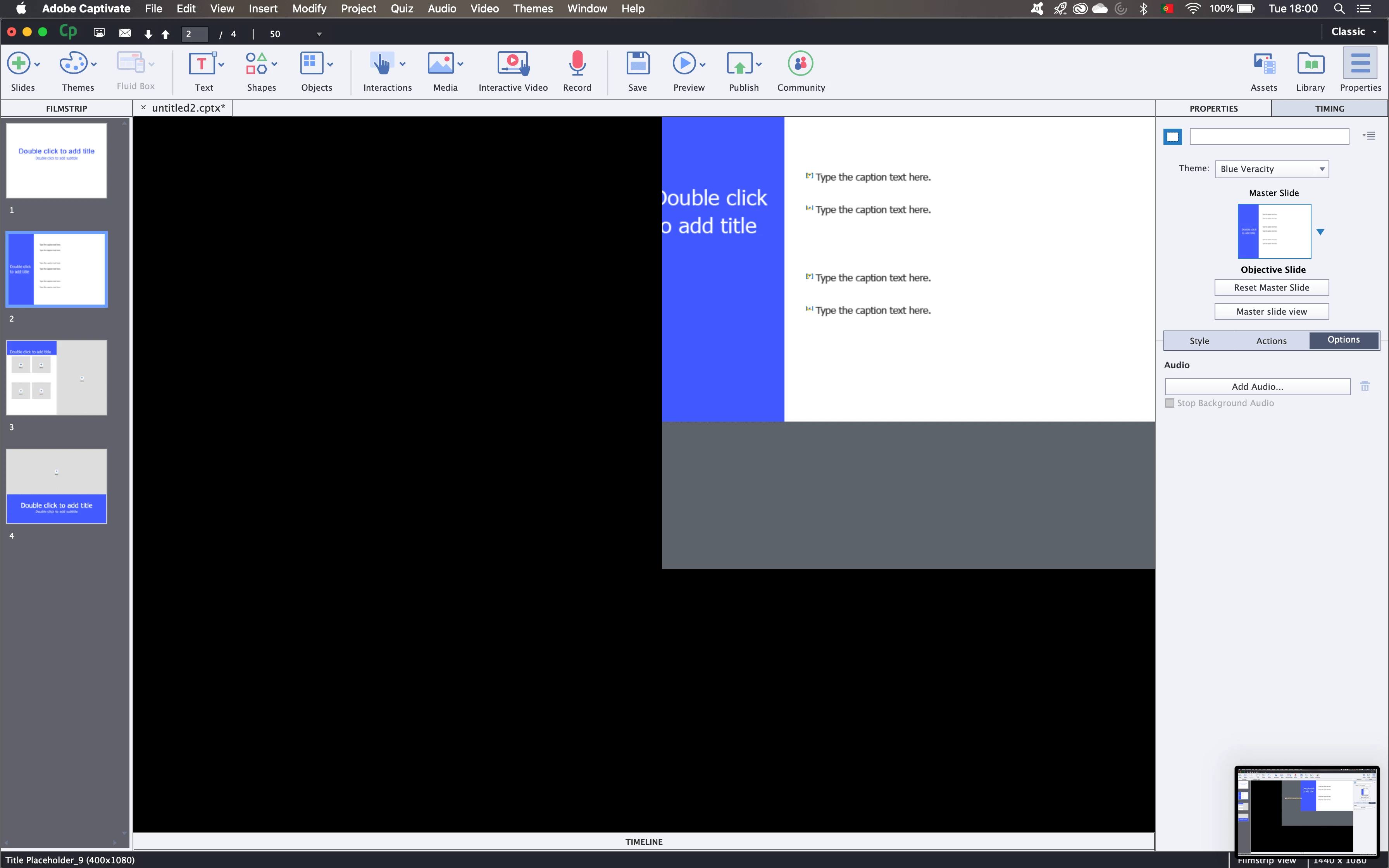
but when I try to scroll left, instead of scrolling it seems the black layer moves but the slide remains in the same spot, and then the black layer covers the slide.
Does anyone can help me?
 AdChoices