Participating Frequently
October 21, 2019
Question

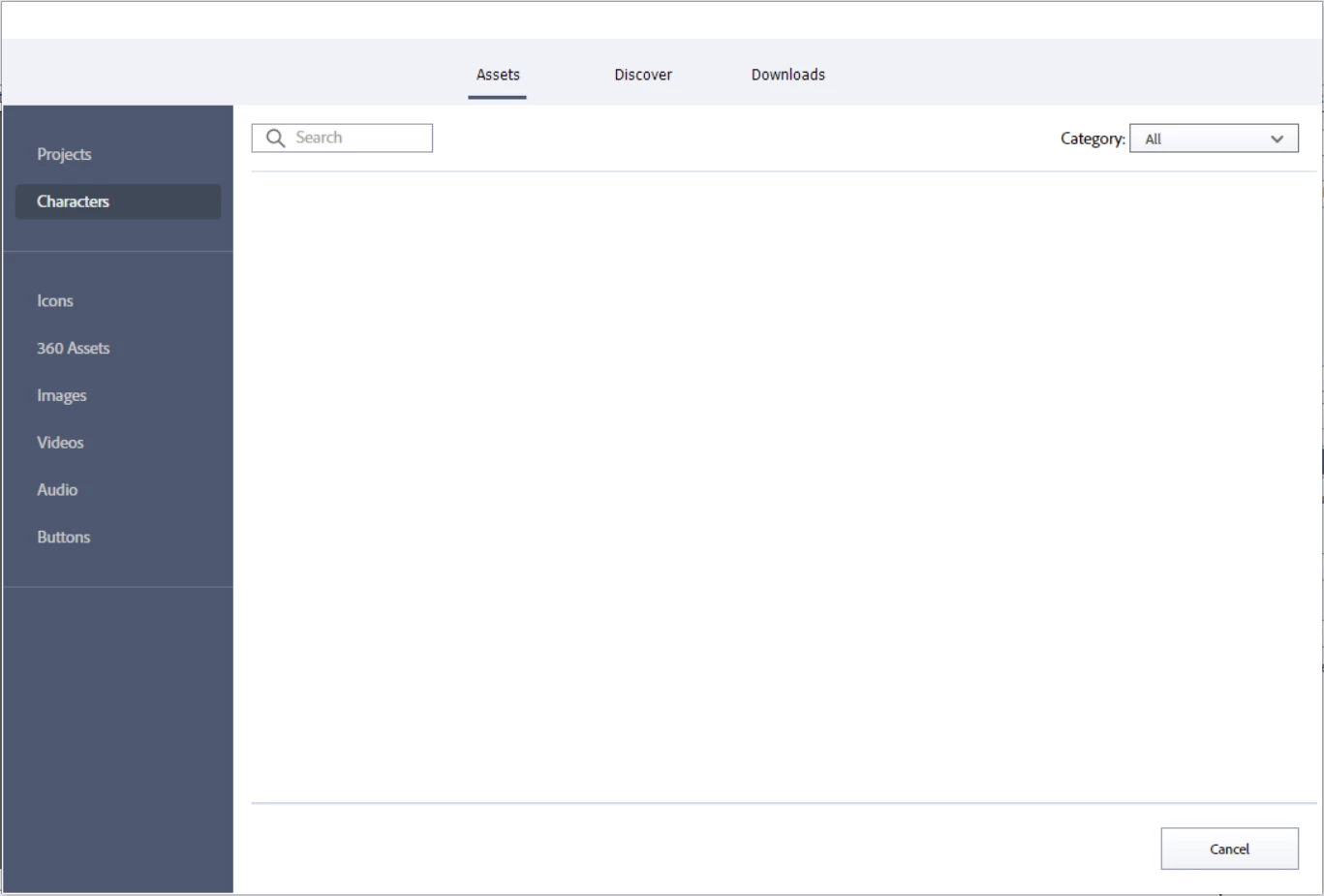
Captivate 2019: Characters not showing in assets. Newly downloaded characters not accessible.

  • October 21, 2019
  • 4 replies
  • 2322 views

Hi, 


I had been using Adobe characters from assets untill a few days back. It was working fine. Now, when i try to access characters from assets or media -> character, the asset window is blank. The characters have dissappeared. When i checked the character folder, i can see the different character .png files. But these arent appearing when i try to access them for a project. 


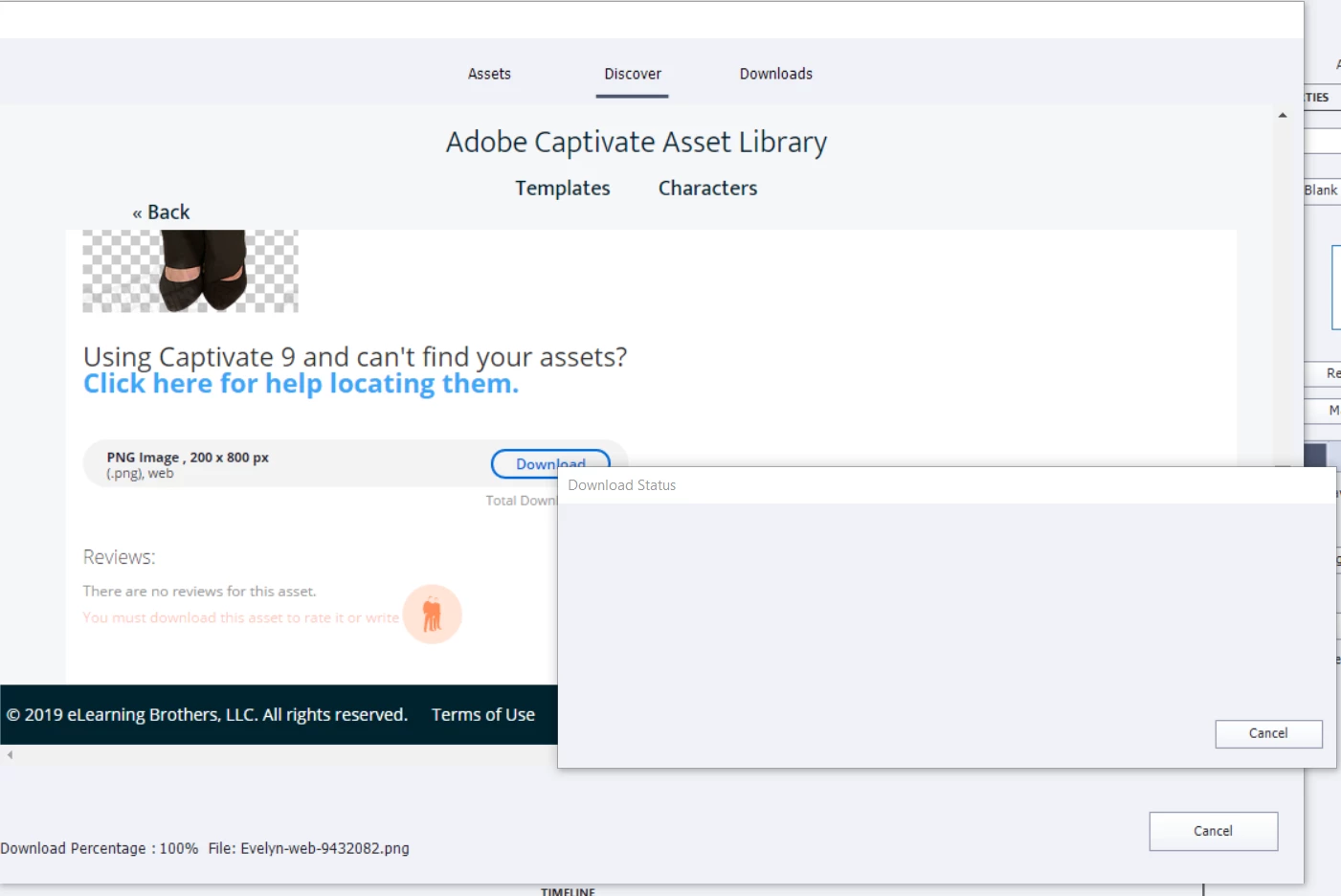
Also when i try to download some characters, it shows 100% downloaded, and a blank window opens as download status, which needs to be cancelled (Adobe Captivate freezes most of the time i cancel this) and the newly downloaded characters

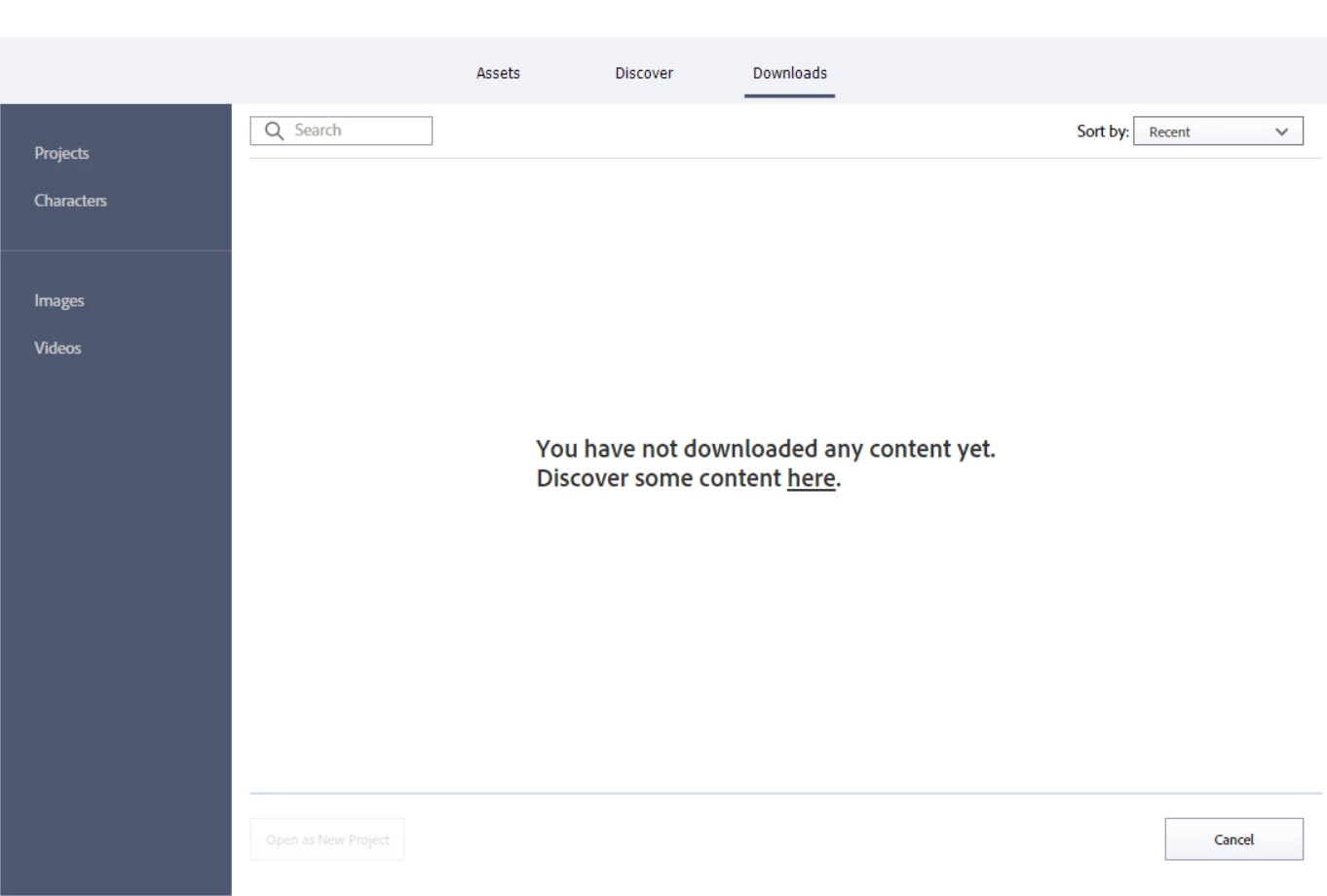
arent listed in the 'downloads' folder.


As per some suggestions found in this community, i tried clearing preferences, checked if the assets are placed in public folder etc. but it didnt work.


Please let me know if there's any solution for this.
This topic has been closed for replies.

4 replies

Participant
July 7, 2020

Greetings:


I get the same problem as Shweta SN.  Does anyone have a solution to this?


Thanks.


Joseph B.

Lilybiri
Legend
July 8, 2020

Are you on a company system behind a firewall? Did you check the eLearning Assets folder (in Win it is to be found in Public documents)? Do you see downloaded items there? You can try to delete the Content folder while Captivate is closed and retry to download. On Windows do you run Captivate with 'Run as Administrator' setup?

johnhuggett
Participant
June 20, 2020

I am getting the exact same thing.  I have done everything suggested on this page.  Still the same result. 😞

Participant
July 6, 2020

Hi,

Were you able to get this resolved. I'm facing the same issue and could some advice on how to remediate this.

Thanks

Participant
August 12, 2020

Im also having this issue, what is going on?

Paul Wilson CTDP
Community Expert
Community Expert
October 21, 2019

The only solution or workaround that I've encountered is to delete the following folder.

C:\Users\Public\Documents\Adobe\eLearning Assets

Of course, backup anything that is in these folders that you wish to keep. When you launch Adobe Captivate again this folder and most of the subfolders you had before will be recreated.

Paul Wilson, CTDP
Participating Frequently
October 22, 2019

Tried it but didnt work 😞 

Also, i forgot to mention that its not just the characters that are missing. The entire set of assets became unavailable for me.

RodWard
Community Expert
Community Expert
October 22, 2019

These assets come from the E-learning Brothers company.  Have you contacted their support team yet?

RodWard
Community Expert
Community Expert
October 21, 2019

I'm seeing the same issue.  This may be due to something at the other end with the Elearning Brothers server.


I would suggest you log an issue with them to see if they respond.