


Question
Captivate 2019 Event video not working on iPad (iOS 14.)
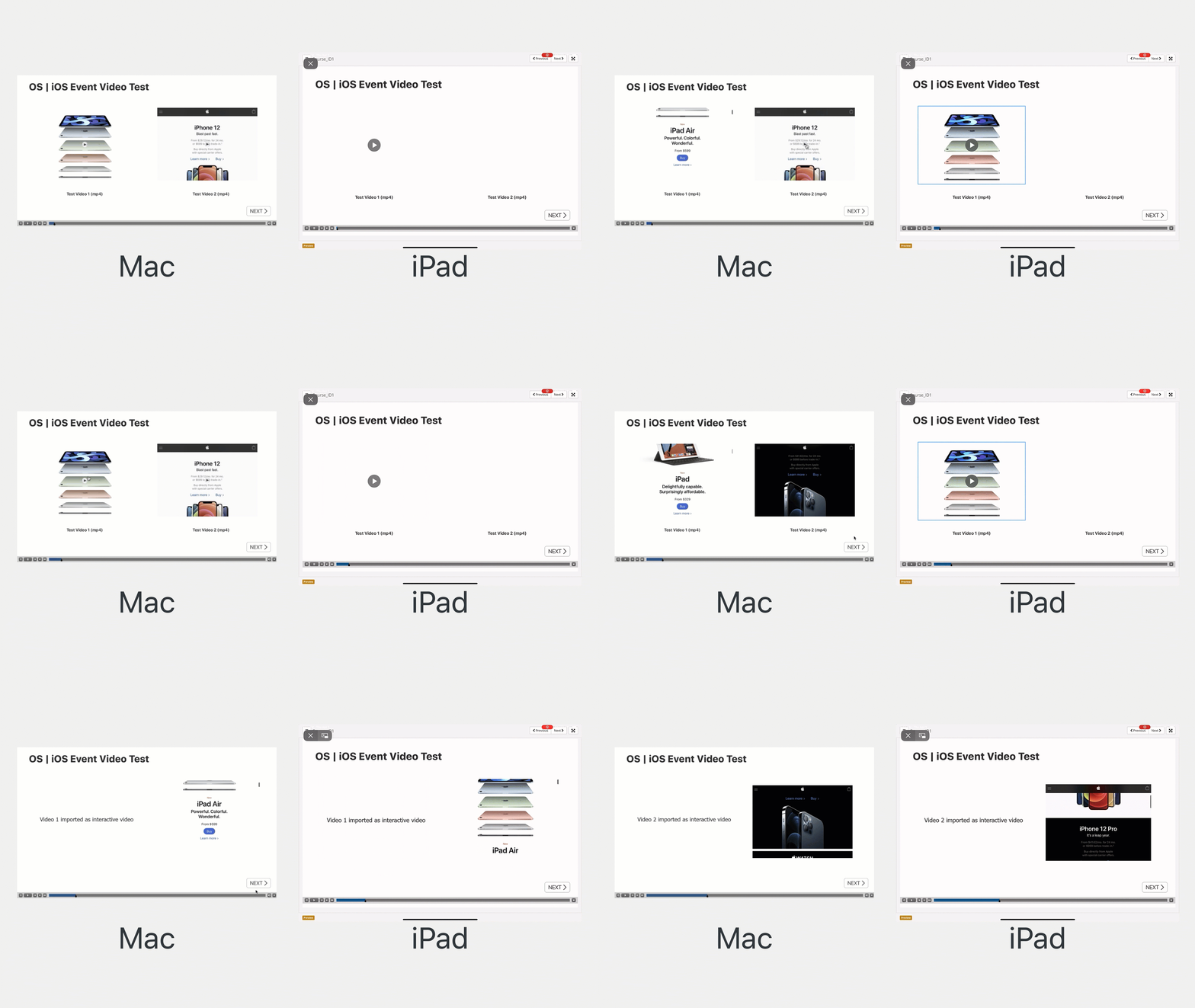
Hello all, seeing if anyone has seen this and has a fix: I am having an issue with event video displaying on iOS. It works fine on desktop, but the following is happening in iOS (14.4.2)
- The first video in the project is visible, but the user is unable to use the video controls (play/pause). When you tap play, a bounding box appears around the video but nothing happens.
- If you use the first video again in the project, it shows up but with no functionality (see gif below where I've duplicated the first slide)
- All other videos do not show up at all (they are the same duration/framerate/encoding)
- The same video that does not show up as Event video works fine as interative video
I have elimiated the possibility that it is a SCORM or LMS issue. I exported the project as HTML and put it on a server and the functionality is the same (1st video shows up but no functionality - the rest are not visible at all). I also took the same videos and put them into a Storyline project and they work as intended on both the LMS and as a no-scorm website.
I am using Captivate release 11.5.5.676 on Mac OS Catalina.
Are there video event specific workarounds that I can use to fix this issue (or am I missing something?)
 AdChoices