Pkoel
Inspiring
October 17, 2018
Answered

Captivate 2019 - Fluid boxes - Smart Shape Duplication

  • October 17, 2018
  • 1 reply
  • 1456 views

Hello Friends,

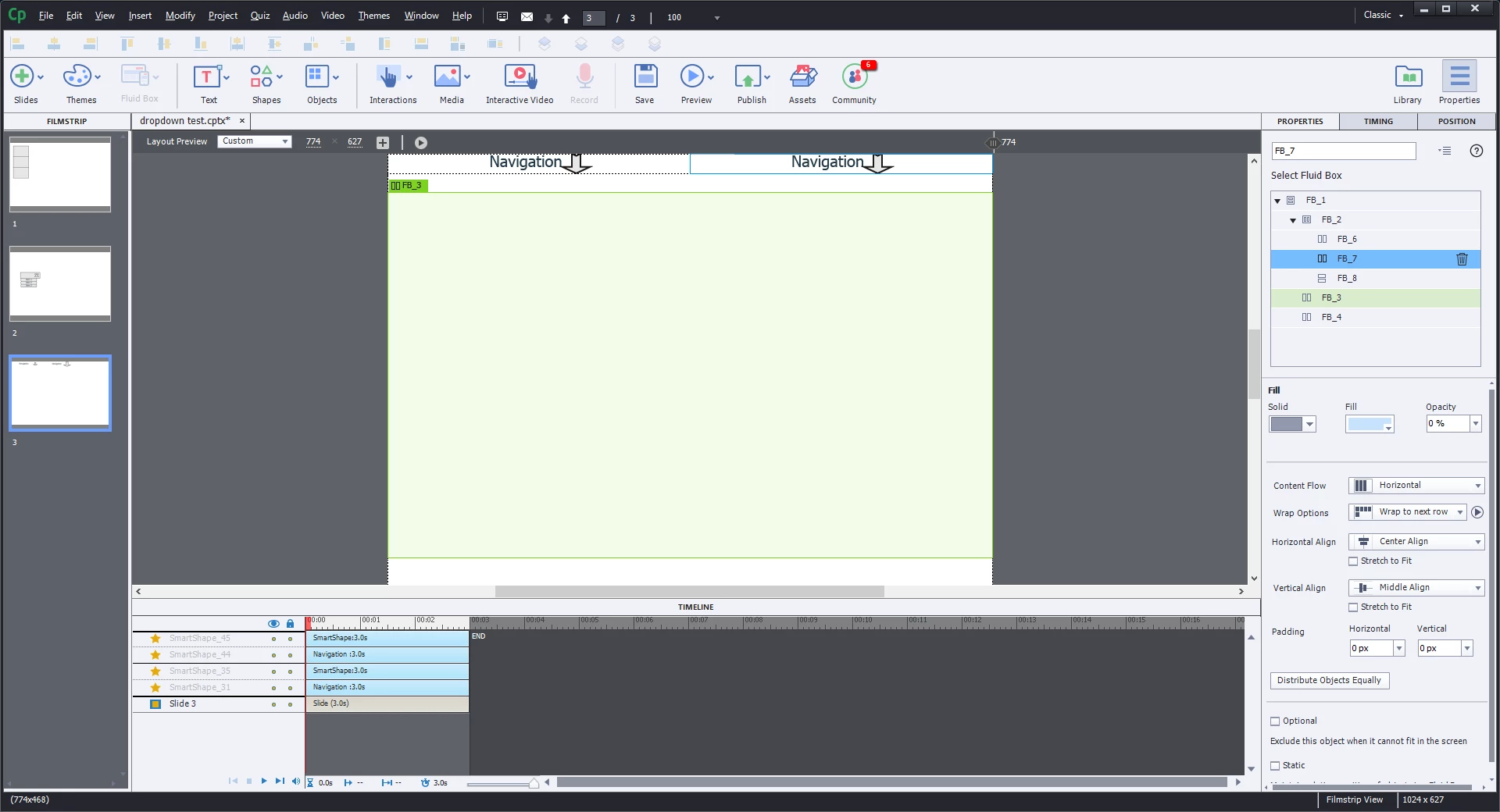
  I am creating a responsive slide. I have three fluid boxes along the top to form a navigation bar. In the left box (FB6), I added two smart shapes and sized them the way I wanted. I copied the shapes in FB6 and tried to paste into the other two boxes (FB7, and FB8) however the shapes change their size when pasted. I have verified that FB6, FB7, and FB8 have the same fluid box attributes, and have the same height and width. I do not understand why the smart shapes change size when they are pasted into similar size fluid boxes. Do you have any ideas?

Sincerely,

Peter
    This topic has been closed for replies.
    Correct answer Lilybiri

    Hello,

      Yes, they do:

    Sincerely,

    Peter


    OK, did some testing and understand what you mean, when copy/paste the shape it will extend to the size of the fluid box.

    Only workaround I found is to split the fluid boxes which have Navigate and the Shape in two horizontal fluid boxes, set to squeeze in a row so that they remain linked in any view. The fluid box for the Shape will need some padding (in this screenshot I used 5px vertically and horizontally):

    Now you can copy/paste the shapes, they'll get the same size. The cyan lines which you see are guides.

    1 reply

    Lilybiri
    Legend
    October 17, 2018

    Could you please post a screenshot of the stage?  Are you sure the shapes were indeed IN the fluid boxes? I find it a bit confusing sometimes in CP2019. It happens that an object seems to be in a fluid box (due to the tags at top left corner) but they are not. What happens when you preview over different devices with that new button?

    Pkoel
    PkoelAuthor
    Inspiring
    October 17, 2018

    Hello,

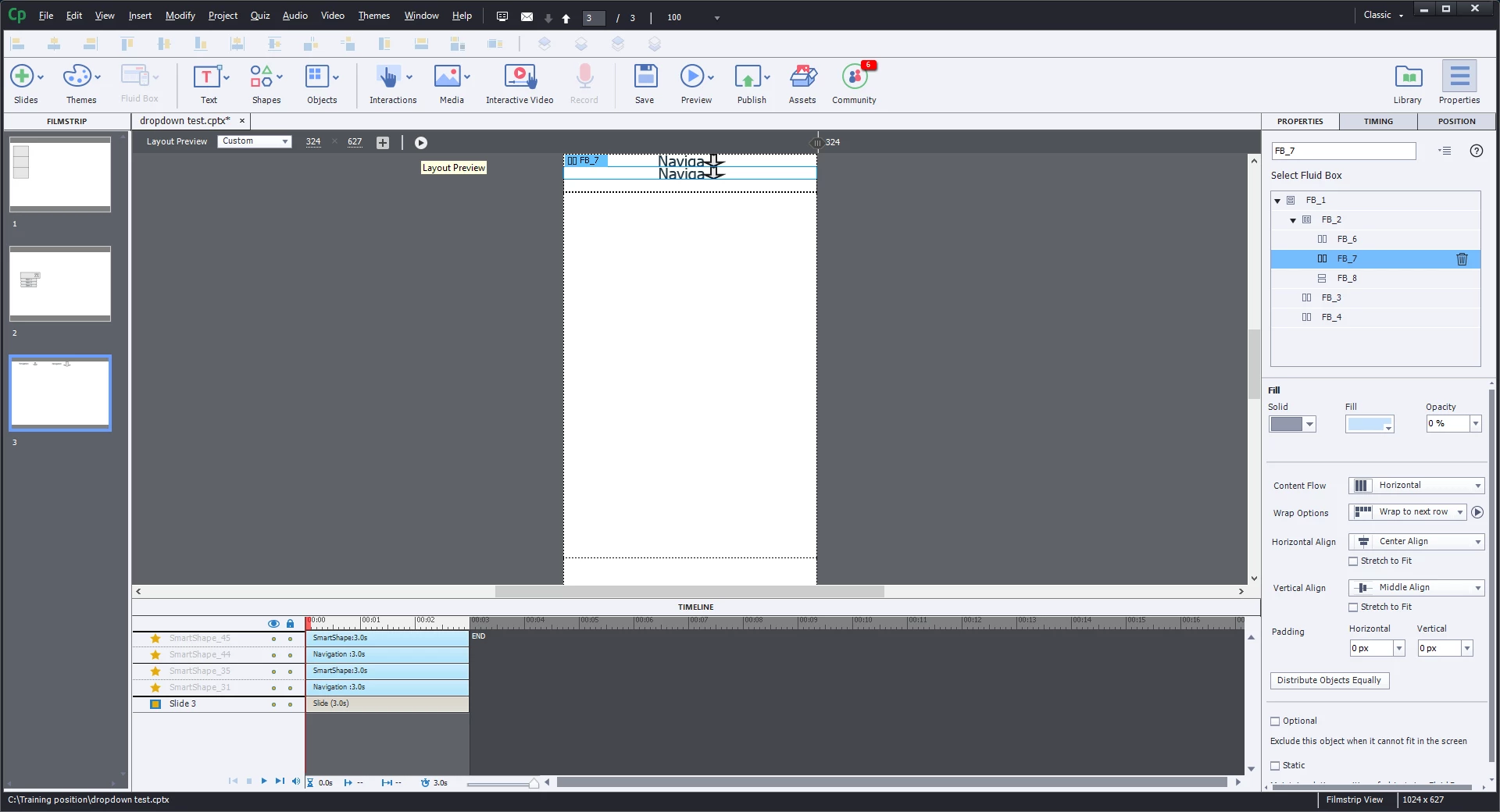
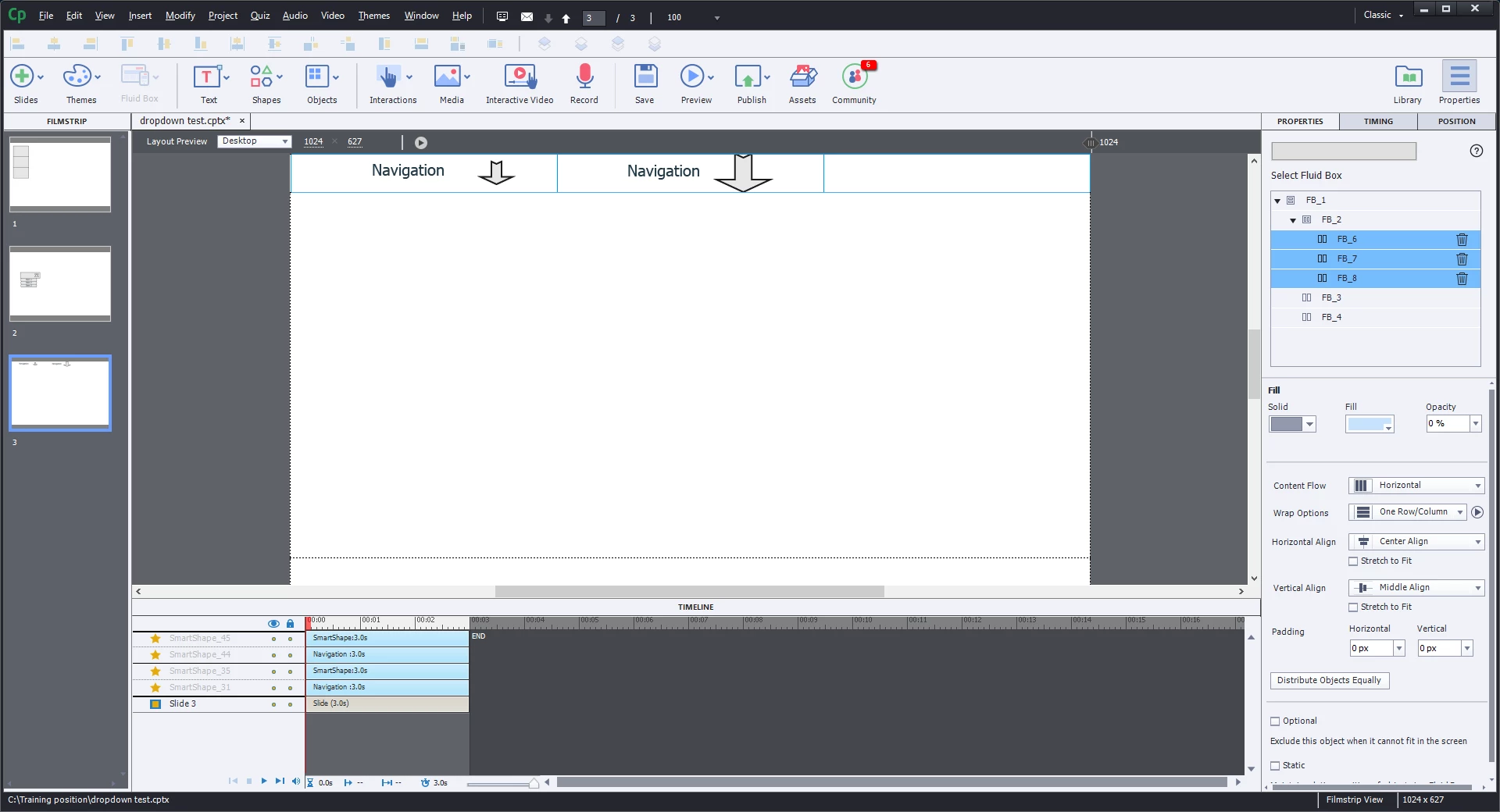
    Thank you for the reply. I thought the dark bars separating the two sets of smart shapes indicated that they were inside a fluid box. Is that correct?  Here are the images of FB6

    Here is FB7:

    Here is the run.

    I appreciate your help and suggestions!

    Peter

    Lilybiri
    Legend
    October 17, 2018

    What happens when you click the play button to have an automatic preview on all devices: are they remaining in the fluid box?