Lilybiri:
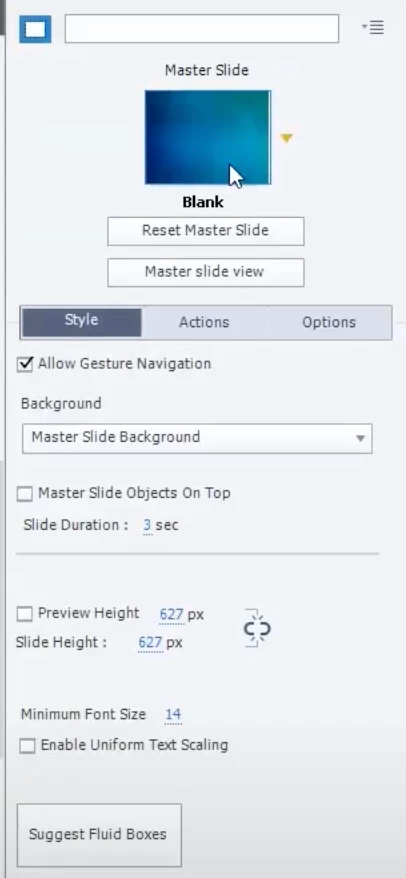
This issue is still unfinished. I can't find the option Master Slide View. See first screenshot. What I get is the Reset Master Slide option, but not the view option. For some reason, I can't edit a master slide. Can you please help me with that?
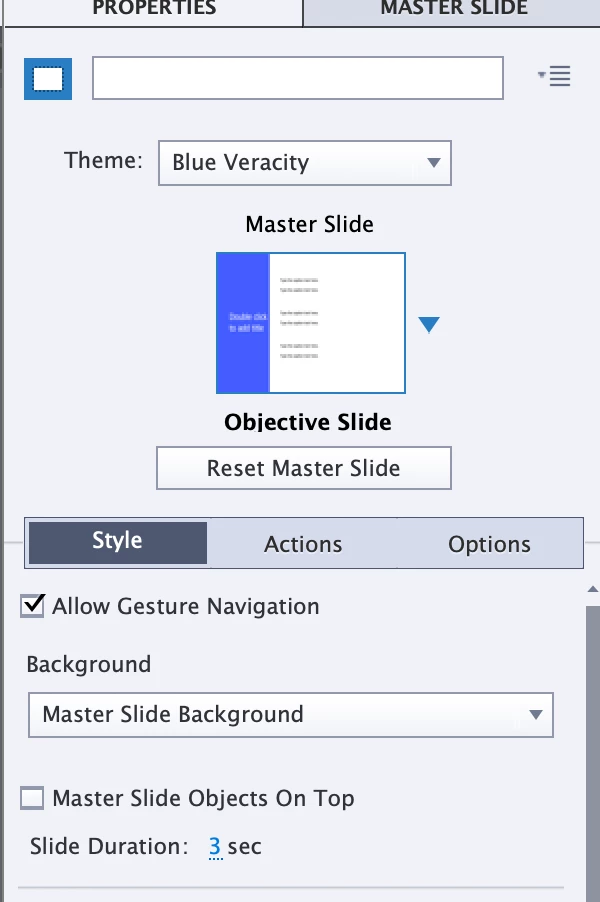
It is not a view, it is a panel. All panels can be opened from the Window menu. That is the way to go for both newbie and expert UI. If you are in the newbie UI, there is probably another way but I never use that interface.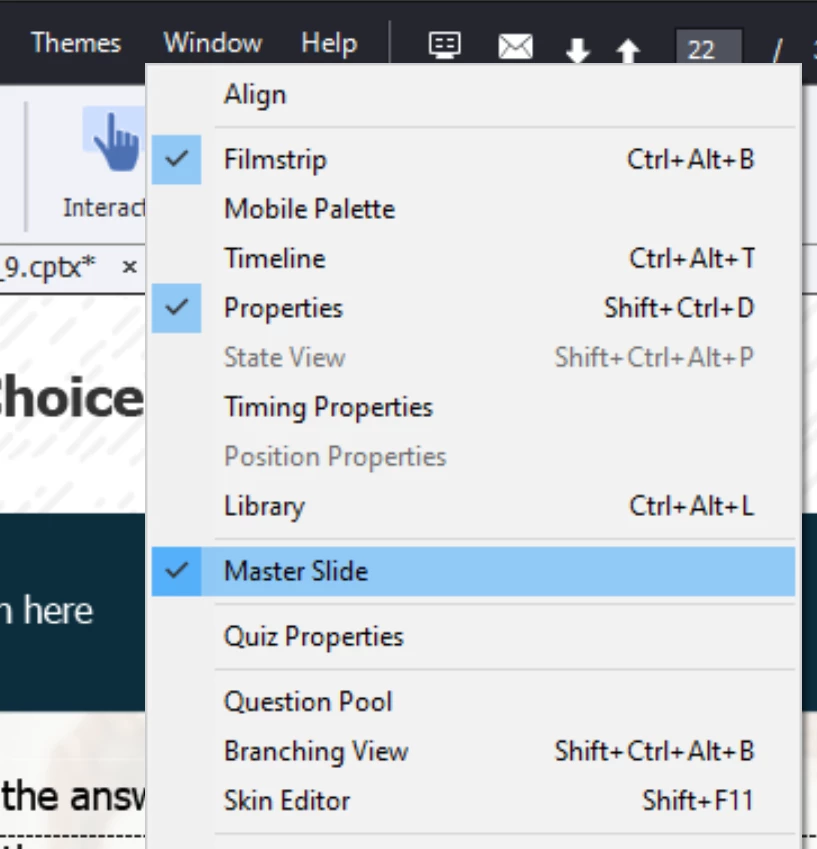
If you are in the newbie UI, the Master slide panel will appear in the left docking station, replacing the Filmstrip panel. There should be a button to close or exit the Master slide to have the Filmstrip back.
The Timeline panel (bottom docking station) is also valid for the Master slides, to see which items are on the master slide. The timing in that panel has no meaning for the master slides, but the stacking order has.




 AdChoices