


Question
Captivate 2019 project on Mac not previewing
Just installed my new Mac version of Captivate 2019 (11.8.0.710), created a simple two-slide project and when attempting to preview (HTML 5 in Browser), it fails immediately with a Publish failed message.
When I attempt to Preview from this slide, an Adobe AIR window opens, with an OK button. When I click the OK button, I'm presented with a black screen. Very unsatisfying.
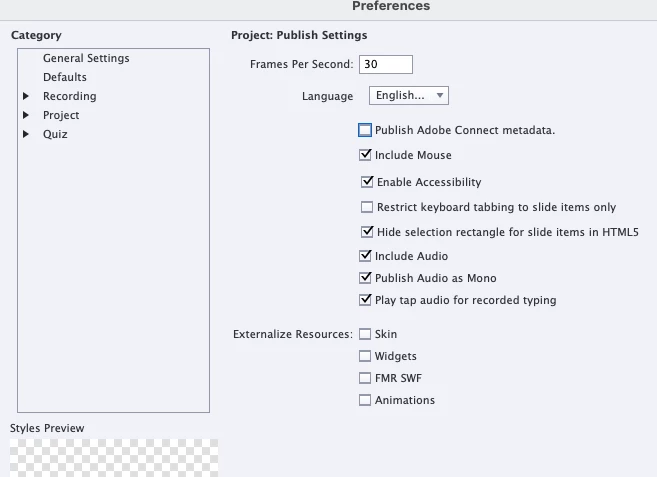
My publish settings are the default:
I'm on macOS Monterey version 12.6.
I know a lot about Captivate on PCs and am guessing there's some macOS setting I need to tweak.
Any help is most appreciated.
Thanks!
 AdChoices