



Captivate 2019 - Slide Audion Preview Won't Work
- 3 replies
- 550 views
- Translate
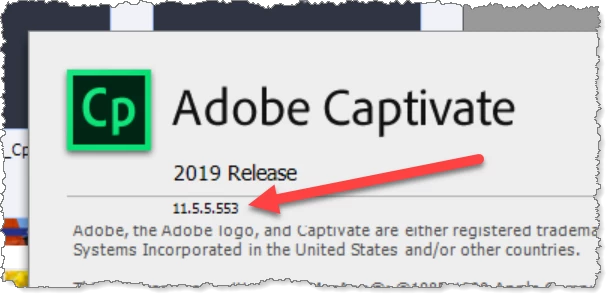
Hello. I just installed Captivate 2019 onto a new machine due to a lease roll at work. I have an existing .cptx file I had previously been working on. I have opened the file so that I could edit the audio on one of the slides. When I bring up the Slide Audio window, every time I click the Preview checkbox so that I can actually view the slide that I'm narrating, Captivarte freezes up (Loading Slide) and I have to close it and restart it. I have tried this about six times so far. I've cleared my cache. I've made sure there are no updates waiting for me.
I wanted to call Adobe to get help (as I've done in the past), but I get a message stating "Please contact your administrator for help. A member of your organization is a designated contact for issues with your Adobe products." I can assure you no such person exists at my organization. Beyond frustrating.

 AdChoices