


Participating Frequently
November 25, 2023
Question

Captivate (2023) Free Trial

  • November 25, 2023
  • 1 reply
  • 1265 views

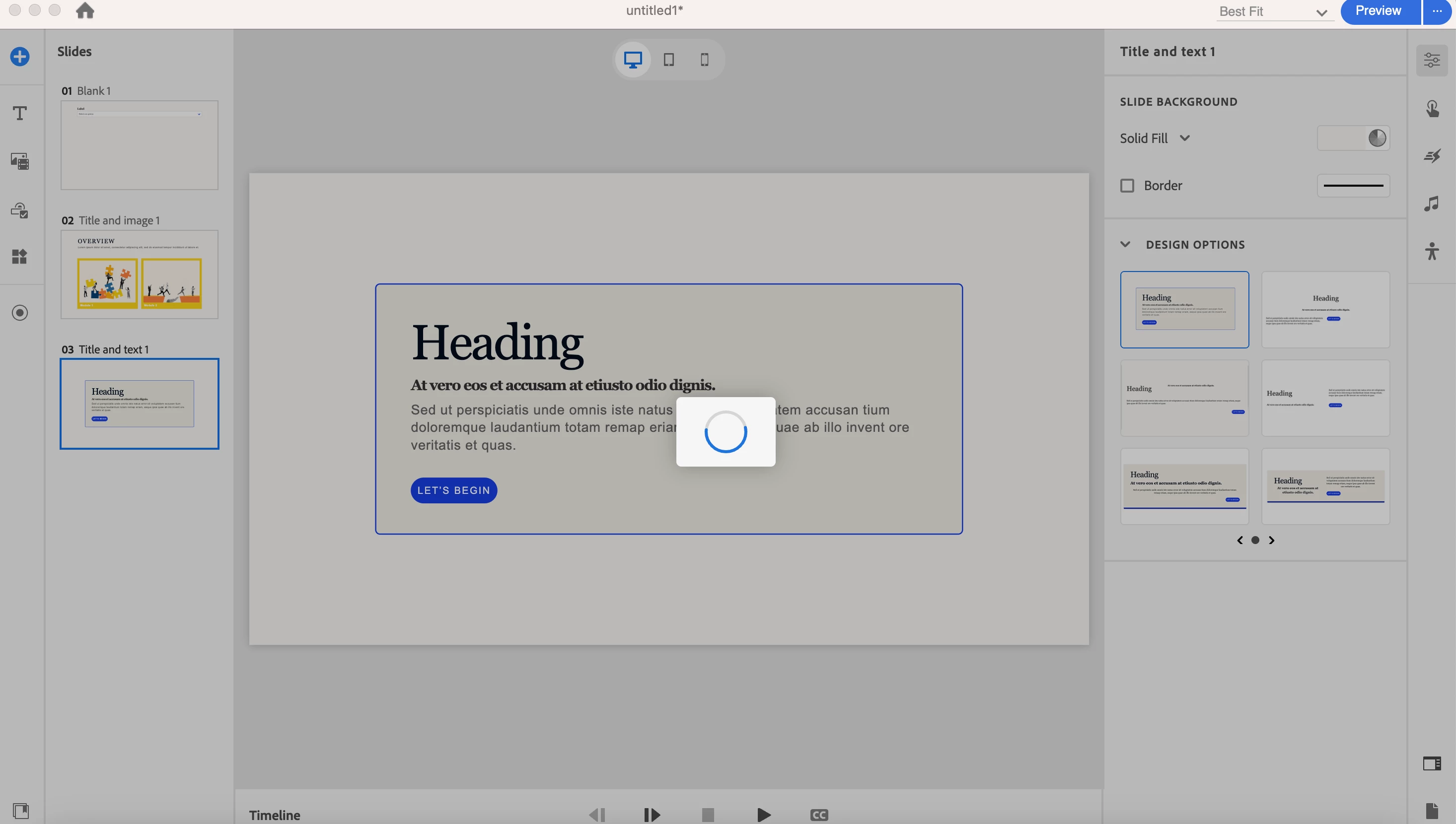
Hi! I recently downloaded Adobe Captivate (2023) through the free trial option, and I'm unable to save any edits, whether it be through a template or with a new project. It shows the loading icon indefinitely and I eventually have to force quit the app. 


Is this because I haven't purchased the subscription to Captivate? I don't want to buy the subscription and still have this error occur. 
This topic has been closed for replies.

1 reply

Lilybiri
Legend
November 25, 2023

Did you use the default paths when installing the trial version? I would suggest to check them, because they need to be on your system, not on a shared or a networked drive (including cloud). Is that the case.

AFAIK Captivate's trial versions have always been fully functional. From your screenshot I see that you are on a Mac, but the menu is missing. How did you save?  You could check the paths I mentioned under Preferences, which are  - not sure - under the Captivate.

geoffxAuthor
Participating Frequently
November 25, 2023

Hello! I redownloaded and installed the app, but I'm still running into the same issues.  If I try pressing save from this screen, I get the same issue with the loading icon. If I try changing the location it's saved at (by pressing the folder icon), I still get the same issue as well. Should I be trying something else?

Lilybiri
Legend
November 25, 2023

I see the path, but your documents may still be outside of your system or synchronized with a cloud storage. As I am a Windows user I don't know exactly how the Mac version looks like. Do you run Captivate with Administrator rights? Try to find the subfolder 'utils' under the installation folder and run the file 'CleanPreferencesMac' while Capitvate is closed.