September 16, 2009
Question

Captivate 3 - Course not previewing in preview or published mode

  • September 16, 2009
  • 1 reply
  • 1082 views

I have created a course in Captivate 3, and when I try to preview it in project or in the web browser mode, it doesn't work. I've search for similiar issues, and I see that there is an ongoing issue with previewing inserted animations or videos. This is not the same issue though. I haven't inserted any animations or videos.

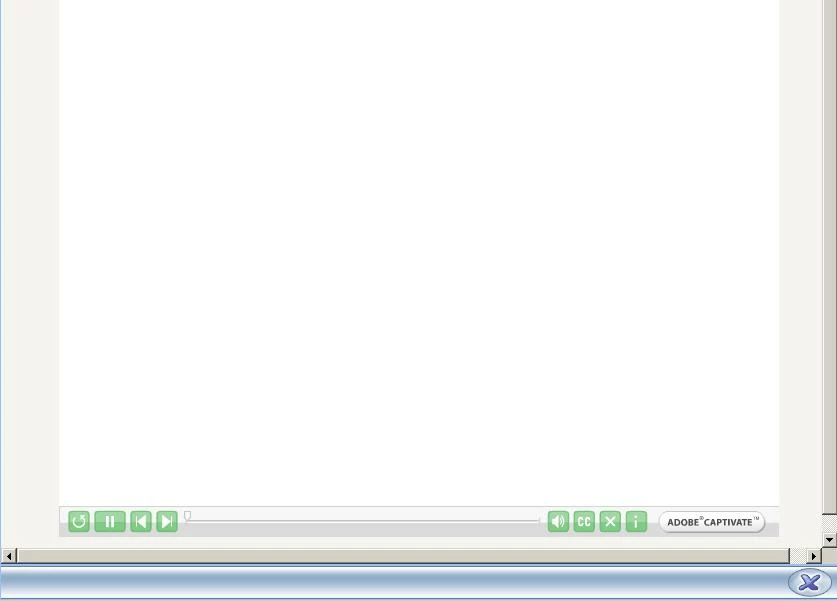
For some reason, I can only preview my slides when I try to preview the next 5 slides. It doesn't preview the entire project or in web browser. I've published the course to SCORM 1.2, and uploaded it to my LMS. When I try to launch it as a learner, I still only see a blank screen, but I can see the playbar from my skin at the bottom. I don't even see the loading screen. I don't know what else to do. My course has 79 slides. Could this be a reason why it's not working? Anyone know how I can fix this?
This topic has been closed for replies.

1 reply

September 17, 2009

Can someone, anyone please help?

Captiv8r
Legend
September 17, 2009

Hi there

Your situation sounds odd. Not something I've seen or heard of before. That's likely why you haven't seen any responses.

If you can, perhaps zip up the project and attach it here or make it available via some other link such as YouSendIt.com. Perhaps one of us can download it and test on our ends to see if we can offer suggestions or see if anything jumps out at us.

Cheers... Rick

Helpful and Handy Links

Captivate Wish Form/Bug Reporting Form

Adobe Certified Captivate Training

SorcerStone Blog

Captivate eBooks

September 17, 2009

Here's a copy of my file. Please let me know if anyone is able to figure it out.

https://rcpt.yousendit.com/741324775/10604290bad747c7041b5f661137ee6a&rcpt=Okbrudy@texaschildrens.org