Participant
December 16, 2011
Question

Captivate 5 quiz review not showing correct answers when loaded to LMS

  • December 16, 2011
  • 1 reply
  • 1038 views

Hello All. I would really appreciate some help please. Despite the quiz review working correctly when published, i.e. both 'your answer' and 'the correct answer' captions appear in the review, on loading to LMS the review caption does not show the 'the correct answer is' , but instead 'you did not answer this question completely'.

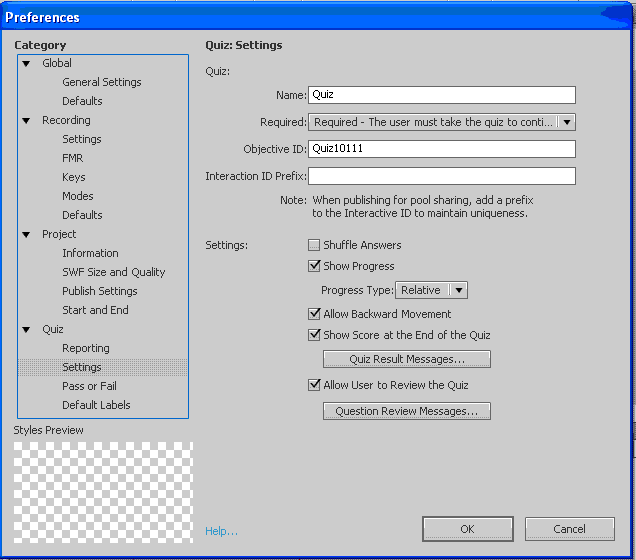
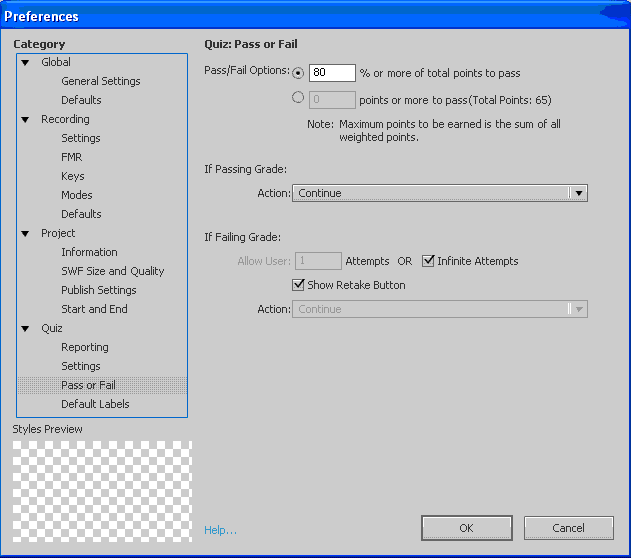
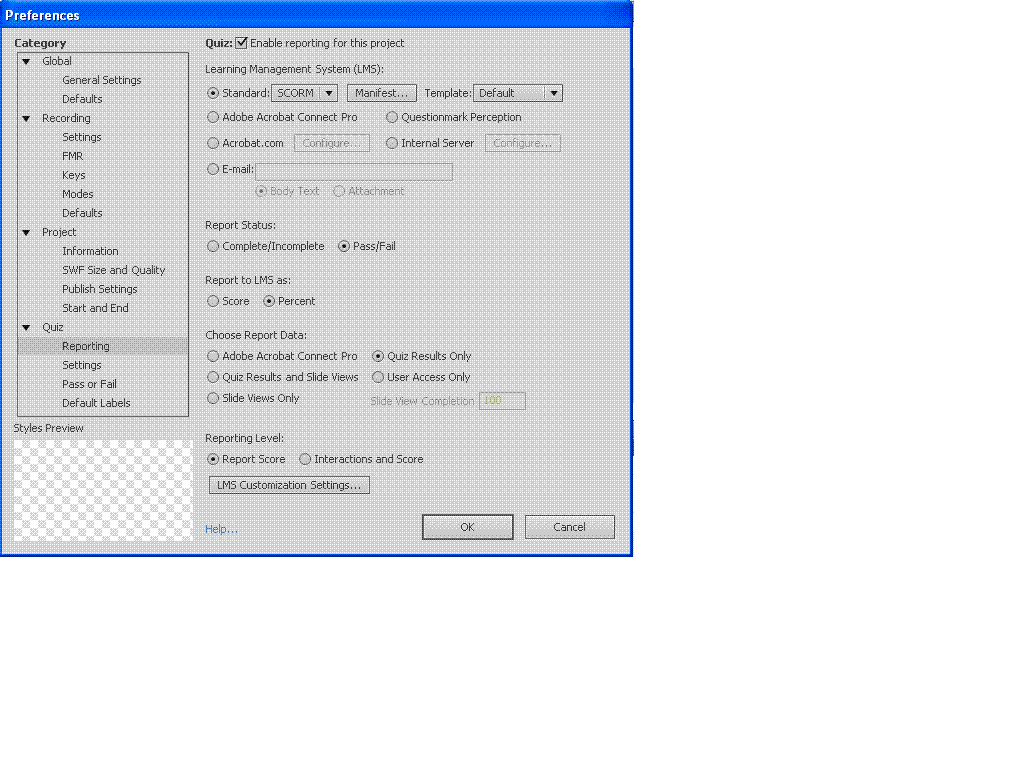
Any ideas why this should be the case? I've attached screen shots of my quiz preferences for completenes.

Many thanks in advance.

Janey
This topic has been closed for replies.

1 reply

RodWard
Community Expert
Community Expert
December 16, 2011

The "You did not answer this question completely" message is displayed at Quiz Review time when the user has not answered the quiz question and forwarded on to the next question, or if for some reason Captivate has actually skipped over the question so that the user did not get the chance to answer it.

Participant
December 16, 2011

Thank you - I am aware what the function is and how it should work. The problem is that I have loaded into LMS and when testing I want to answer some questions correctly, some incorrectly and not complete others. The questions answered incorrectly don't get the 'right answer' displayed but the 'incomplete' message.

RodWard
Community Expert
Community Expert
December 16, 2011

Do the same modules evidence this behaviour when published and played outside the LMS, e.g. from a web server or on your hard drive?

If not, it's possible that some setting in the LMS is over-riding what happens at playback.  You could try checking the box under LMS Customisation for Never Send Resume Data and see if that seems to make any difference.  If the LMS is maintaining a record of some previous attempt at the same module then turning off Resume Data might show that up.