Captivate 5 Software Simulation Captures Blank Screens
Hi all,
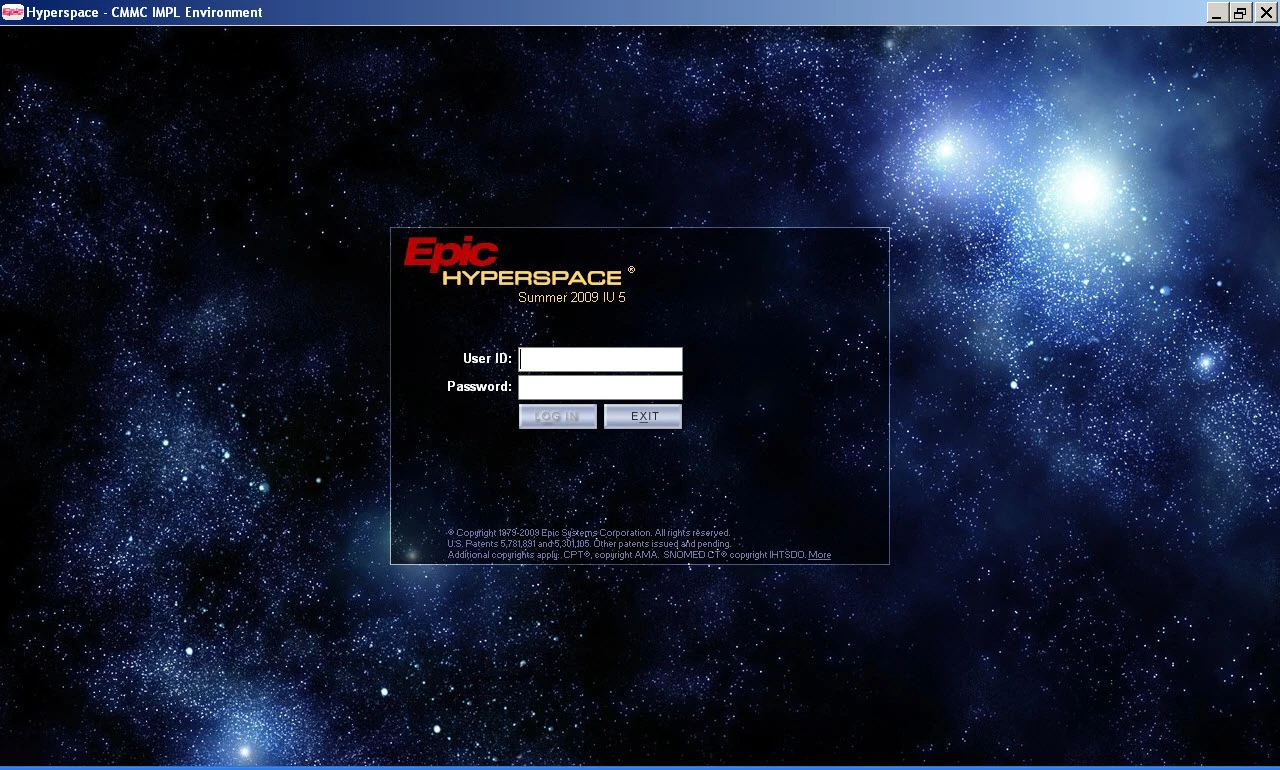
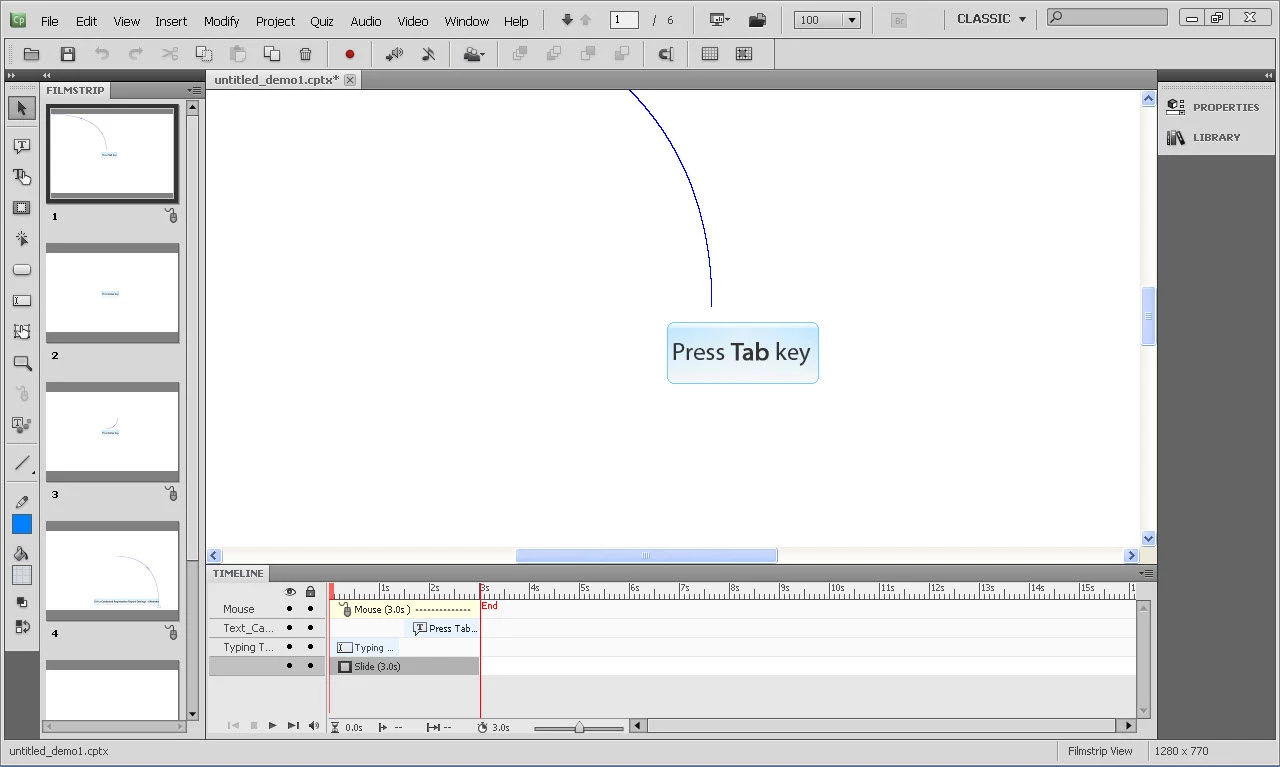
Our organization recently upgraded from captivate 4 to captivate 5 so that we can create web based training for our hospital's electronic medical record system. However, every time I and a colleague try to capture the screens for the software simulation, captivate 5 annotates the callouts for a blank slide. We have tried to uninstall/reinstall captivate 5 several times yet I'm not sure how to make the background graphic appear. In captivate 4 we are able to record an application window fine. Is there a setting or something that I need to set in order to make the images appear for a software demo? Any help on this would be appreciated!
What should be captured/displayed in captivate 5.
What comes across after recording in captivate 5. All the steps/clicks appear, but the background graphic does not.
 AdChoices