Question
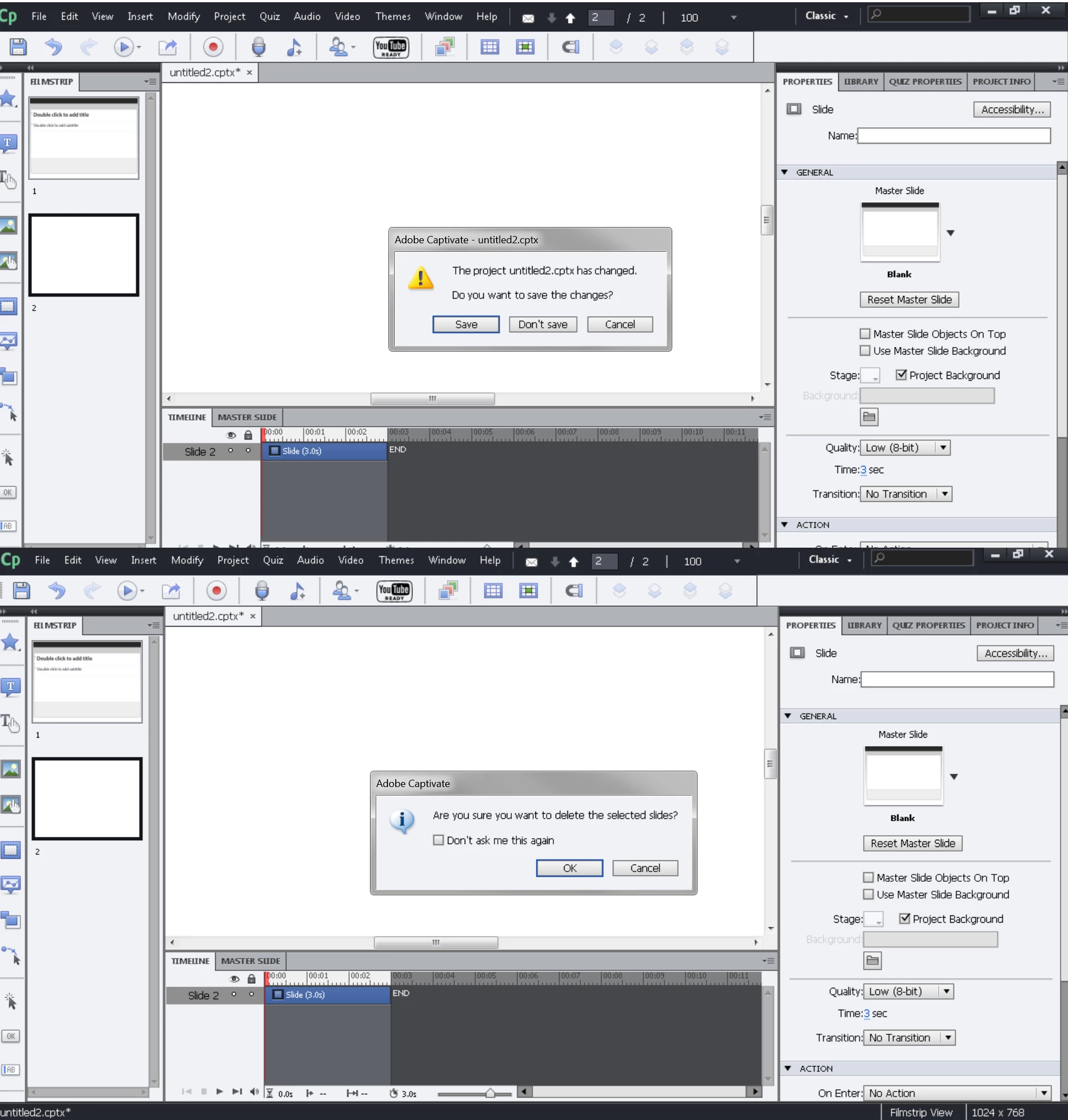
Captivate 6.0 Dialog box
Cap6, 64bit for Windows 7. I have dialogue boxes that don't respond to mouse control. Example: To close a project, the dialogue asks if I want to save the changes. Three buttons (Save, Don't save, and Cancel) do not respond to mouse clicking, but do work with the keyboard arrows, tab, spacebar, and enter. I can also press Esc and the d-box will disappear. The mouse seems to work fine otherwise. Menu options work fine. I'm really stumped. I've tried reinstalling a couple of times, but no change.
 AdChoices