
Captivate 6 cuts off screen recordings
Hi
I have created several screen recordings as separate files (all Captivate 6). I cannot aggregate the files into a project as we cannot use SWF format files for most learners. All the screen recordings work perfectly in their separate files.
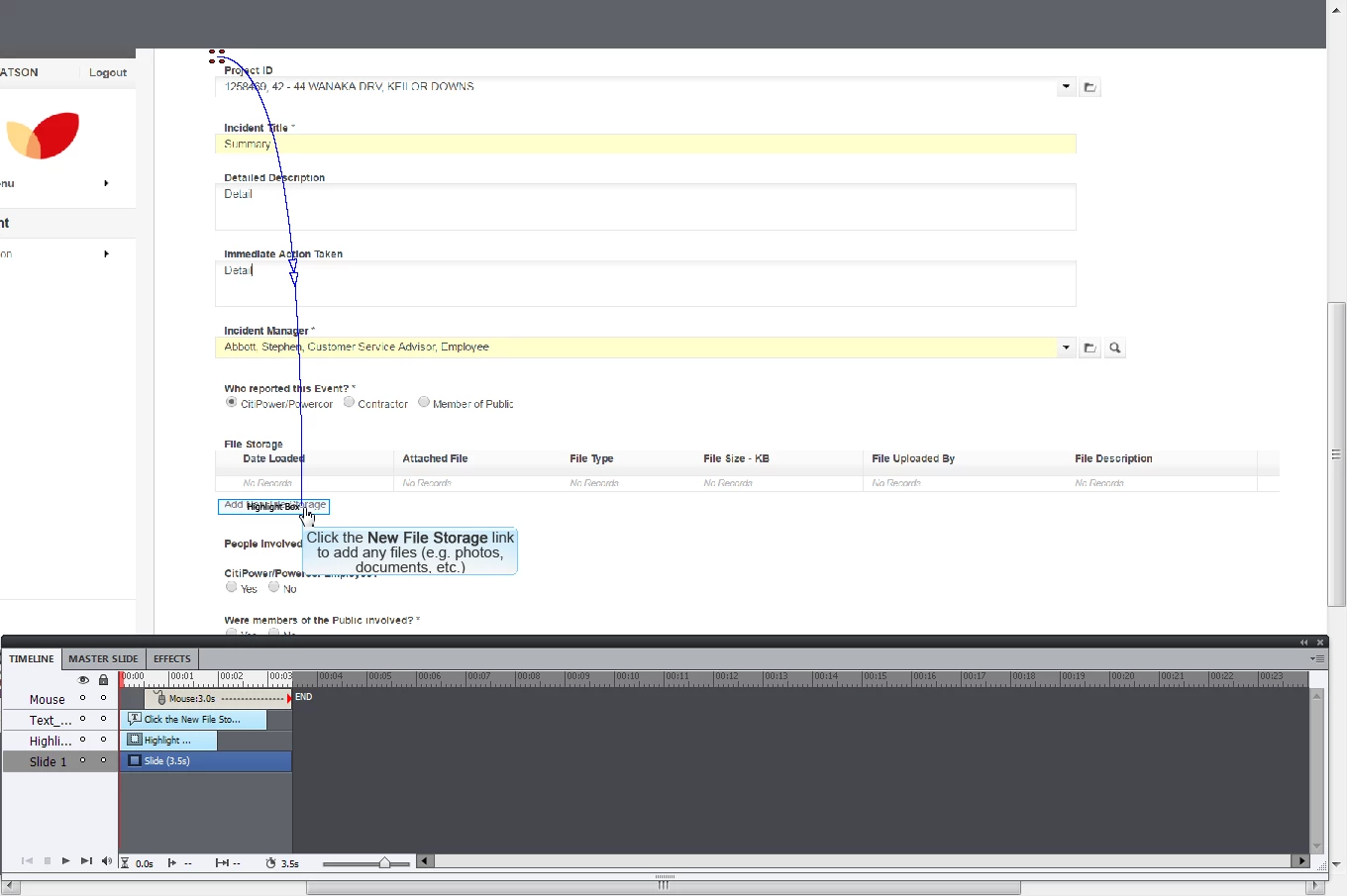
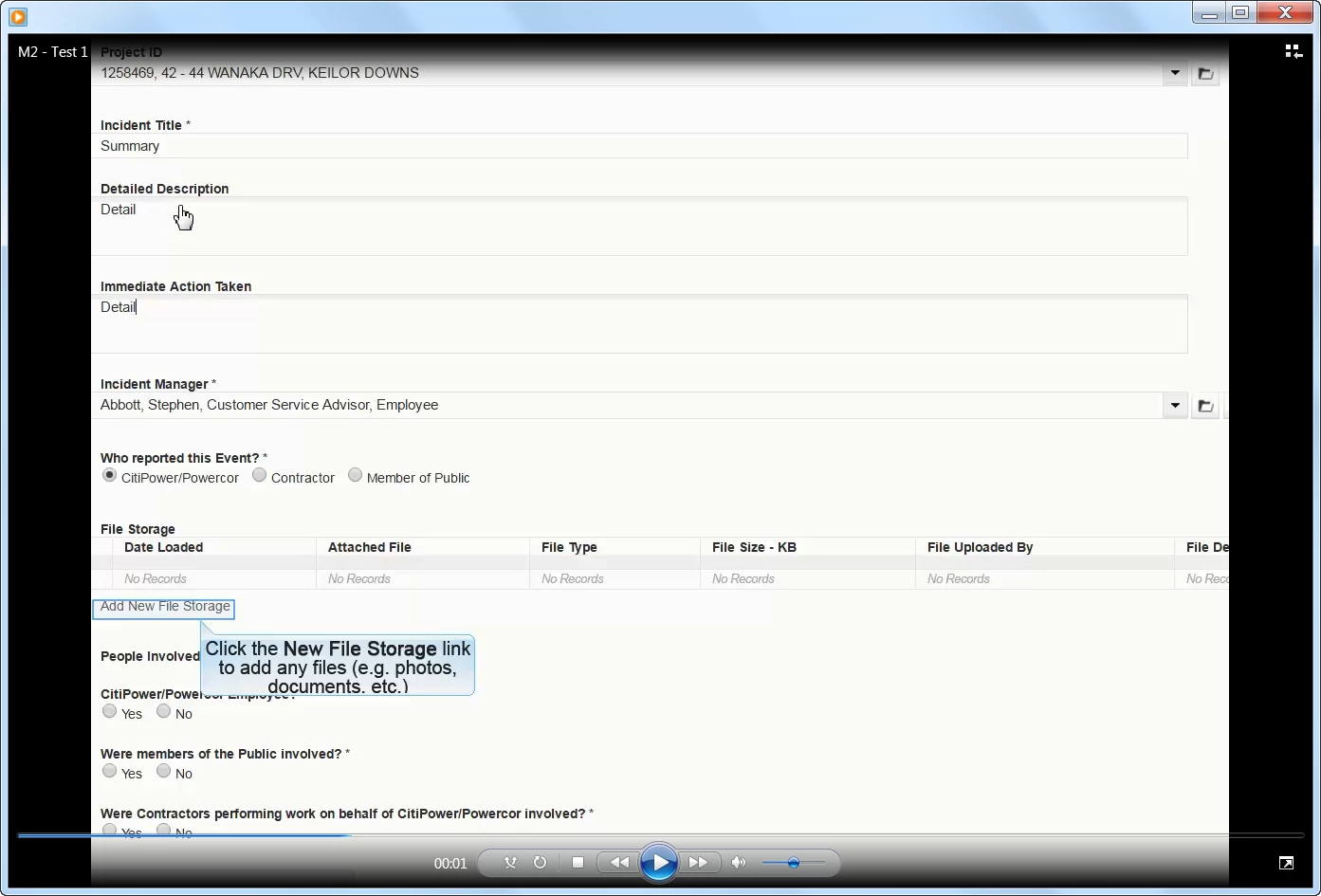
Once I have combined the files into a single one (copy and paste slides to create one larger file with all content - unless there is an easier way), the screen recordings are "cut off" at the side so that the whole of the screen recordings are not visible. Other non screen recording slides remain at the standard size and are completely viewable. In the filmstrip the seperate slides appear normal. I've attached two screenshots showing the Captivate screen and a second one with the outcome in the published file.
Can anyone please help? Thanks - Brett
 AdChoices