Question
Captivate 7 Characters won't insert
I have a similiar issue as several that were previously mentioned regarding the CP7 Characters. My characters are installed in the following directory folder:
C:\Users\Public\Documents\Adobe\eLearning Assets\Characters
I can see the characters in that folder and insert them from that folder as long as I select Insert>Image from the drop down menu. However when I try to insert them directly using the Insert>Characters option, I get the following prompt:
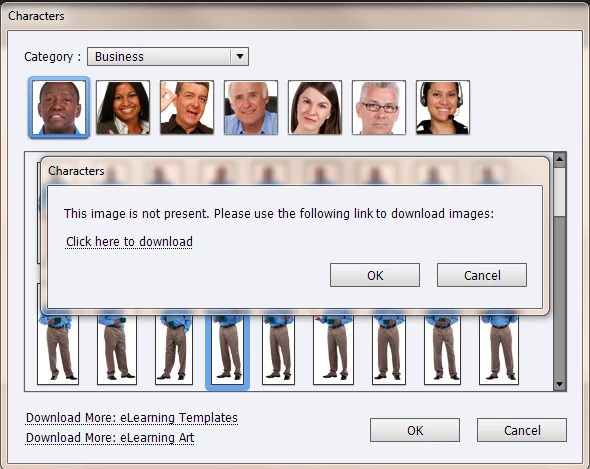
I have no idea how to correct this issue. Can anyone provide any assistance?
 AdChoices