Participant
October 24, 2013
Question

Captivate 7 course published as AICC will not display

  • October 24, 2013
  • 2 replies
  • 1367 views

I'm trying to create a AICC published course in Captivate 7.
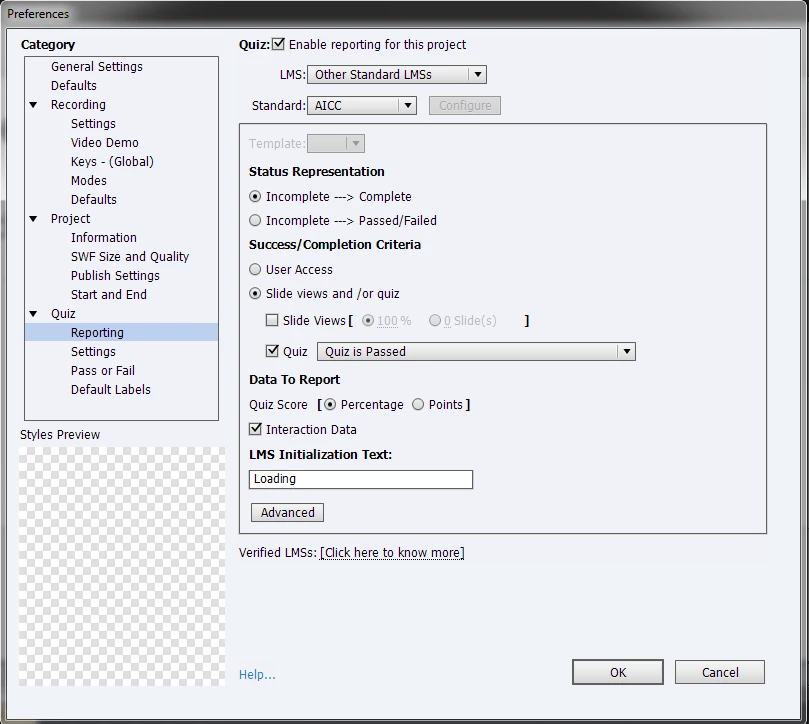
BUT when trying to display my publish course in my browser (IE 😎 it will not.
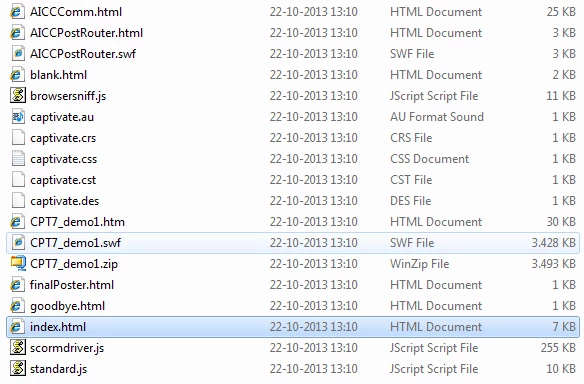
I receive a "error on the screen"/gray screen when trying to display index.html (I need this file for my LMS (SF))!

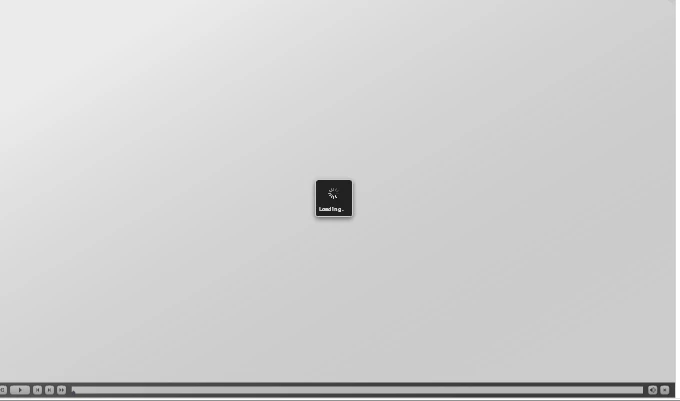
I receive a gray page saying loading when trying to display the .swf file:
Can anybody help me solving this?

/Karin

This topic has been closed for replies.

2 replies

Inspiring
January 12, 2016

I have Captivate 9 and experience the exact same thing. My post on this issue also remains UNASWERED.

It's interesting to see that the issue has been around since Captivate 7.

What I find curious is that the SWF itself does not play independently of the html. When I run it in a SWF player, it just spins like it does when launched from HTML.

Captivate 9 AICC and IE9 Incompatible

RodWard
Community Expert
Community Expert
October 24, 2013

Captivate will be expecting you to initiate the playback via the HTM file that it creates.  In your case this is the one called CPT7_demo1.htm.

Your issue may be that your captivate module cannot locate the LMS API due to the way you've launched it.

Why do you need this other index.htm file?

Have you tried uploading your package to SCORM Cloud to test it there and see if the Cp7 AICC output works?  If it works in SCORM Cloud then the issue is either with your LMS or with something you're doing with this index.htm file.

kftoAuthor
Participant
October 25, 2013

Hi Rod,

Thank you very for helping.

Unfortunately CPT7_demo1.htm is not working in my browser either.

We were told to use the index.htm file in our LMS, but maybe that is not correct. I havn't tried to launch the course in our LMS yet, because I want to see if it can be displayed in my browser first.

I have now tried to upload the my package to SCORM Cloud and it works very fine!

I wonder if there maybe is an issue in relation our browser setup?

RodWard
Community Expert
Community Expert
October 25, 2013

If you're testing this content by trying to run it off your local hard drive, then you need to remember that Flash Global Security might be causing the issue:

http://www.infosemantics.com.au/adobe-captivate-troubleshooting/how-to-set-up-flash-global-security

It's also a good idea to turn off LMS reporting when only testing locally because otherwise the course may go looking for the LMS API and not be able to find it (because it's not playing from a web server).  So it will just sit there doing nothing.

Since your content works fine in SCORM Cloud I would say your local setup is probably the issue.

If you want 300 more troubleshooting tips for Cp, you'll need to read the book:

http://www.infosemantics.com.au/troubleshoot-adobe-captivate