
Captivate 7 record window displays on screen capture - Windows 10
When I record screen captures using Captivate 7 with Windows 10, the red record window displays on the recorded screen capture and distorts the screen resolution.

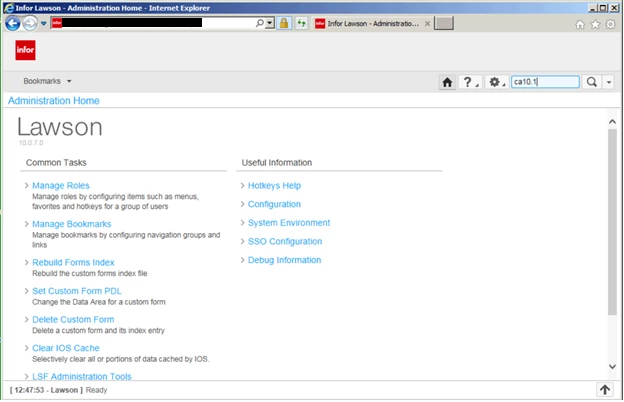
I placed the record window exactly around the following window, so my screen capture should look this way:
Here are my recording settings:
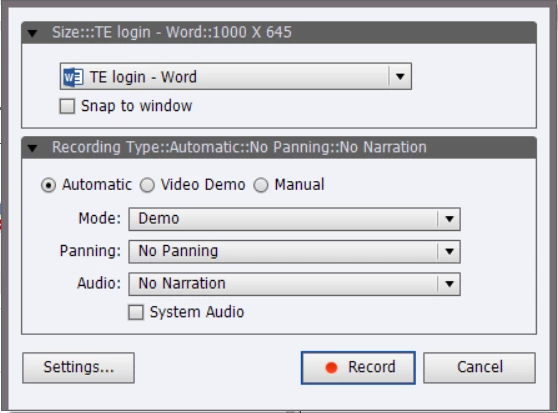
I also tried changing the resolution settings of the application I’m recording (not MS Word, just chose that to show settings window), and it does the same thing with the record window displaying on the capture with distortion. I saw one other post similar to this using Captivate 6.1, and the outcome was it's a bug. Has the bug been fixed for Captivate 7? Or could this be a compatibility issue with Windows 10? Unfortunately, the company I work for requires Captivate 7, so I can't upgrade if that's the only fix.
Any suggestions would be much appreciated!
 AdChoices