

Participant
November 30, 2015
Question

Captivate 8 is cutting off my previewed or published project on the right of each slide, how can I fix this?

  • November 30, 2015
  • 1 reply
  • 736 views

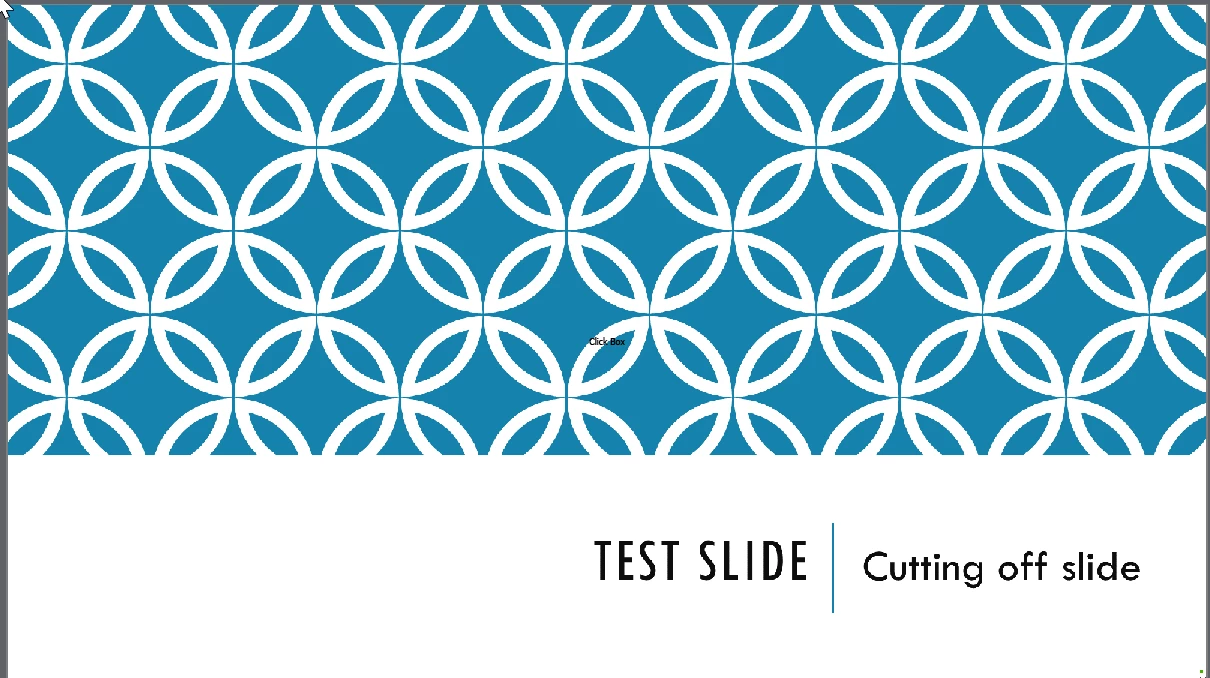
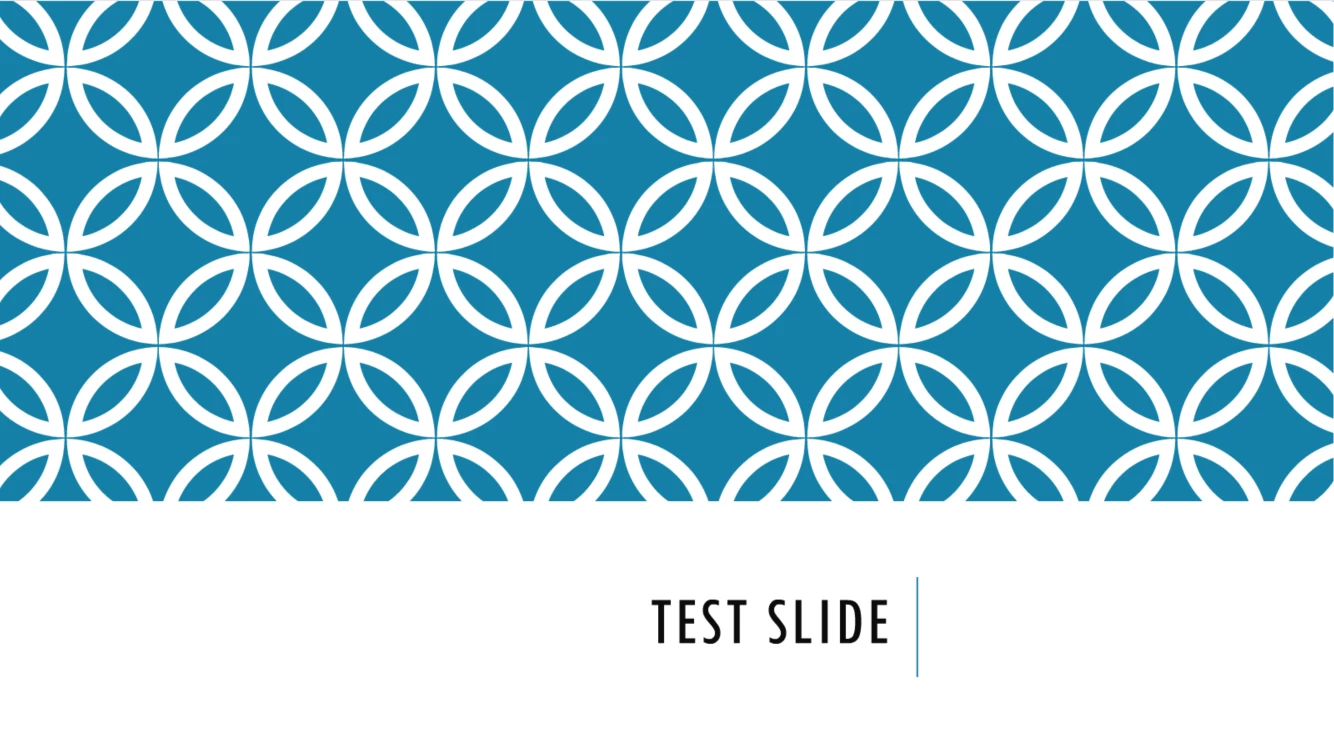
I have tried several times to change resolution settings and everything. The first slide is the slide before previewing or publishing. The second one is where it cuts off after being previewed or published. In other slides it actually cuts off the design as well.
This topic has been closed for replies.

1 reply

BDuckWorks
Inspiring
November 30, 2015

Were the slides created natively in Captivate, or imported from a PowerPoint file?

Also, what publishing settings are you using?

melimoorAuthor
Participant
November 30, 2015

Hello! They were imported from PowerPoint and I am publishing them to video. A coworker has the same settings from what we can see and hers does not do it.

BDuckWorks
Inspiring
November 30, 2015

I'd suggest that you:

1) Verify the resolution of the Captivate file and PowerPoint file are in agreement

2) Save the PPT file as PPTx, and import with the 'High Fidelity' option turned on

3) If you have recorded sequences, or videos, that are imported to Cp - try creating a new Cp file from the PPTx without importing this media.