
Answered
Captivate 9.0.2.437 Software sim text entry text is bad on publish
Hello all,
I have created a blank project with a screen size of 1024x627. I inserted a software simulation. When I preview the project, all looks good. When I publish the project, I get a 'ghost' image as the simulation enters text. Please see the screen shot below for the filed Customer PO:
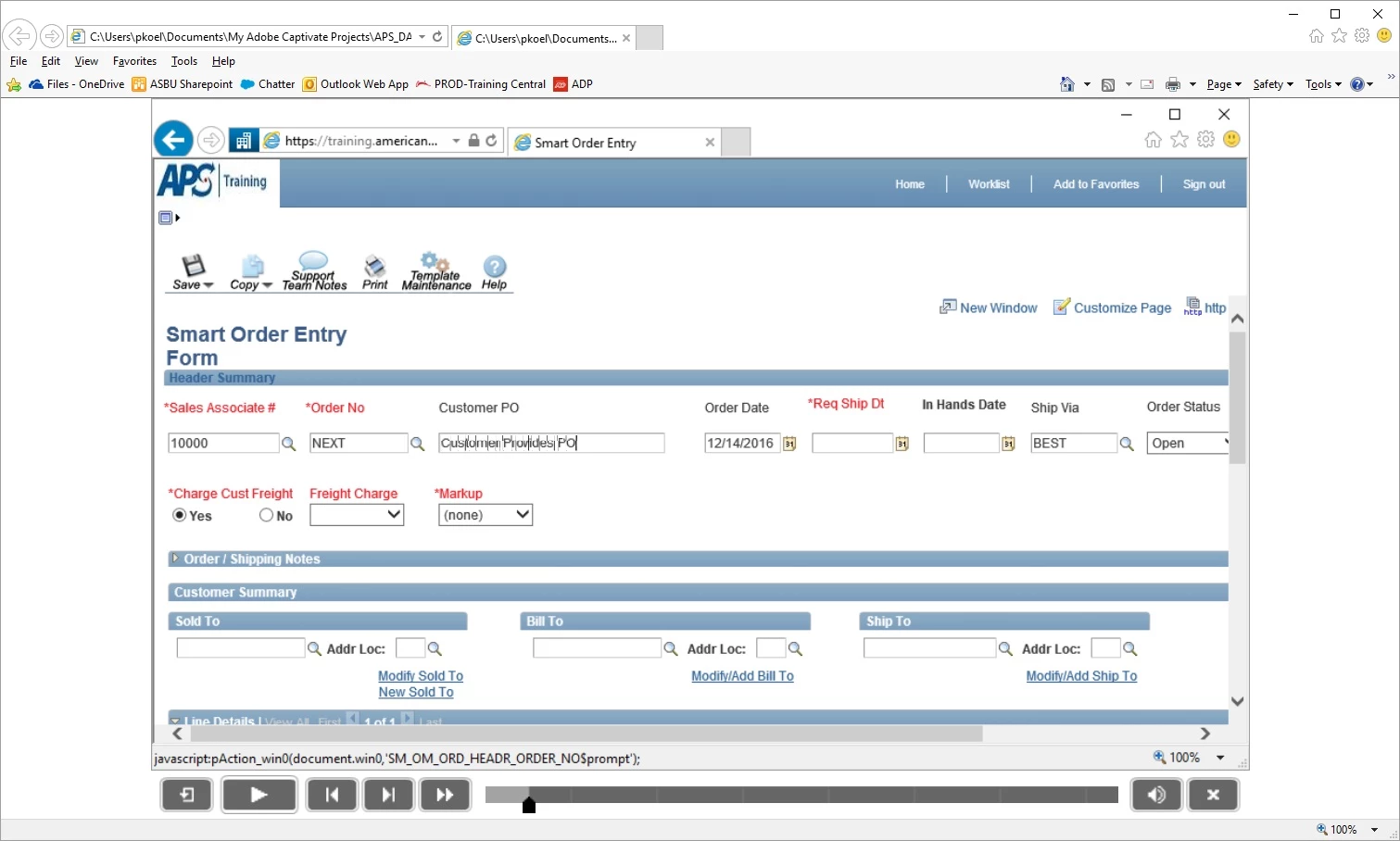
As soon as the simulation tabs out of the text entry field the text returns to normal. Please see the screen shot below:
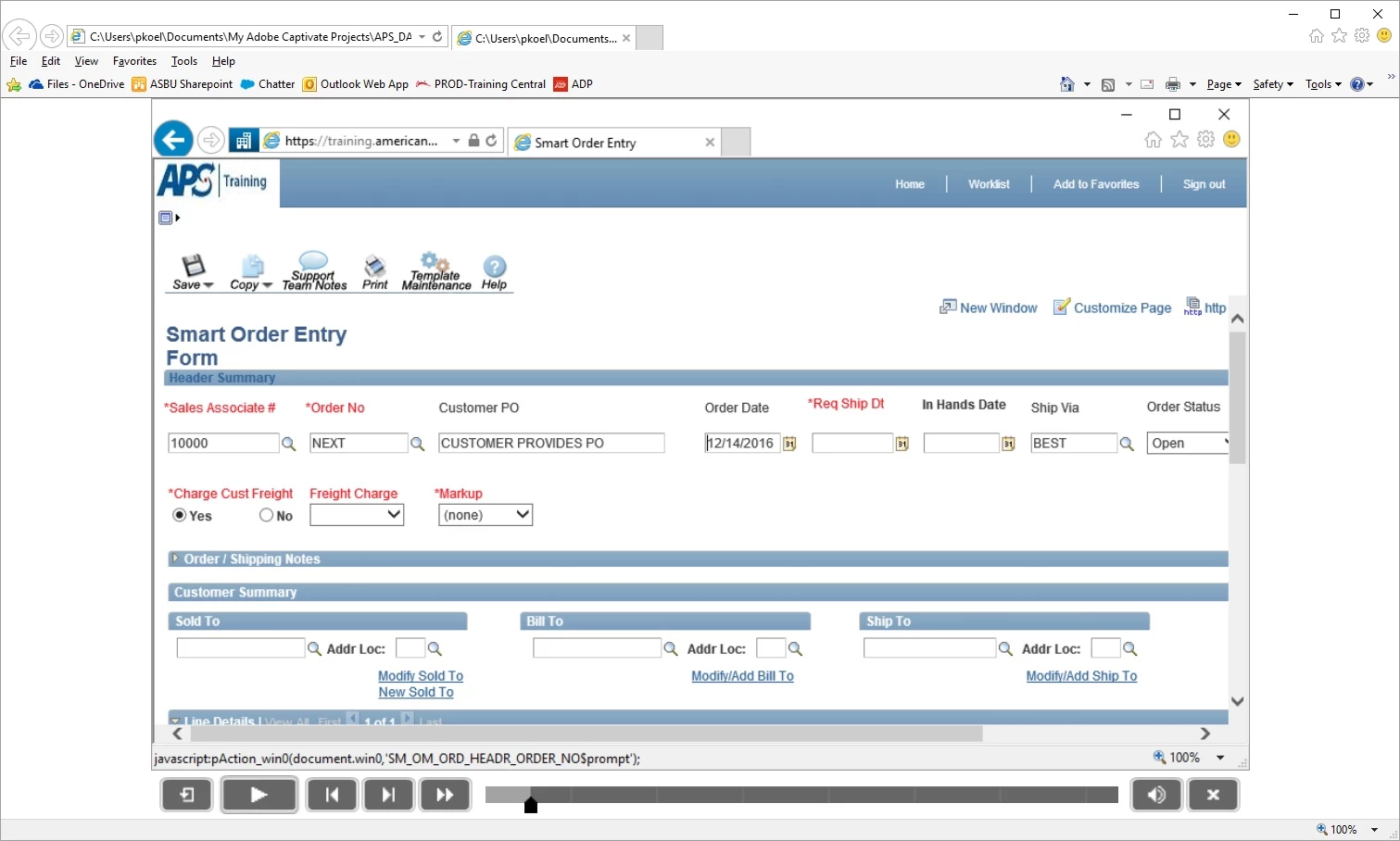
Is this caused by my project screen size?
Thanks,
Peter
 AdChoices