rritte01
Participant
September 8, 2015
Question

Captivate 9 - Assets Screen

  • September 8, 2015
  • 4 replies
  • 1943 views

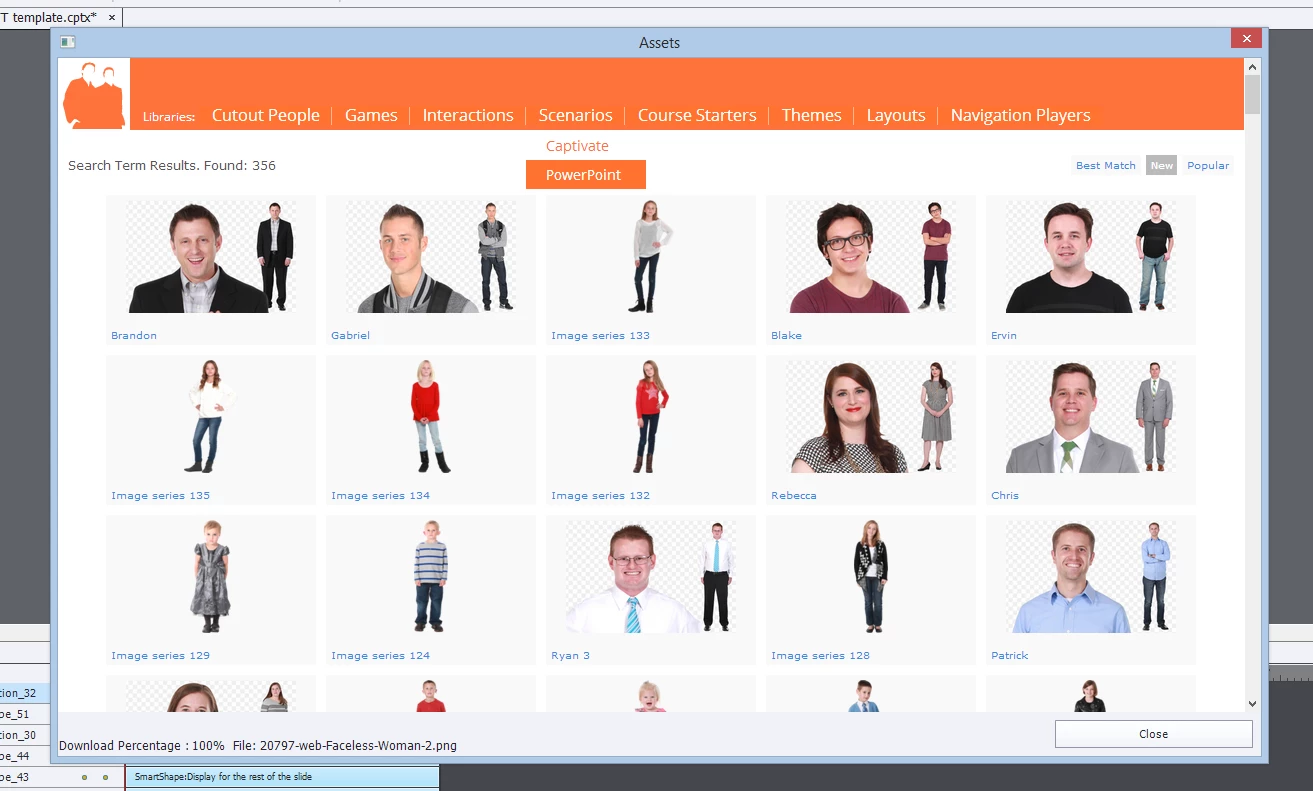
Does anyone else have an issue with the Assets screen not closing? I have a project open now that I need to save, but the Assets screen will not close.

Any suggestions?
This topic has been closed for replies.

4 replies

Stagprime2687219
Legend
January 9, 2018

I am on Win10 with Captivate 9.0.2.437 - My program does not freeze up but I have issues here as well.

My screens indicate that everything downloaded successfully and were placed in assets but when you go there... not showing up.

If I look in the actual file location, it is there, but does not show up in Captivate under assets.

It worked for a little while and then quit. you can see in this image that Jacob downloaded 100% but he is not in with the others that did come through. It has been several months since it has worked.

I have cleared the prefs and did the CaptivateUI.dll thing but neither helped.

At this point, I just login directly to eLearning Brothers and grab what I want.

Honestly, I like that better than doing it thru Captivate - I have better real estate for viewing and control over where my stuff gets stored.

Just my 2¢

Participating Frequently
January 9, 2018

My workaround is similar; but I think we are paying way too much for there NOT to be an answer . At least, address it. I would like less steps, since I am developing a lot of content lately. I've had to grab it from the website and it is adequate. But there's a whole piece of Captivate not functioning correctly.....and crickets from Adobe.

Participating Frequently
January 9, 2018

My question is actually a bit different. I can close out the Assets window, but cannot access the items from the media/characters dialogue box. I select the drop down to click on Assets and the entire Captivate program freezes! It's been doing this for about a month or so. Before, I could click on Assets fine.

Thanks,

Tess

yewanded70834314
Participant
April 3, 2017

This is 2017 and I am still having this issue. Can someone at Adobe please respond? Anytime I open up the Assets screen it freezes. I cannot close it unless I use ctrl+alt+del to close Captivate. Pressing escape does not work and I am pretty sure I don't have any dialog screens open because the screen freezes even when I have not downloaded any assets. Please can you provide a fix?

Participating Frequently
January 9, 2018

I am having this problem as well. It was fine and now each time I press the Assets button after downloading, it freezes up.

Thank you,

Tess

RodWard
Community Expert
Community Expert
September 8, 2015

Have you tried hitting the ESCAPE key?

Known Participant
June 3, 2016

Oddly enough I am having the same problem. The obvious thing to do is click Close or the X to close the window. Neither of those work, nor the escape key.

RodWard
Community Expert
Community Expert
June 4, 2016

There may be another dialog box open somewhere that you cannot see.  Does hitting the Escape key repeatedly work?
