

Captivate 9 - Best Fit - doesn't fit, is there a way around this?
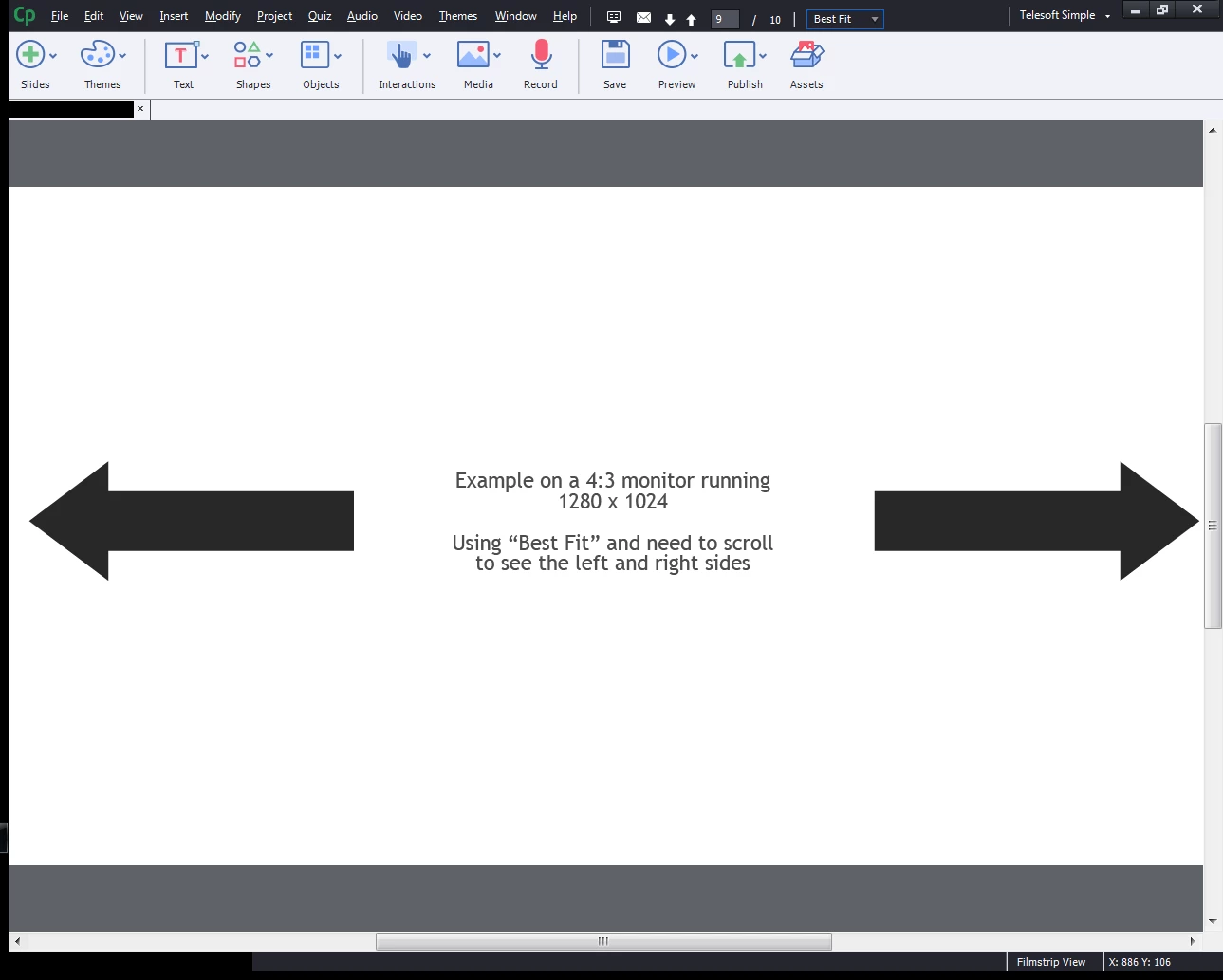
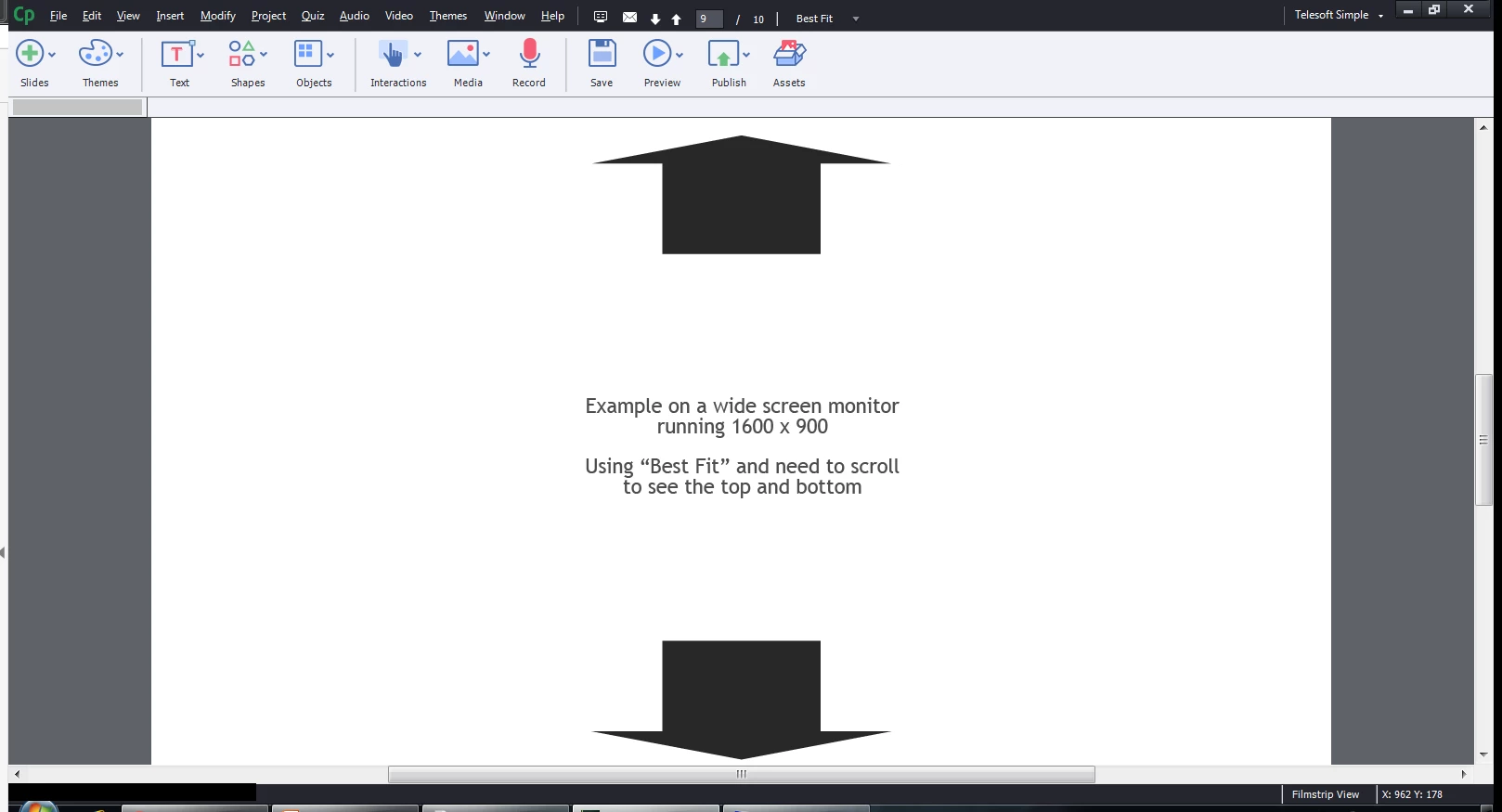
There was a post back in September mentioning that the Best Fit zoom while editing the project doesn't exactly fit on the screen. While the OP was satisfied that it wasn't a big deal, it is to me. I'm constantly using screen shots that I need to fill the screen, and I CONSTANTLY have to zoom out to 75% to adjust a little, zoom back in, etc. etc. etc.
Best fit used to fit the slide so you could see the entire slide. Is there ANY way for this to operate like it used to in the older versions? It's incredibly annoying and as mentioned the majority of what I'm creating (help tutorials for user software education on our product) I need to see the entire slide, as large as possible but the entire slide without scrolling. My typical projects are 100-275 slides long.
(NOTE: You can't even type in a suggested zoom, such as 95% which would also solve the problem).
Help...please...thank you
 AdChoices